Compare before you choose.
Short, transparent comparisons for parents and teachers. We explain what each resource is good at, where it asks more from an adult, and what to verify before use.
Browse the guides Context before you choose
Beginner coding resources for kids: which one fits?
A child’s first coding resource should make the next action clear while leaving room to think, make, and try again. This comparison helps families and teachers choose a starting point—not a winner for every child.
Open comparison →
Early reading apps for kids: compare the starting points
Early reading practice works best when it complements talking, shared books, and playful sound work. Use this guide to compare the kind of practice each resource emphasizes and the adult role it expects.
Open comparison →
Free science websites for kids: choose by curiosity
A good science website gives a child something to notice, question, test, or explain. These starting points differ in topic and depth, so the best choice depends on the question in front of you.
Open comparison →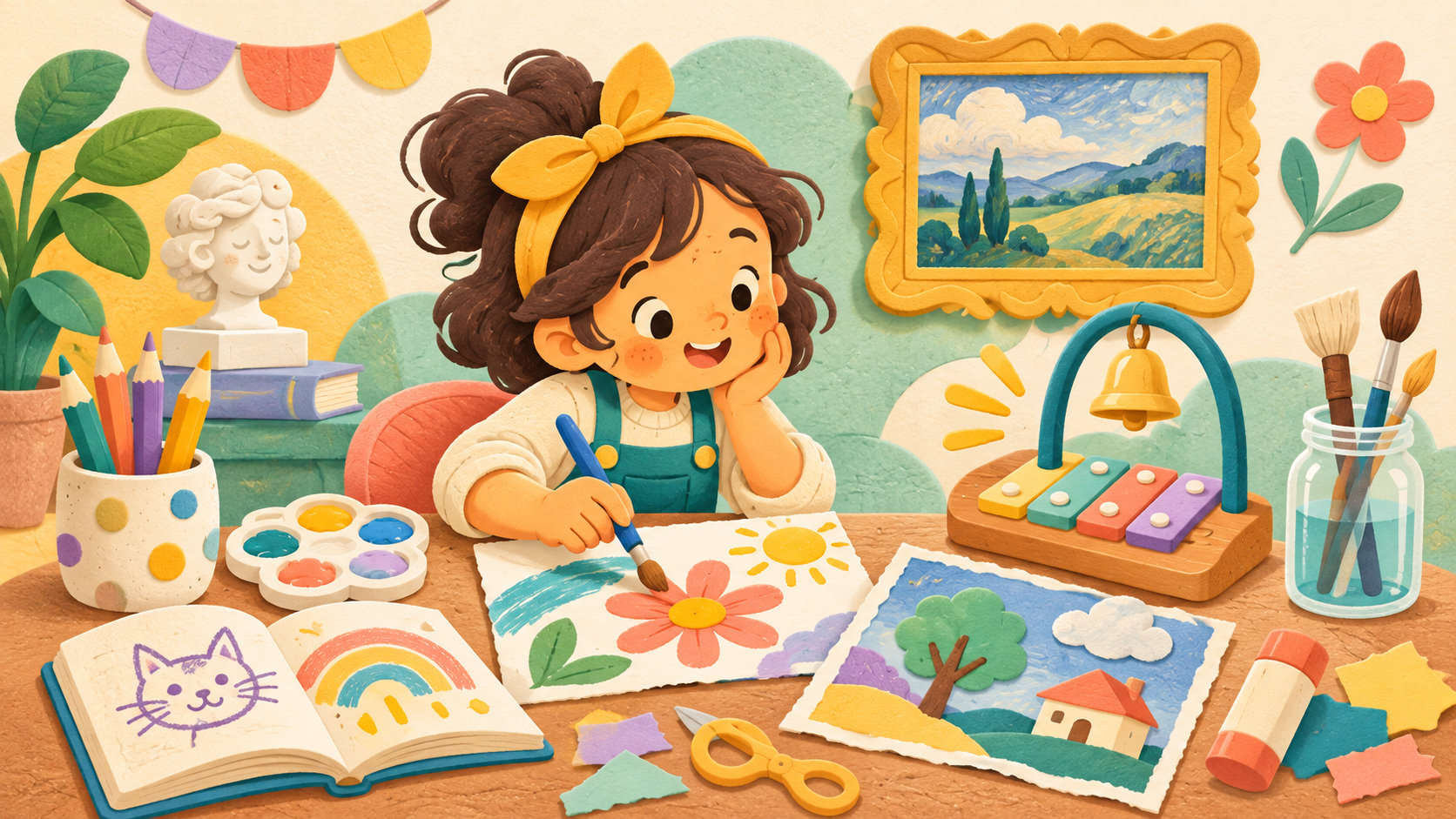
Creative art resources for kids: choose a way to make
Creative resources work best when a child can make a visible choice and see what happens next. This comparison brings together three different entry points: looking closely, following a lesson, and experimenting freely.
Open comparison →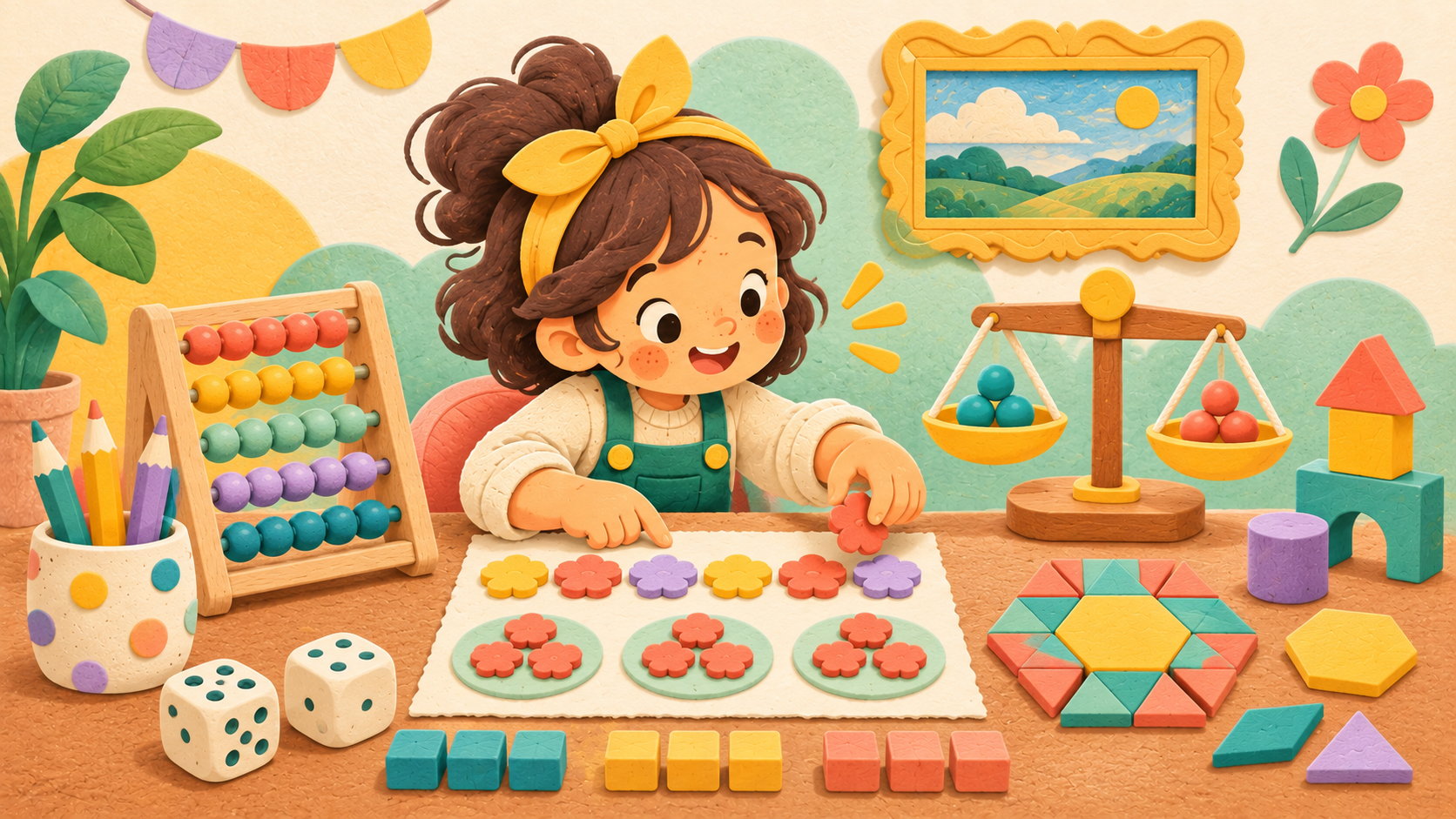
Math resources for kids: compare the ways to practice
Math practice can look like a lesson, a game, or a quick browse through a wider learning library. Compare these starting points by the kind of repetition and feedback they offer—not by a single score.
Open comparison →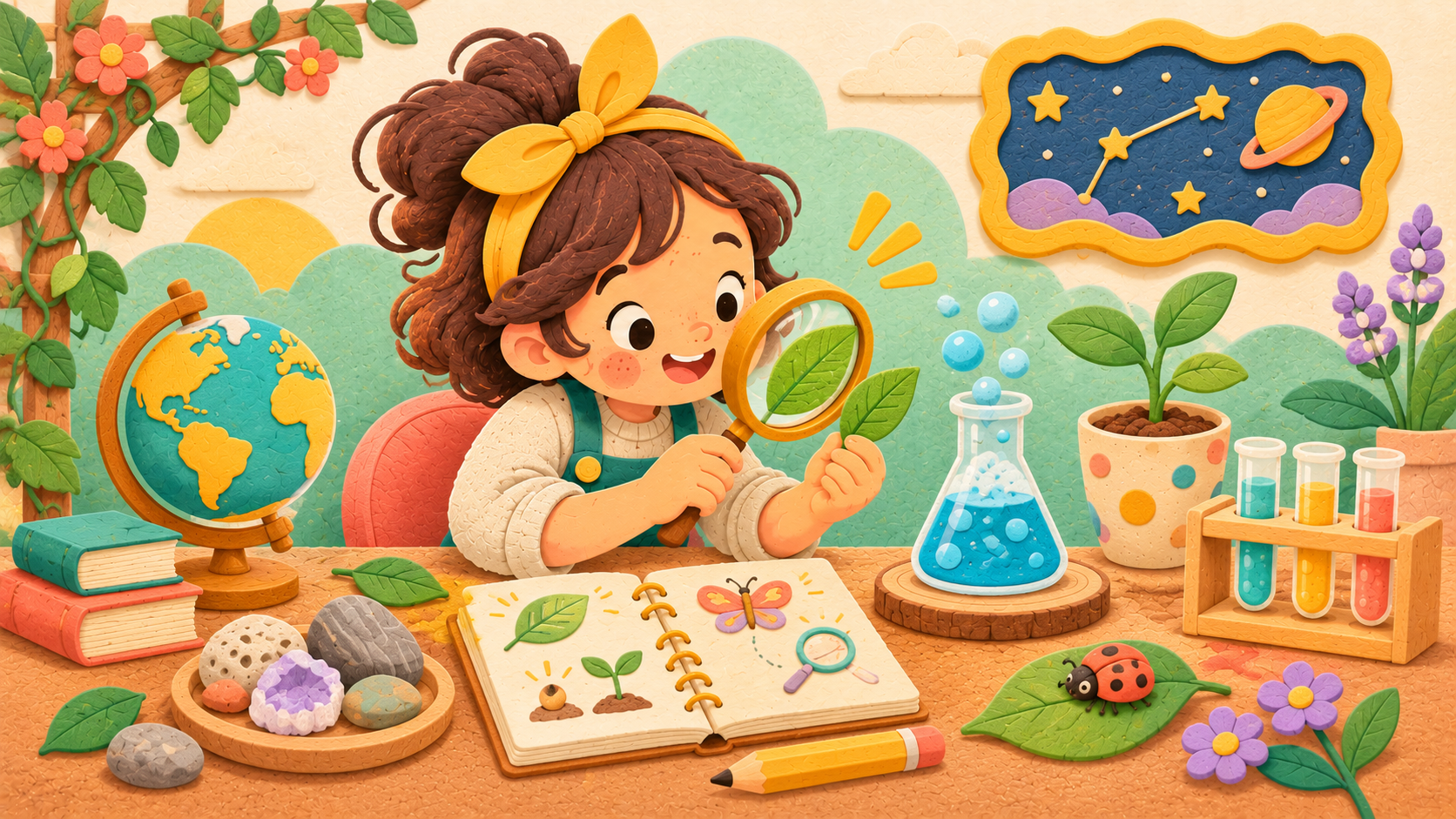
Hands-on science resources for kids: find a way to explore
A strong science resource turns curiosity into an action: notice, build, test, compare, or explain. These three providers open different doors into hands-on learning, from museum experiments to space and museum collections.
Open comparison →Start with the question in front of you.
There is no single best resource for every child. Think about what would make today’s first session feel manageable: a project to make, a small routine to repeat, or a question worth following. Then use the matching guide to compare strengths, access, and trade-offs.
Begin with a creative project
Compare beginner coding tools by how quickly a child can make a story, game, or animation—and how much structure each one provides.
See the guide ↗02We need a short practice routineChoose a gentle reading rhythm
See which early reading options suit brief, repeatable practice and where shared books and adult support still matter.
See the guide ↗03A question led us hereFollow a science curiosity
Compare science sites by topic doorway, reading level, and whether they invite a child to notice, test, explain, or make.
See the guide ↗Make the first choice small.
Comparisons are most useful when they help you take one confident next step. You do not need to decide which resource is best forever; you only need to find a sensible starting point for this child, this device, and this moment.
Browse the full resource directory →- Name the constraint.Age, attention, language, device, budget, and adult time all affect fit.
- Open one full review.Check the current access notes, provider links, and parent guidance.
- Try one short session.Notice whether the child can begin, continue, and stop without unnecessary friction.
Useful context beats a universal ranking.
Each comparison uses the directory record, its available provider links, age and access notes, and an editorial explanation of trade-offs. Provider details can change, so use the source links on each comparison and the full resource review before deciding.