Comparison guide · coding

Beginner coding resources for kids: which one fits?

A child’s first coding resource should make the next action clear while leaving room to think, make, and try again. This comparison helps families and teachers choose a starting point—not a winner for every child.

3 resources comparedIndependent editorial guideUpdated 2026-11-18
See the practical differences
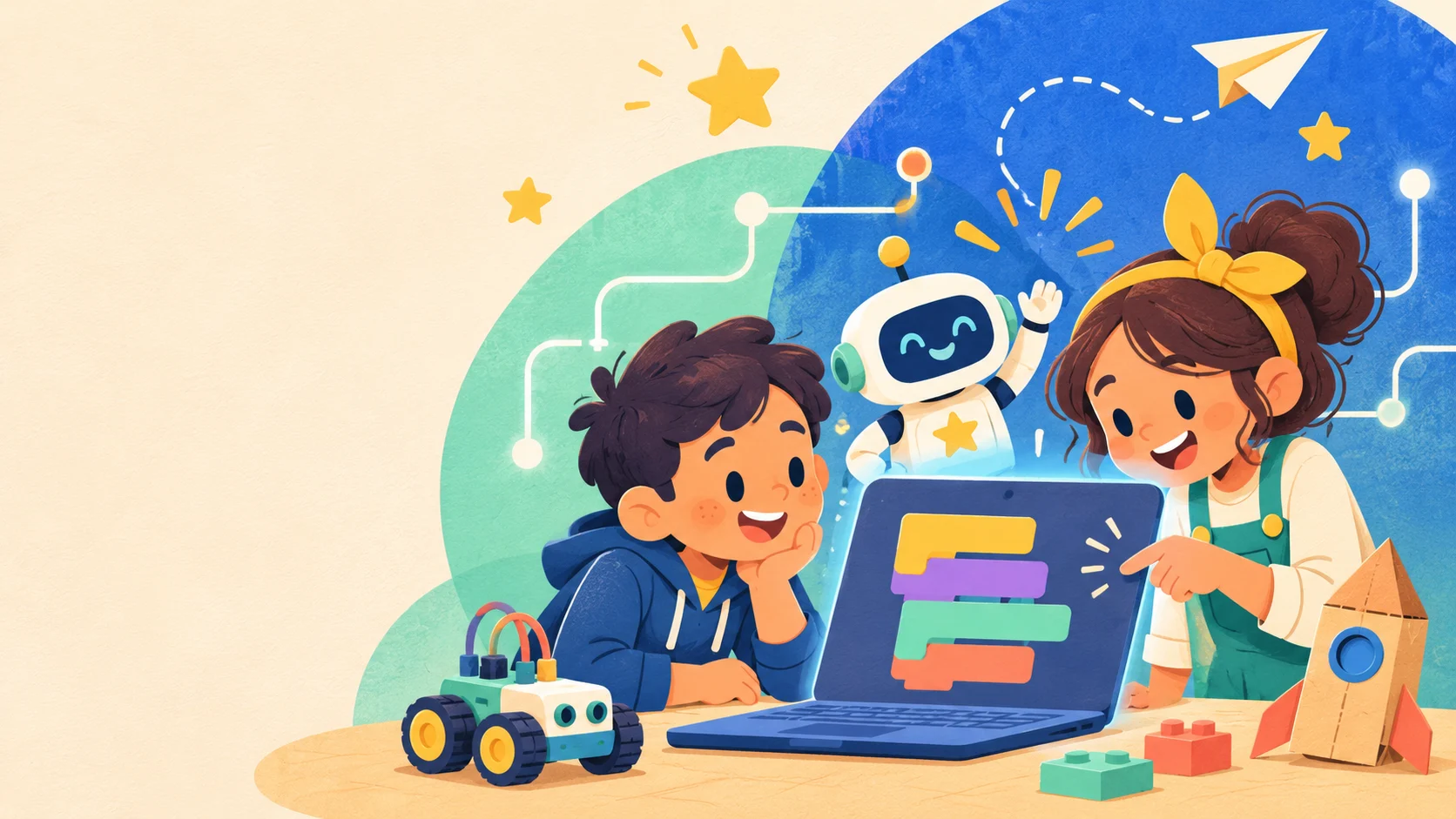
Beginner coding resources for kids: which one fits? theme illustrationMaking is the point
The short answer

Start with the kind of making your child wants.

ScratchJr is the gentlest first step into interactive stories. Scratch opens a bigger creative playground. Code.org gives families and classrooms a clearer course path. The right choice depends on age, confidence, and how much structure feels helpful today.

We comparedFirst-step clarityOpen-ended makingAge and independenceAccess and adult support
Quick orientation

Three useful first moves

No universal winner
At a glance

The practical differences

Use this table to narrow the shortlist
ResourceBest forAccess and formatTrade-off
ScratchJr92/100 editorial scoreYoung children making their first interactive stories.Ages 5–7; Free; website, android-app, ios-app; EnglishThe picture-based interface is approachable but intentionally limited.
Scratch94/100 editorial scoreChildren who want to create games, stories, animations, and music.Ages 8–16; Free; website, desktop-app; English, Spanish, French, German, Italian, Portuguese, Japanese, Korean, Chinese, Arabic, Hebrew, Turkish, Polish, Dutch, Swedish, Norwegian, Danish, Finnish, Greek, Russian, Ukrainian, Vietnamese, Thai, IndonesianThe open community and project gallery need thoughtful supervision.
Code.org90/100 editorial scoreFamilies and classrooms wanting guided courses and progression.Ages 4–18; Free; website, downloadable; English, Indonesian, Hindi, Italian, Portuguese, Polish, Spanish, French, German, Slovak, Turkish, FarsiThe amount of material can be overwhelming without an age or course choice.
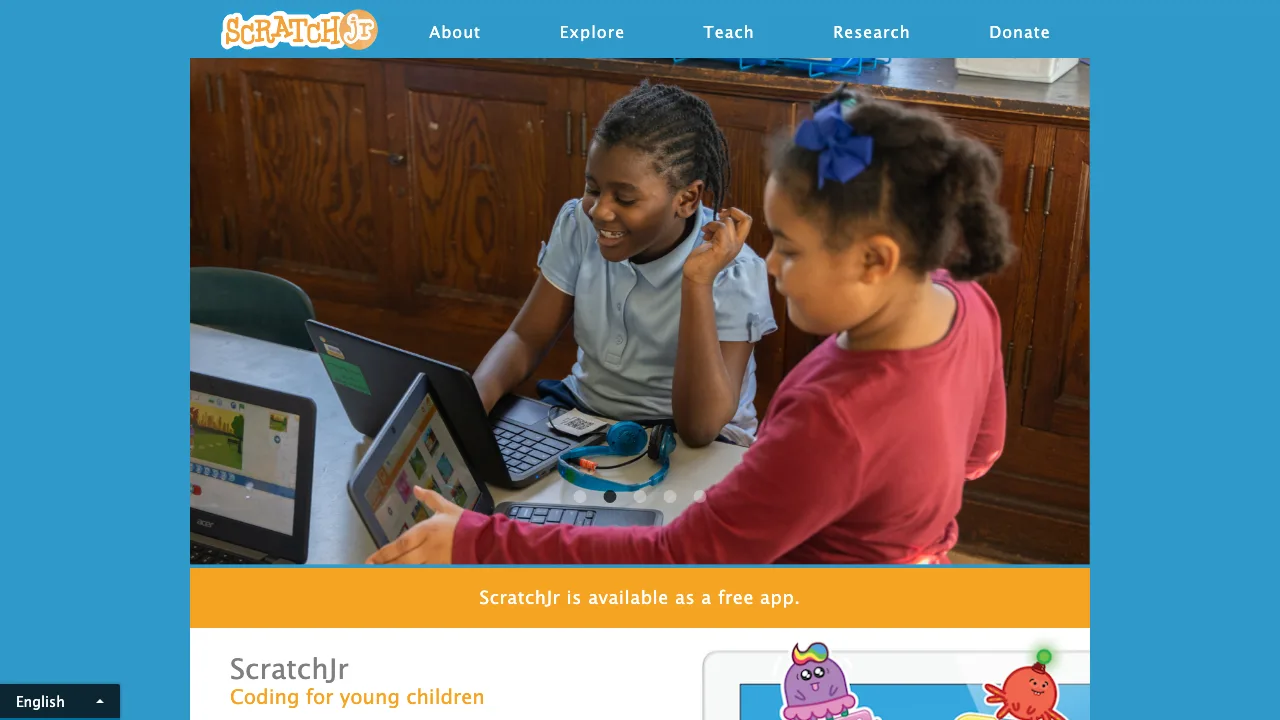
Screenshot of ScratchJrOpen full review ↗
Coding92/100

ScratchJr

Choose it when the child is ready to sequence characters and scenes but does not need text-based code yet.

Best fit: Young children making their first interactive stories.

Worth weighing: The picture-based interface is approachable but intentionally limited.

Editorial note: ScratchJr is a gentler first step into coding than a full programming course. Picture-based blocks let young children create small interactive stories and games, so the learning is visible in the characters, sequences, and choices they make.
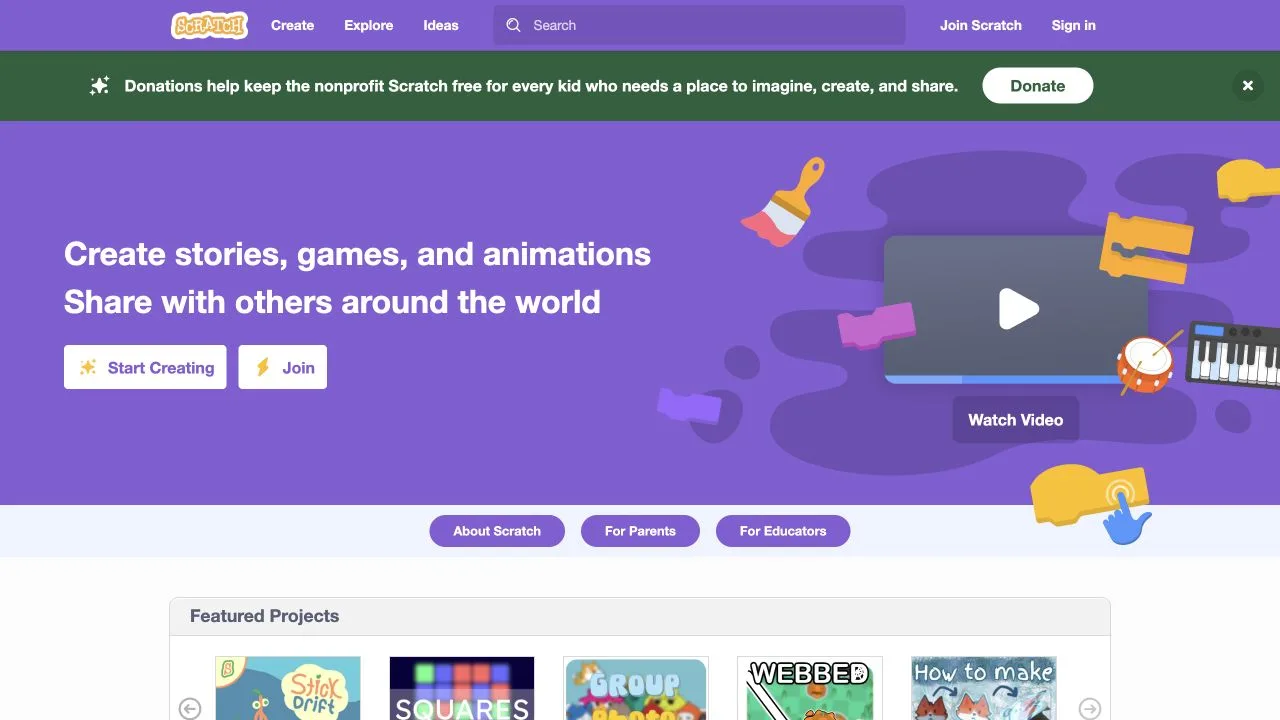
Screenshot of ScratchOpen full review ↗
Coding94/100

Scratch

Choose it when creative ownership and remixing matter more than a fixed lesson sequence.

Best fit: Children who want to create games, stories, animations, and music.

Worth weighing: The open community and project gallery need thoughtful supervision.

Editorial note: Scratch earns its place as an open-ended making environment: children can build stories, games, animations, and music while learning to sequence, debug, and explain their ideas. The project gallery supports learning by looking at and remixing examples, not just following a fixed lesson.

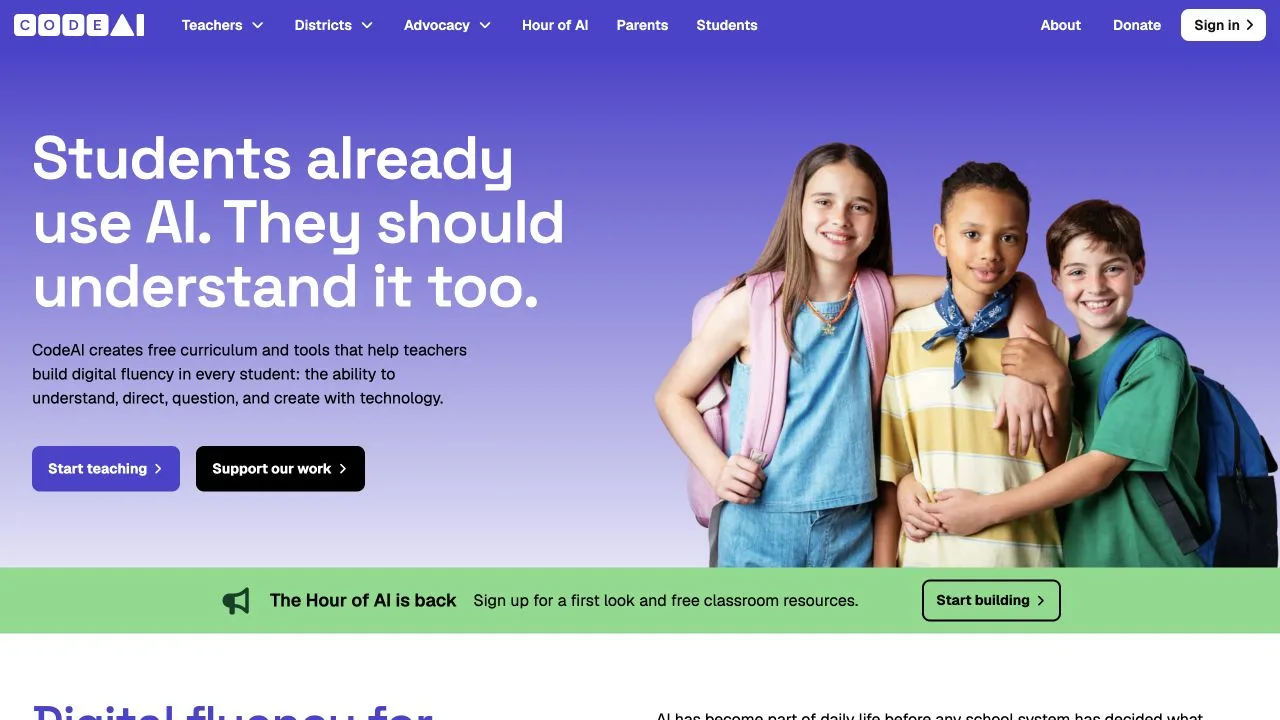
Screenshot of Code.orgOpen full review ↗
Coding90/100

Code.org

Choose it when an adult wants a clearer lesson path and visible computer-science goals.

Best fit: Families and classrooms wanting guided courses and progression.

Worth weighing: The amount of material can be overwhelming without an age or course choice.

Editorial note: Code.org is strongest as a progression of guided computer-science activities rather than a single game. Its courses and classroom materials give children a clearer path from block coding toward broader computing concepts, while educators can use the lesson structure to plan a session.

For parents and teachers

Make the first session easy to finish.

Preview one activity, check the current age and privacy information, and decide what “done” looks like before a child starts. A useful coding resource should fit the child’s attention, device, language, and context—not only its subject label.

Questions parents ask

Before you choose