Parent & educator Typing
for kids
Explore 10 trusted parent & educator typing resources selected for curious kids, with clear ages, access details, and parent context.
Two useful ways to narrow the directory
This page brings together parent & educator resources that also match typing. Each listing keeps its own age range, platform details, languages, links, and parent notes, so you can compare options without losing context.
Explore all parent & educator resources →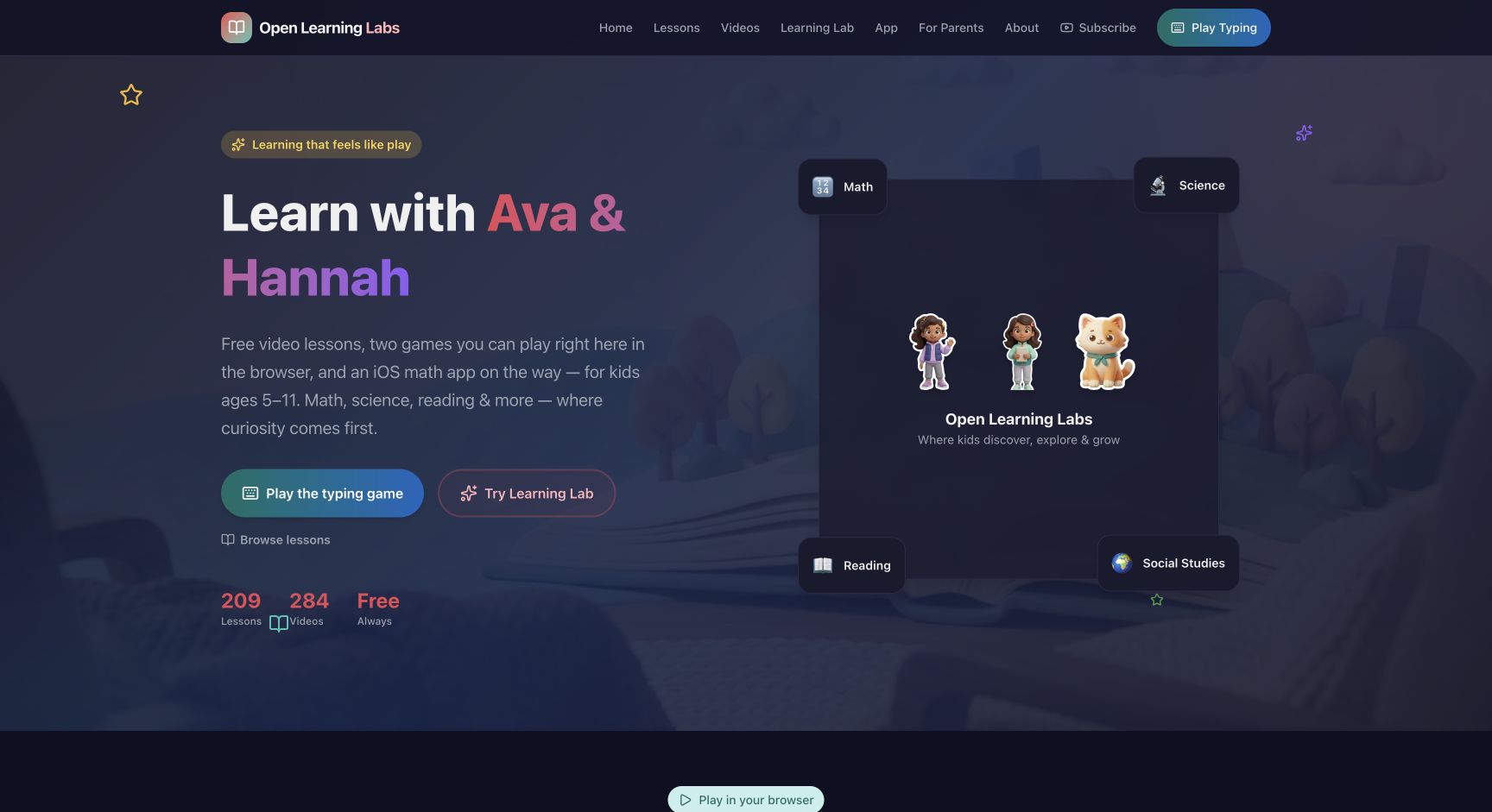
Open Learning Labs
Free video lessons, browser games, and learning puzzles in math, science, reading, and social studies for children ages 5-11.
Read the full resource review →More parent & educator picks
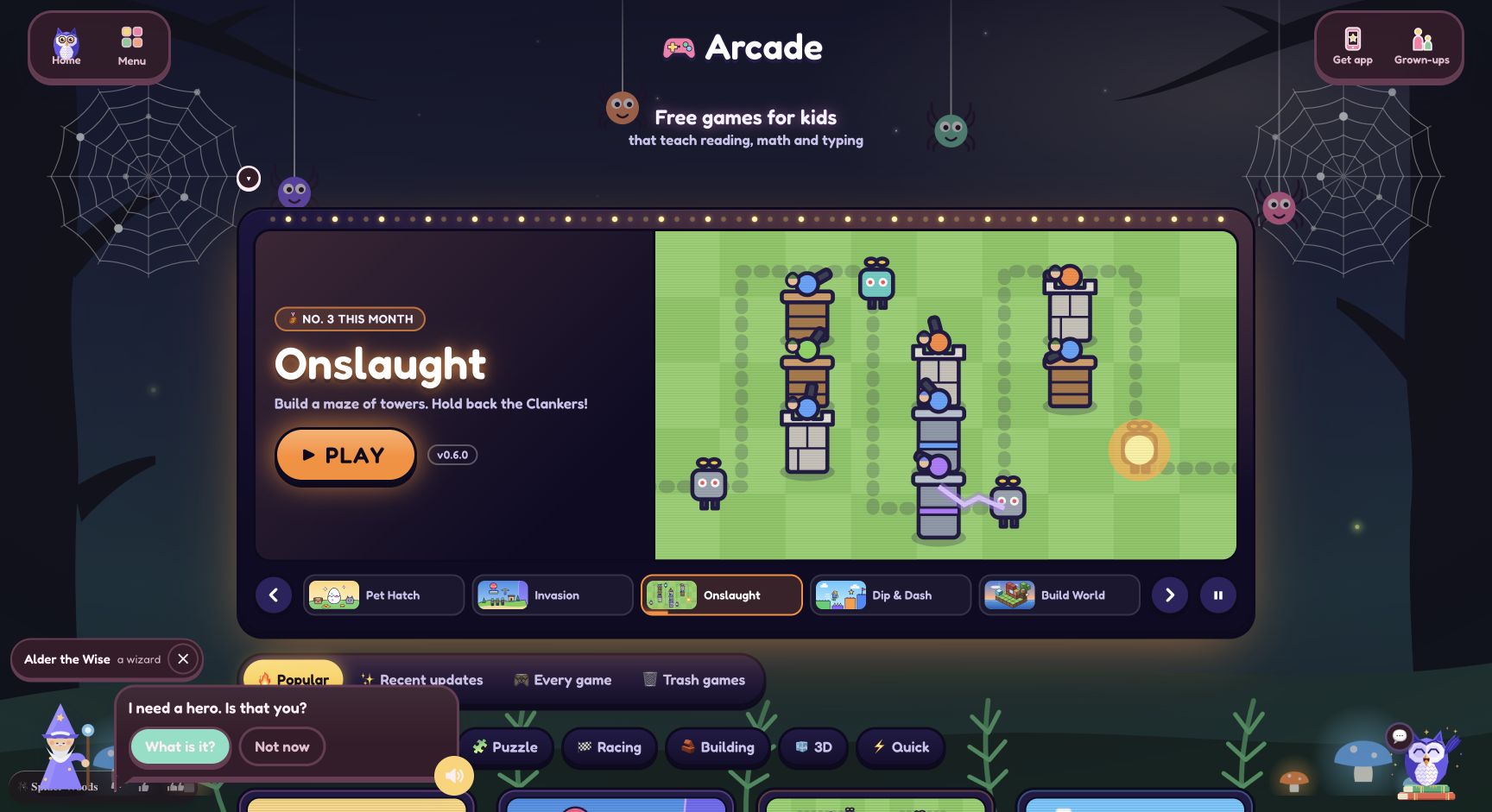
Peabody Learning Games
A free browser arcade for kindergarten through grade 8, with reading, math, science, typing, building, and puzzle games.
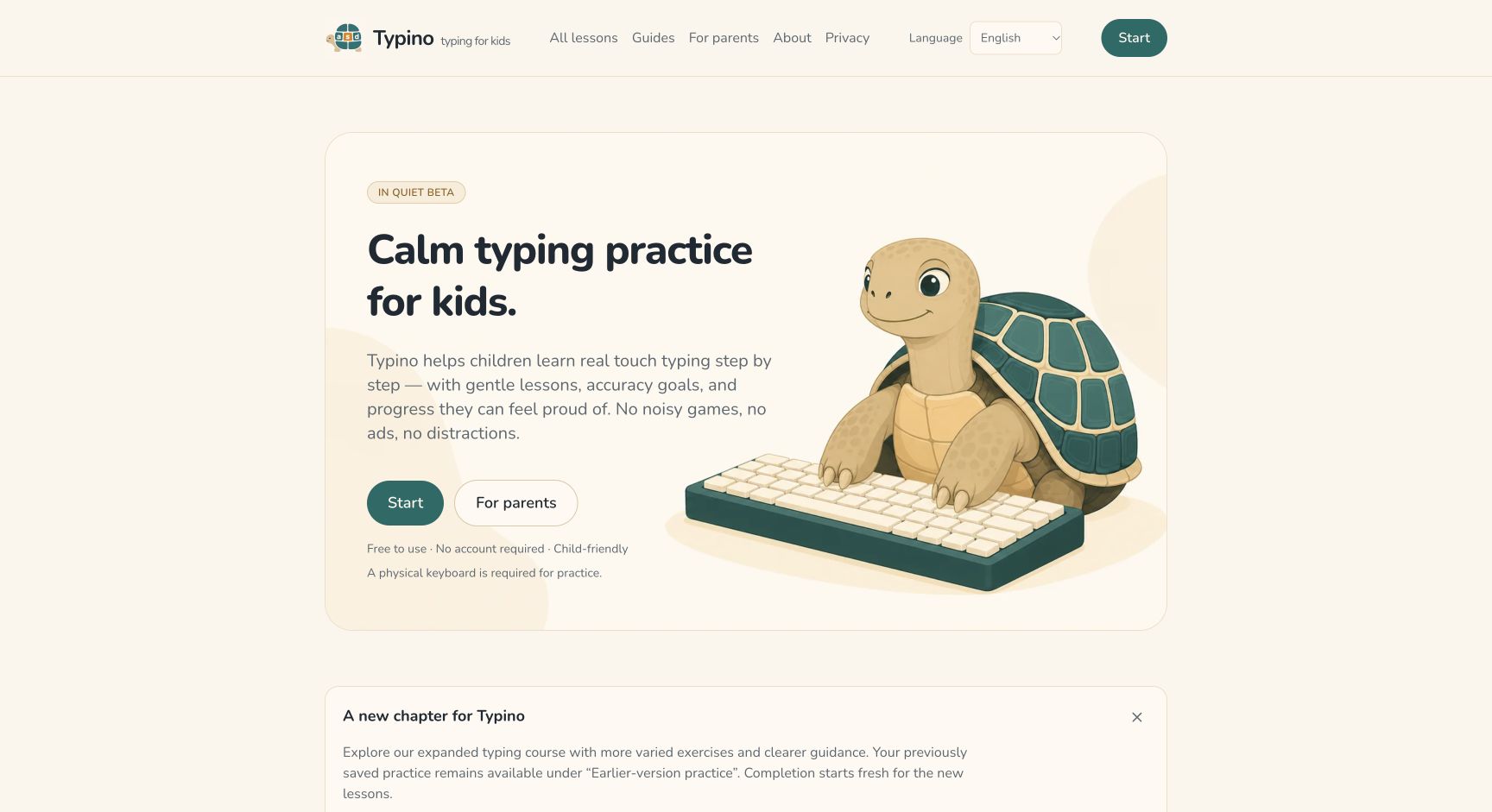
Typino
A calm free touch-typing practice site with short lessons, local progress, and no ads or tracking.
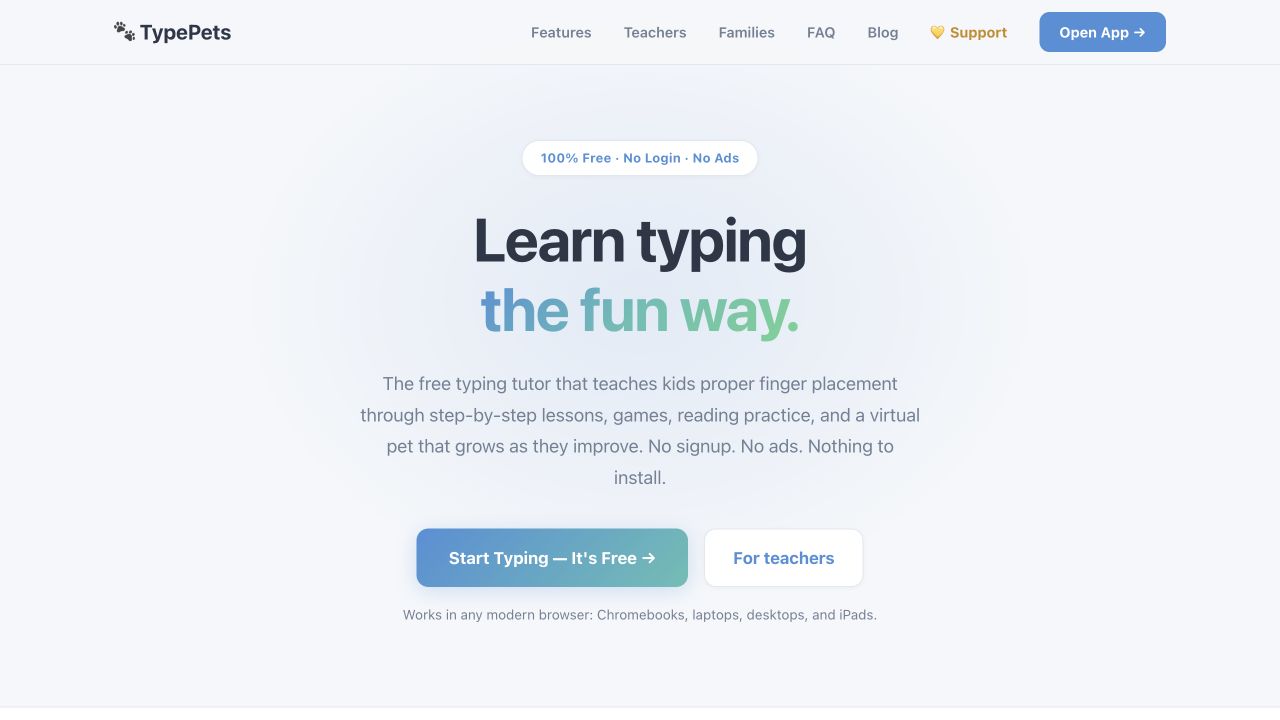
TypePets
A browser typing tutor for children with finger-placement guidance, games, reading practice, and a virtual-pet loop. The official page presents it as a classroom-ready resource without login, ads, or tracking.
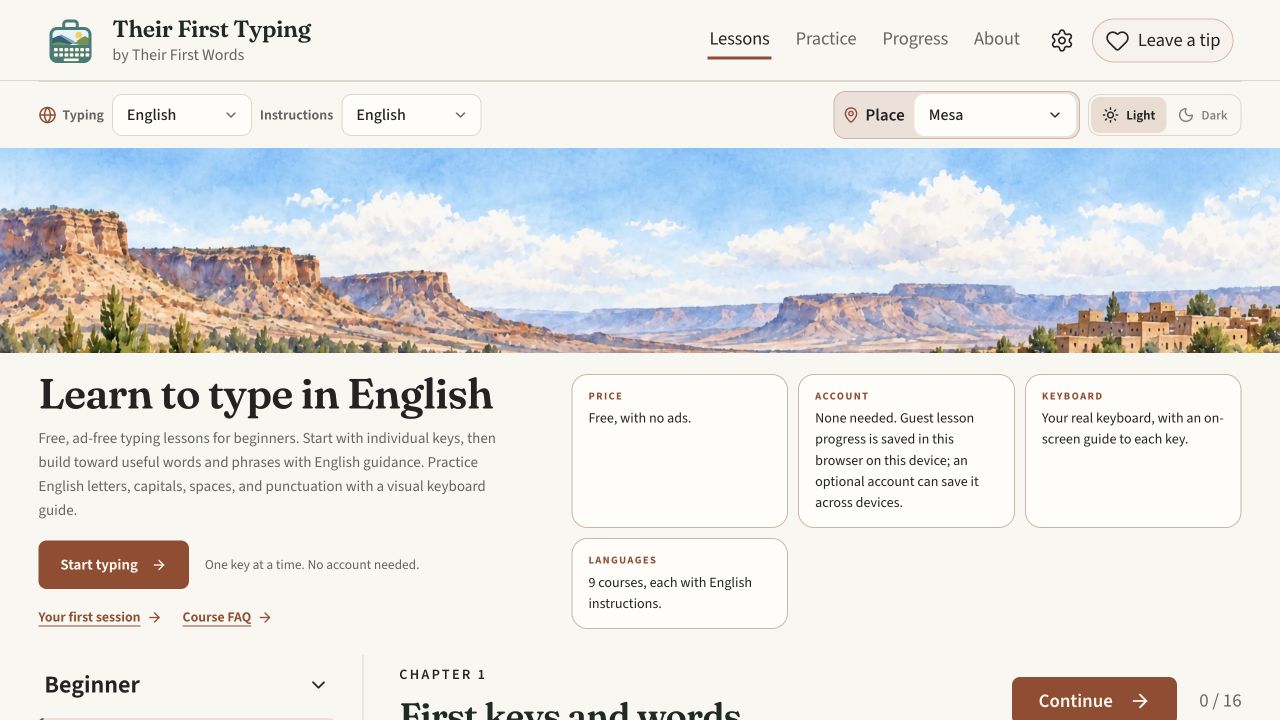
Their First Typing
A free, ad-free browser typing course for beginners learning useful words and phrases across nine language courses.
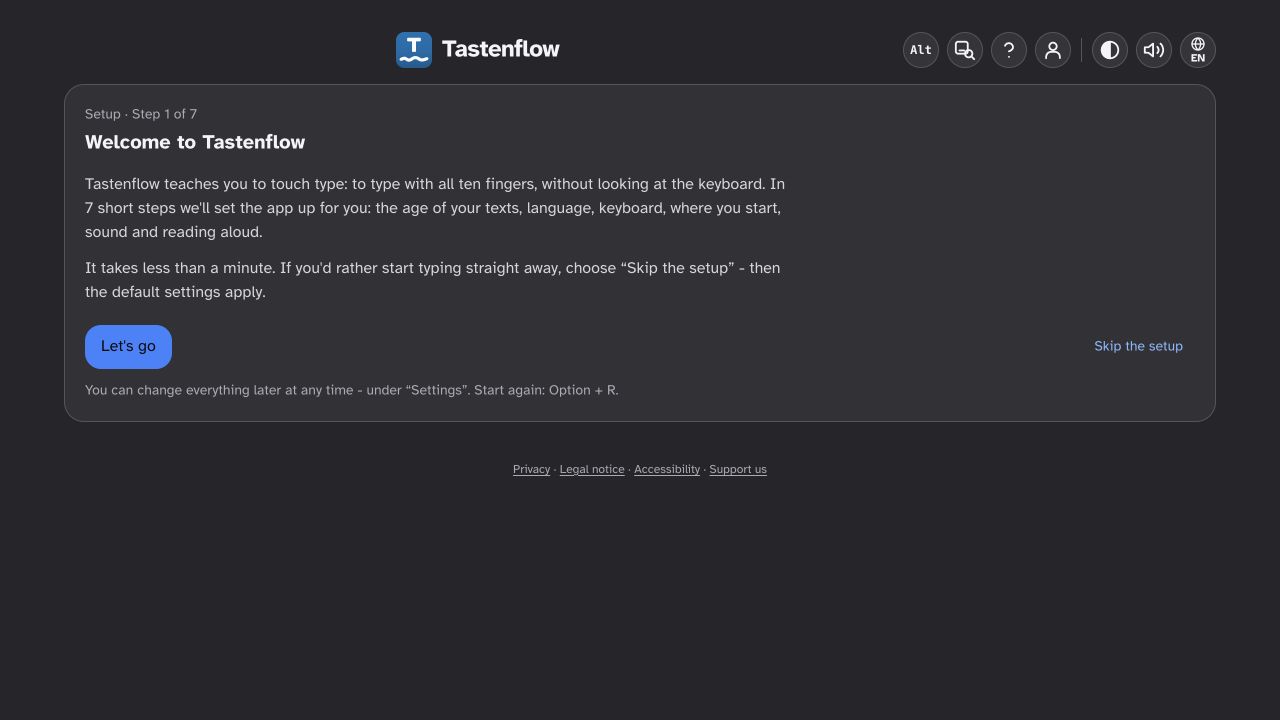
Tastenflow
An accessible browser touch-typing trainer designed for pupils, with support for screen readers, magnification, audio, and braille-oriented access alongside class practice features.
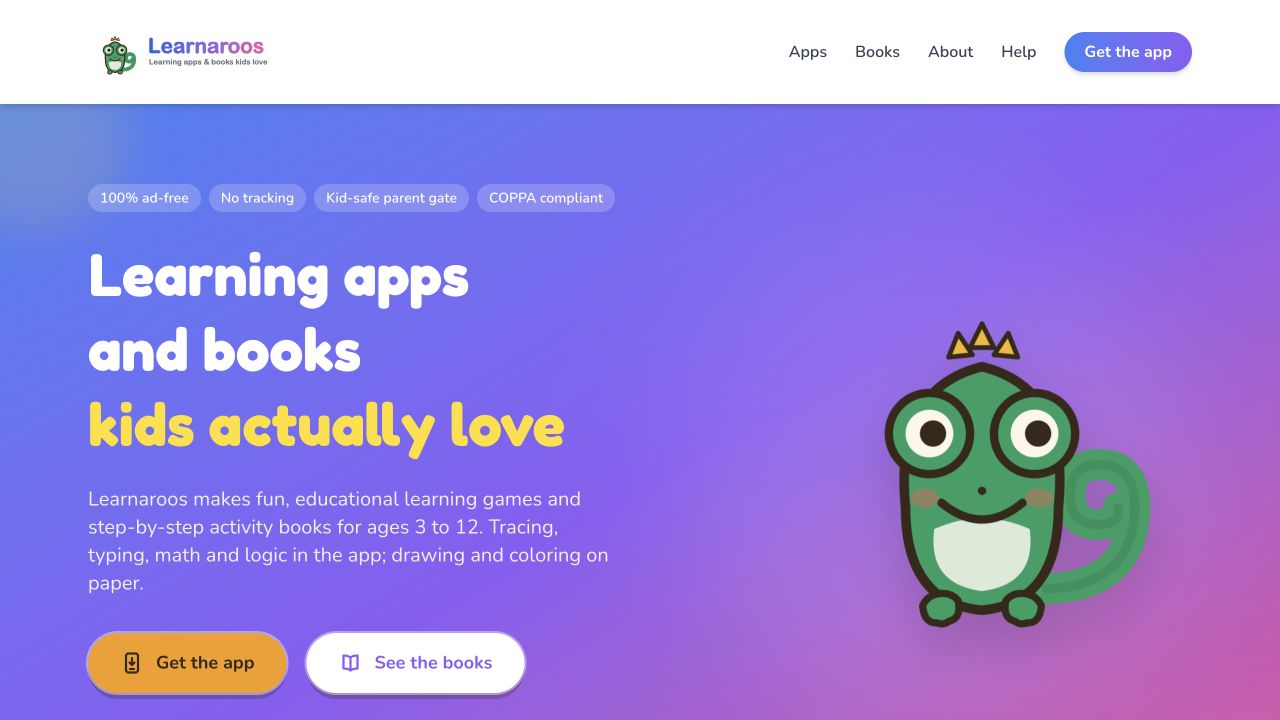
Learnaroos
Learnaroos combines learning apps and printable activity books for children ages 3–12, with tracing, typing, math, logic, and drawing activities plus parent progress reports.
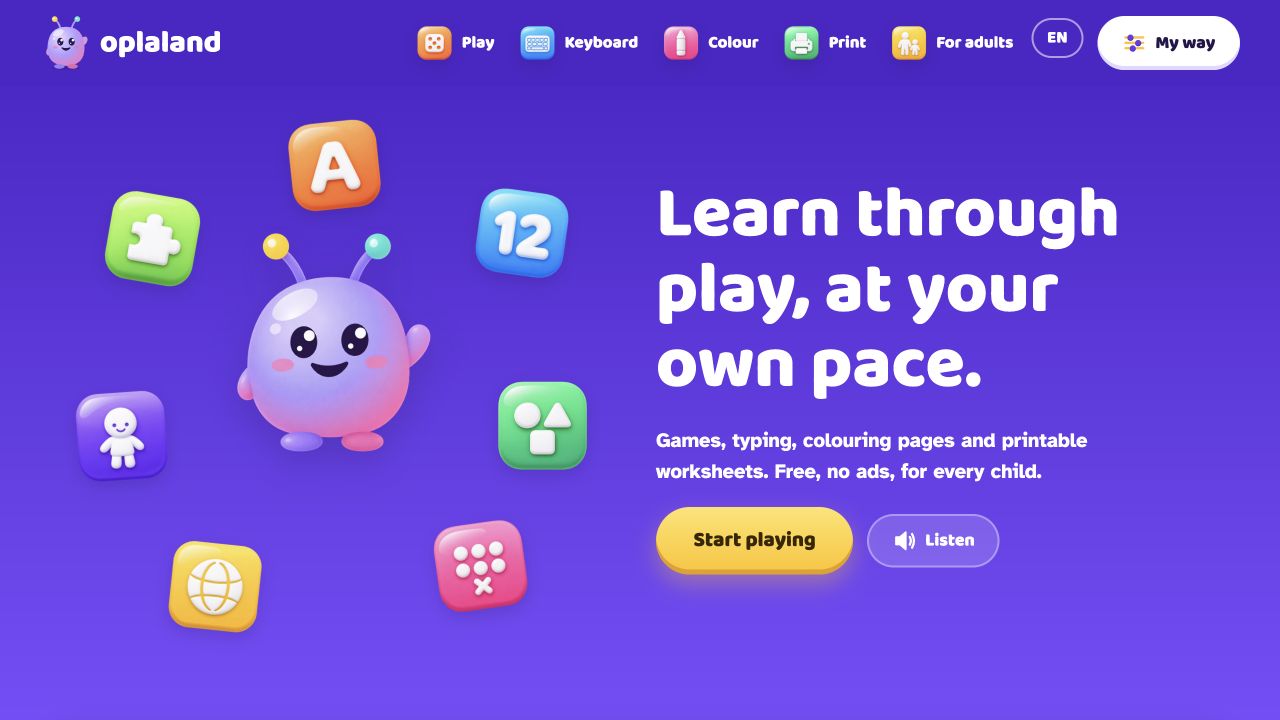
Oplaland
Free child-friendly learning games, typing practice, colouring activities, and printable worksheets with accessibility settings.
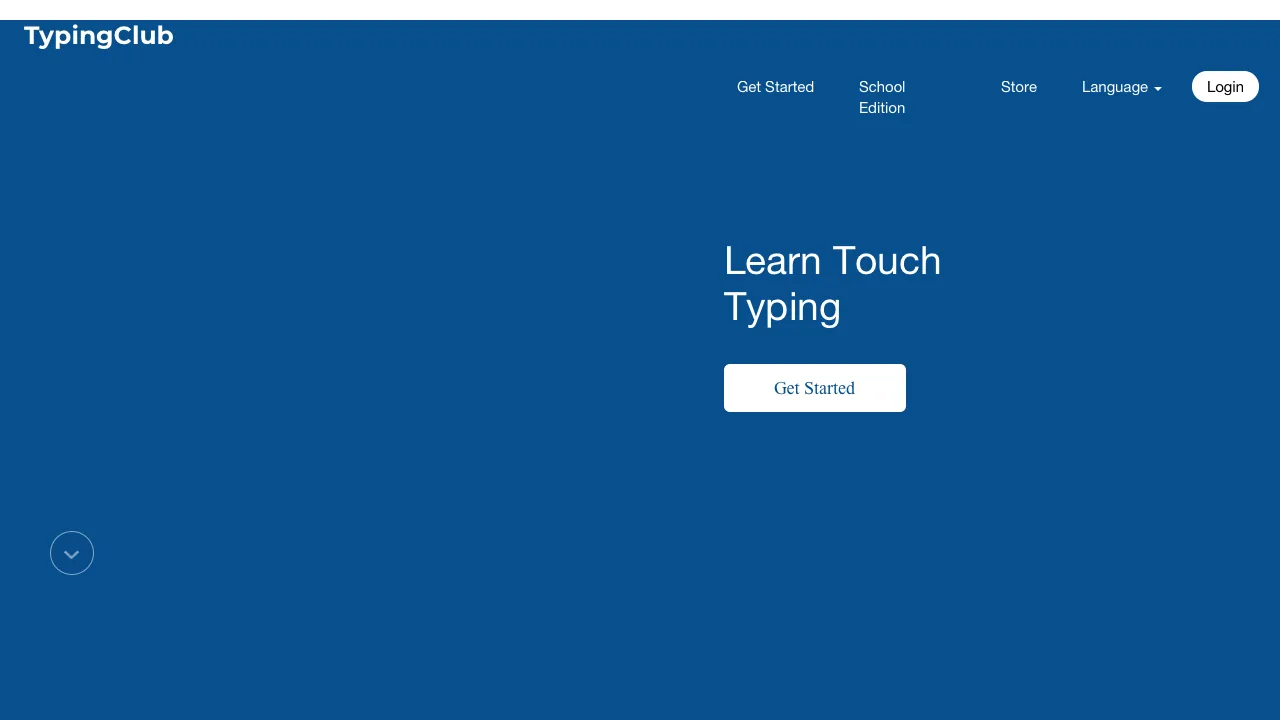
TypingClub
A structured touch-typing curriculum with browser lessons, practice, progress tracking, and school tools for learners.
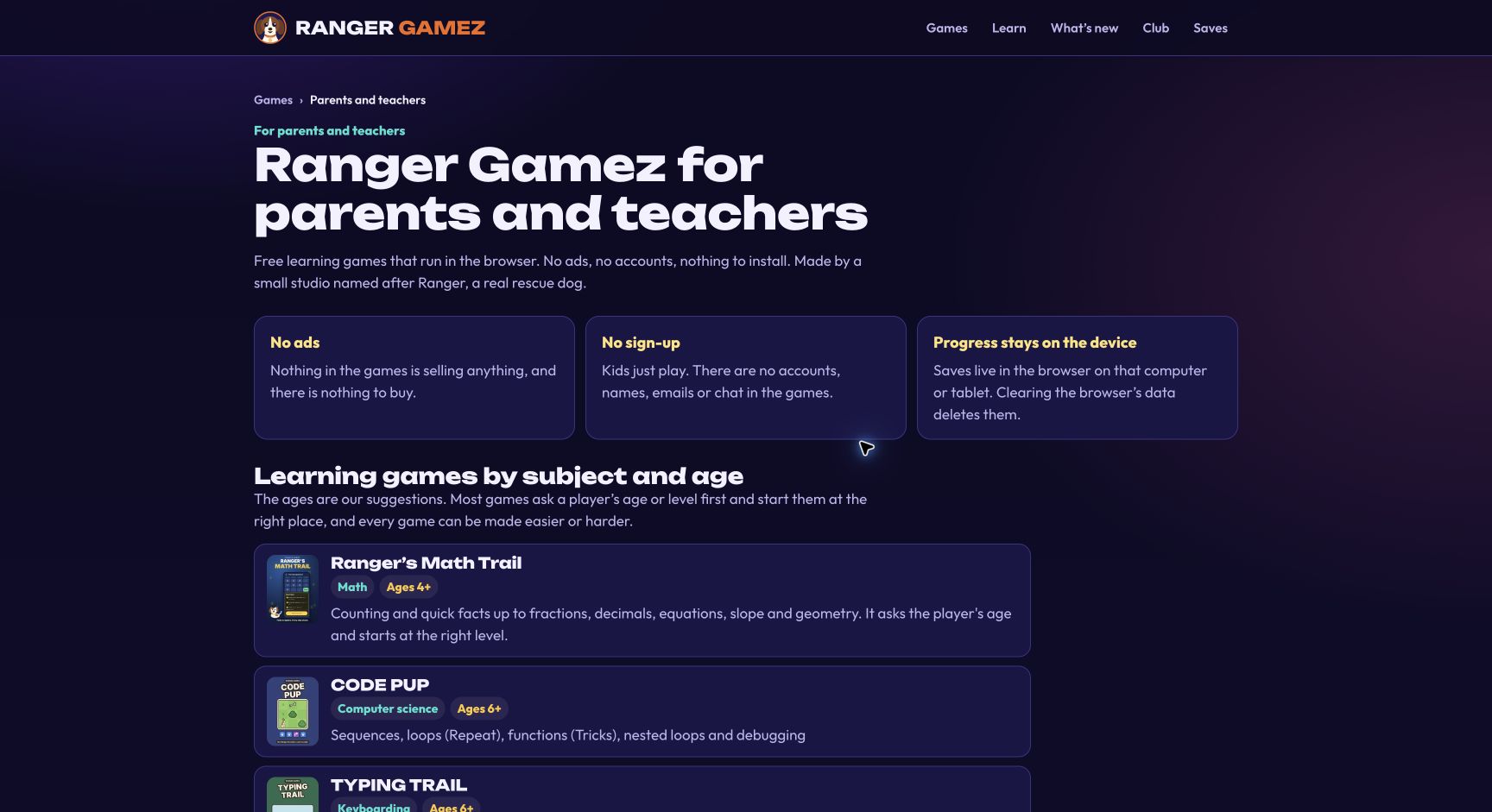
Ranger Gamez
Free browser learning games for math, computer science, typing, and other school skills, with no ads or child accounts.
Compare with context
Use this collection to find a direction, then open each resource page before sharing it with a child. The individual review shows languages, access formats, tags, age guidance, source links, and notes for grown-ups.
Search the full directory →