TypingClub
A structured touch-typing curriculum with browser lessons, practice, progress tracking, and school tools for learners.
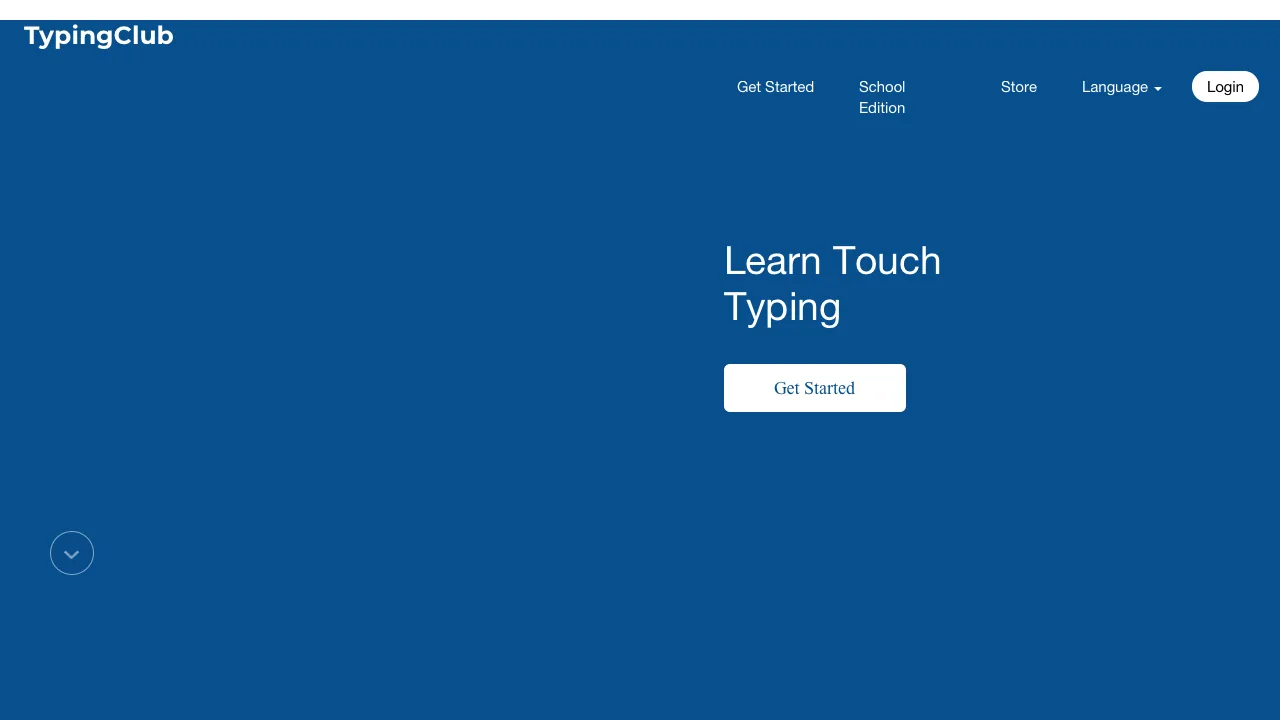 Website preview
About TypingClub
TypingClub provides a browser-based touch-typing curriculum with guided lessons, practice, progress tracking, and school management features. It gives children a structured way to build keyboard fluency and digital-literacy confidence.
Age and access
This resource is listed for ages 7-18. It is available as Website and is listed as free with paid options. The listed language coverage is English.
What stands out
- Step-by-step lessons build a concrete foundational skill
- Progress tracking helps learners see improvement
- Browser access avoids a local software installation
Parent notes
- The free and school plans have different features, so adults should review the current plan details.
- Typing practice is repetitive by design; short, regular sessions are more suitable for many children than long sessions.
Find TypingClub in these listings
This resource is included in the following subject and format shortlists.
Questions parents ask
See something wrong?
Report an outdated link, image, language, platform, tag, or other detail.
More to explore
All resources →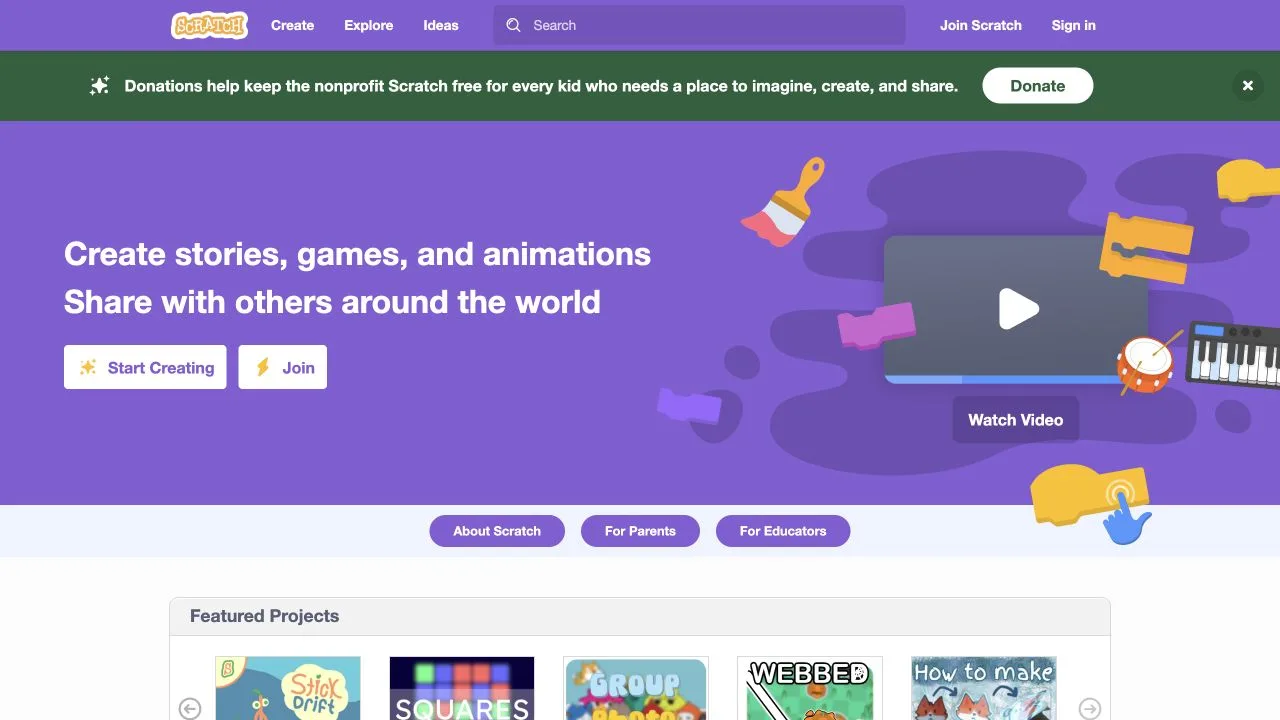
Scratch
A playful coding community where kids create stories, games, and animations.

NASA Climate Kids
Kid-friendly climate science, experiments, games, and explainers from NASA.
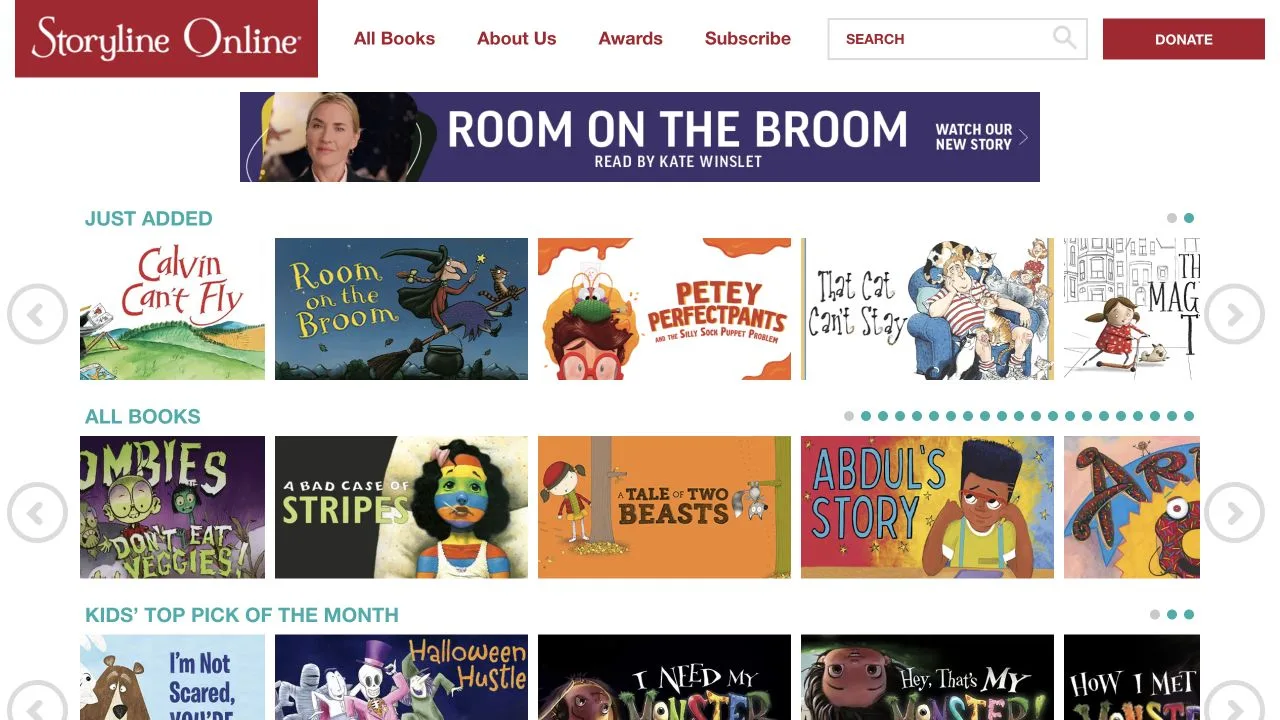
Storyline Online
Award-winning actors read children’s books aloud with activity guides.
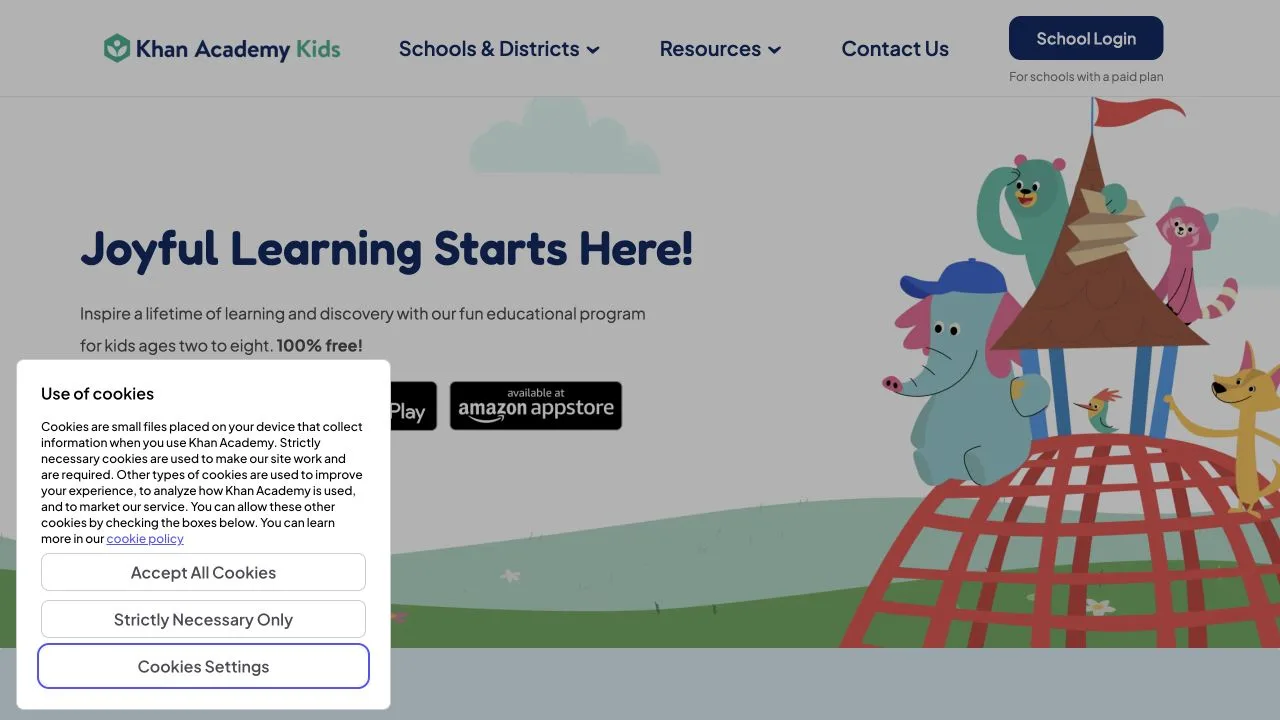
Khan Academy Kids
A free learning app with lessons in early literacy, math, and social-emotional skills.