Early learning No account
for kids
Explore 10 trusted early learning no account resources selected for curious kids, with clear ages, access details, and parent context.
Two useful ways to narrow the directory
This page brings together early learning resources that also match no account. Each listing keeps its own age range, platform details, languages, links, and parent notes, so you can compare options without losing context.
Explore all early learning resources →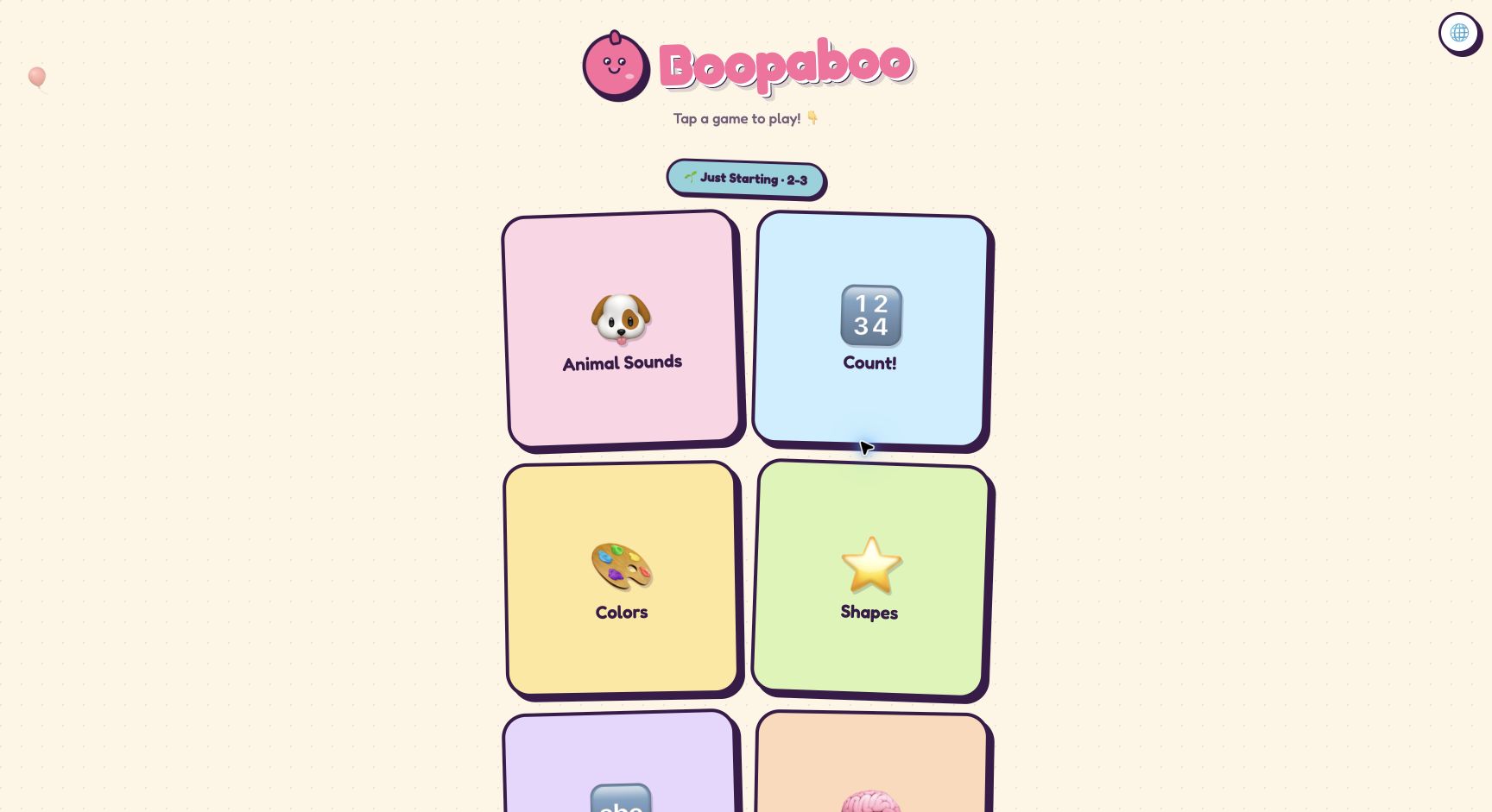
Boopaboo
A free tap-and-play collection for ages 2–5 covering sounds, colors, shapes, counting, letters, and early patterns.
Read the full resource review →More early learning picks
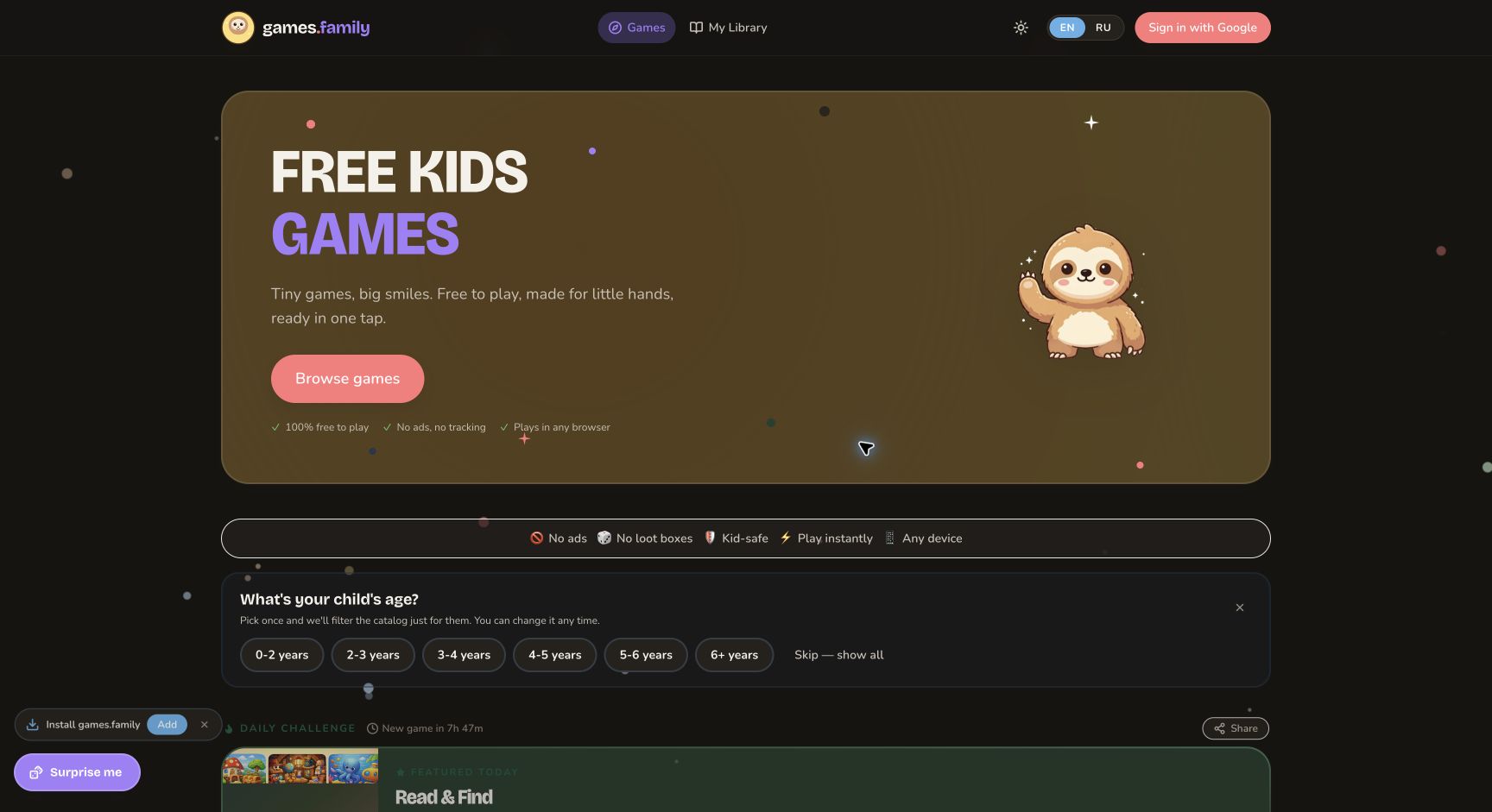
games.family
Free browser games for young children, with simple puzzles, words, numbers, colors, and matching play.
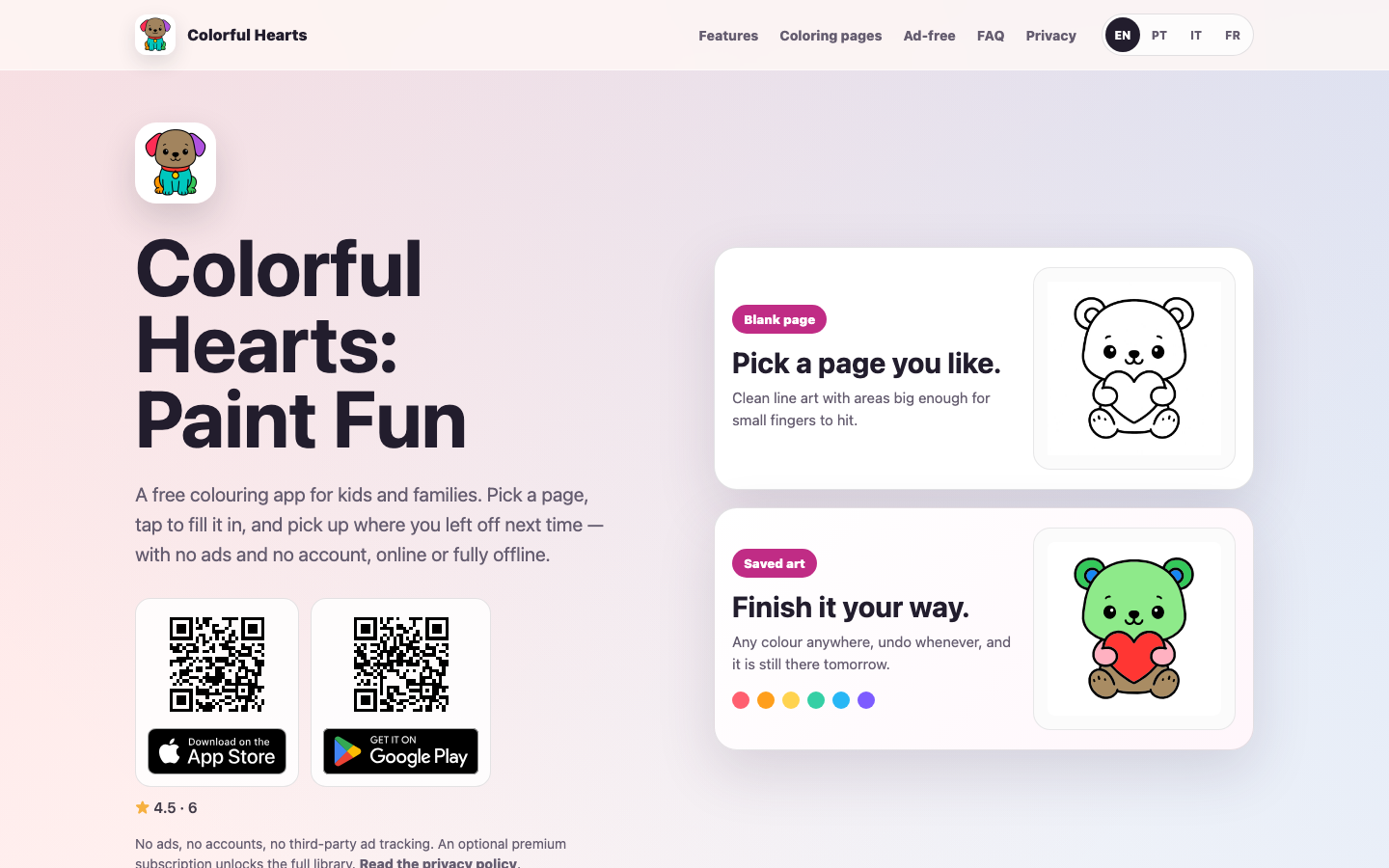
Colorful Hearts
A free coloring app for children and families with large line-art areas, offline use, and no ads or child account required.
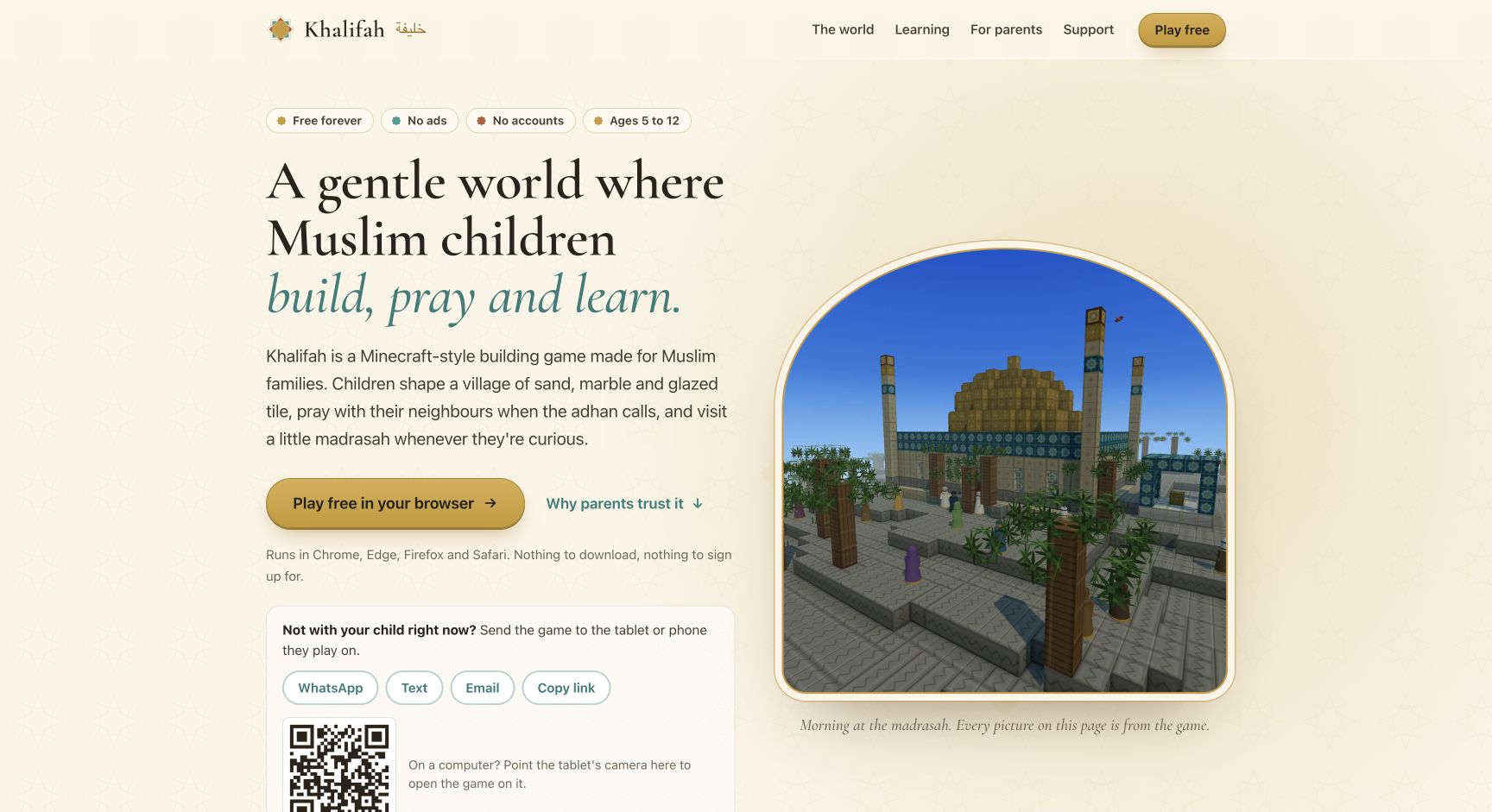
Khalifah
A gentle browser building game for Muslim children where players build a village, learn through age-appropriate exploration, and play without accounts, ads, or purchases.
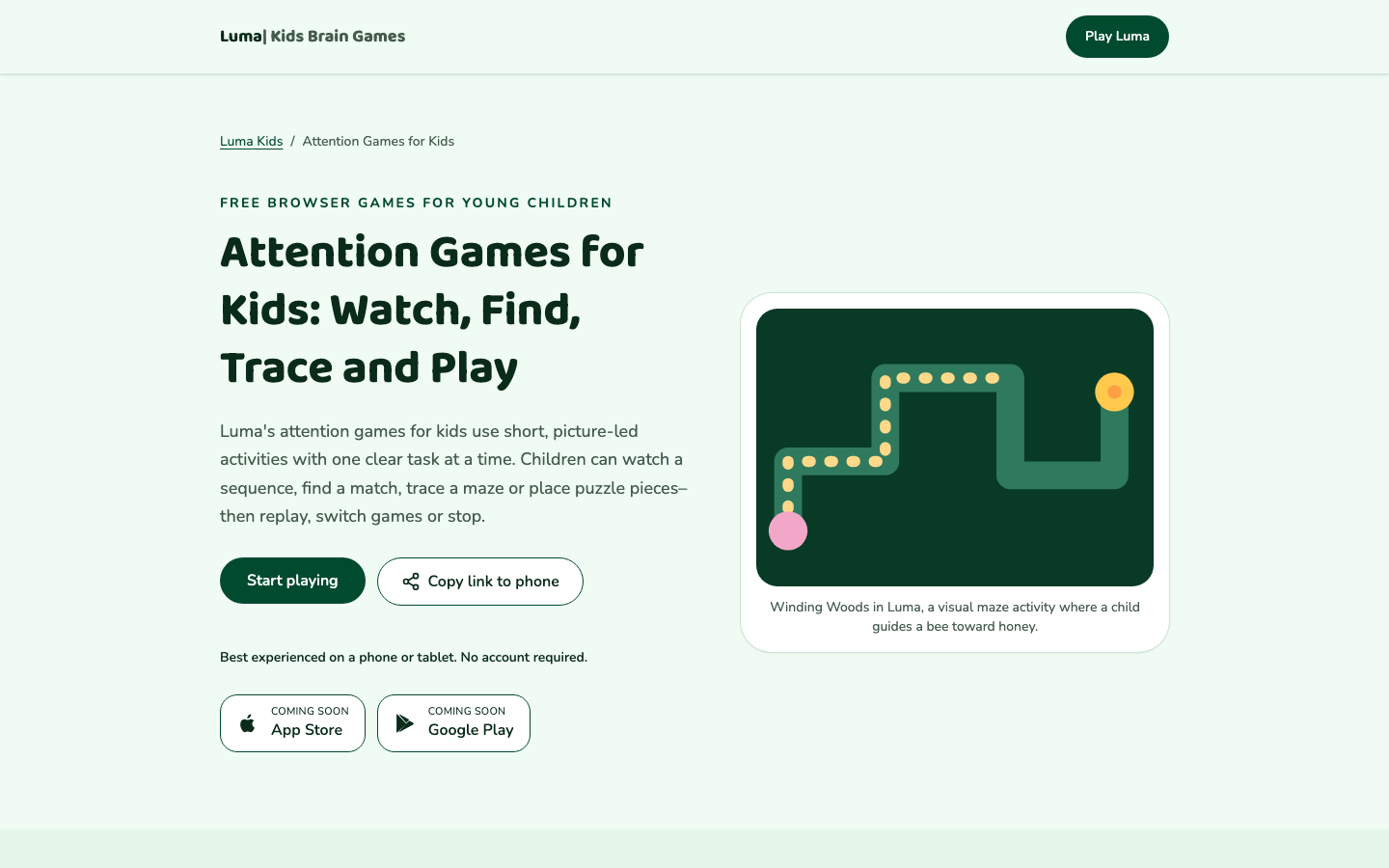
Luma Attention Games
Luma offers short, picture-led browser games for young children built around noticing sequences, matching pictures, tracing paths, and placing puzzle pieces without presenting play as an attention assessment.
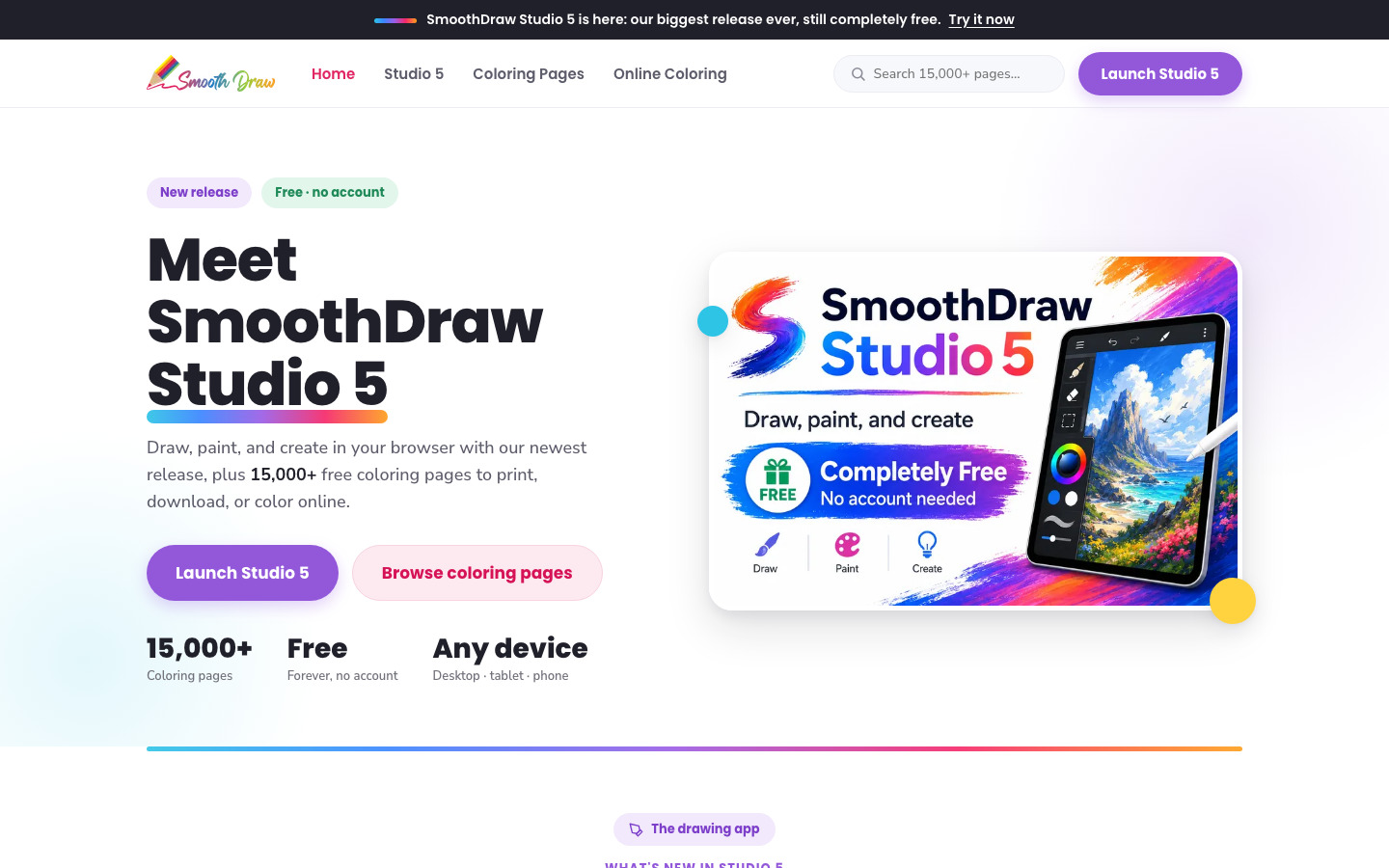
SmoothDraw
A free browser drawing and coloring platform with a large collection of printable and online coloring pages, designed to work across desktop, tablet, and phone.
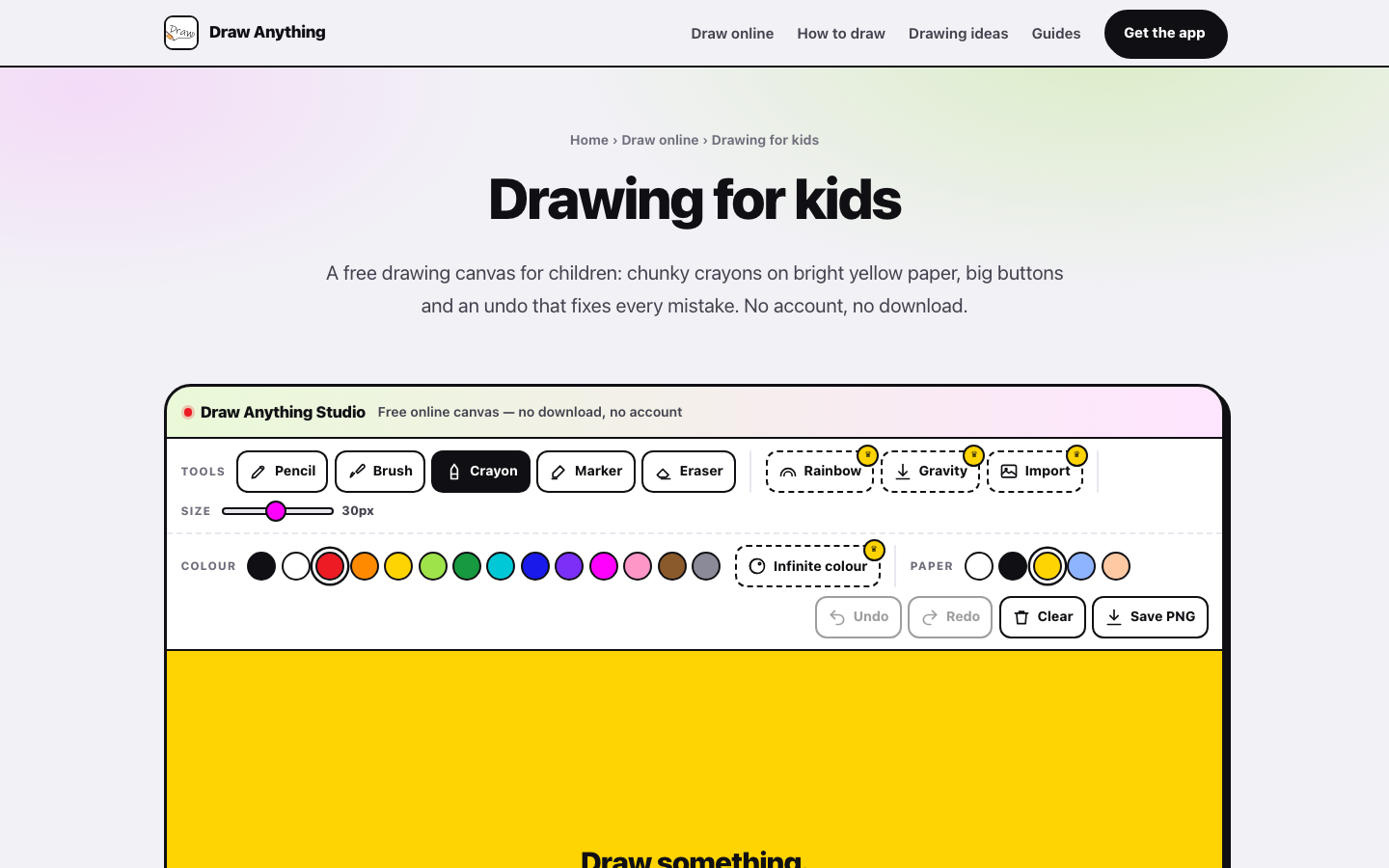
Draw Anything — Drawing for Kids
A free browser drawing canvas for children with chunky crayons, simple tools, guided drawing ideas, and no account or download required.
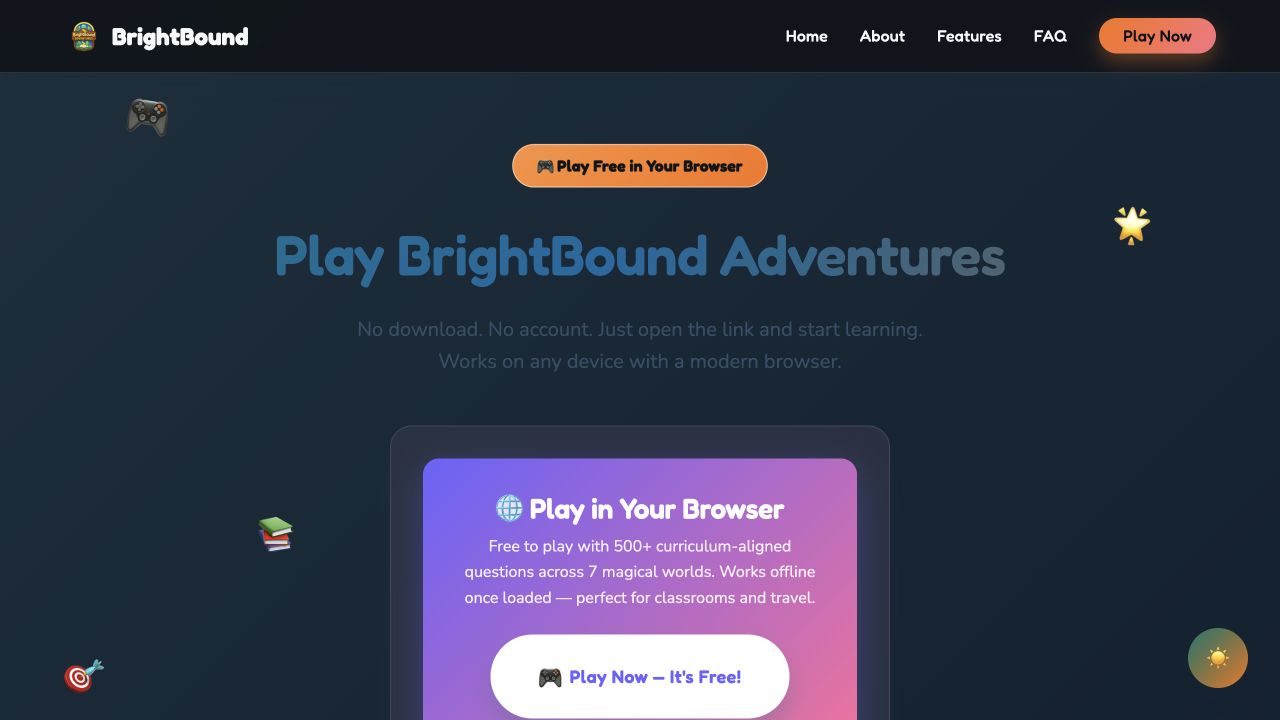
BrightBound Adventures
A free browser learning adventure with curriculum-aligned questions across literacy, numeracy, logic, storytelling, and motor-skills worlds.
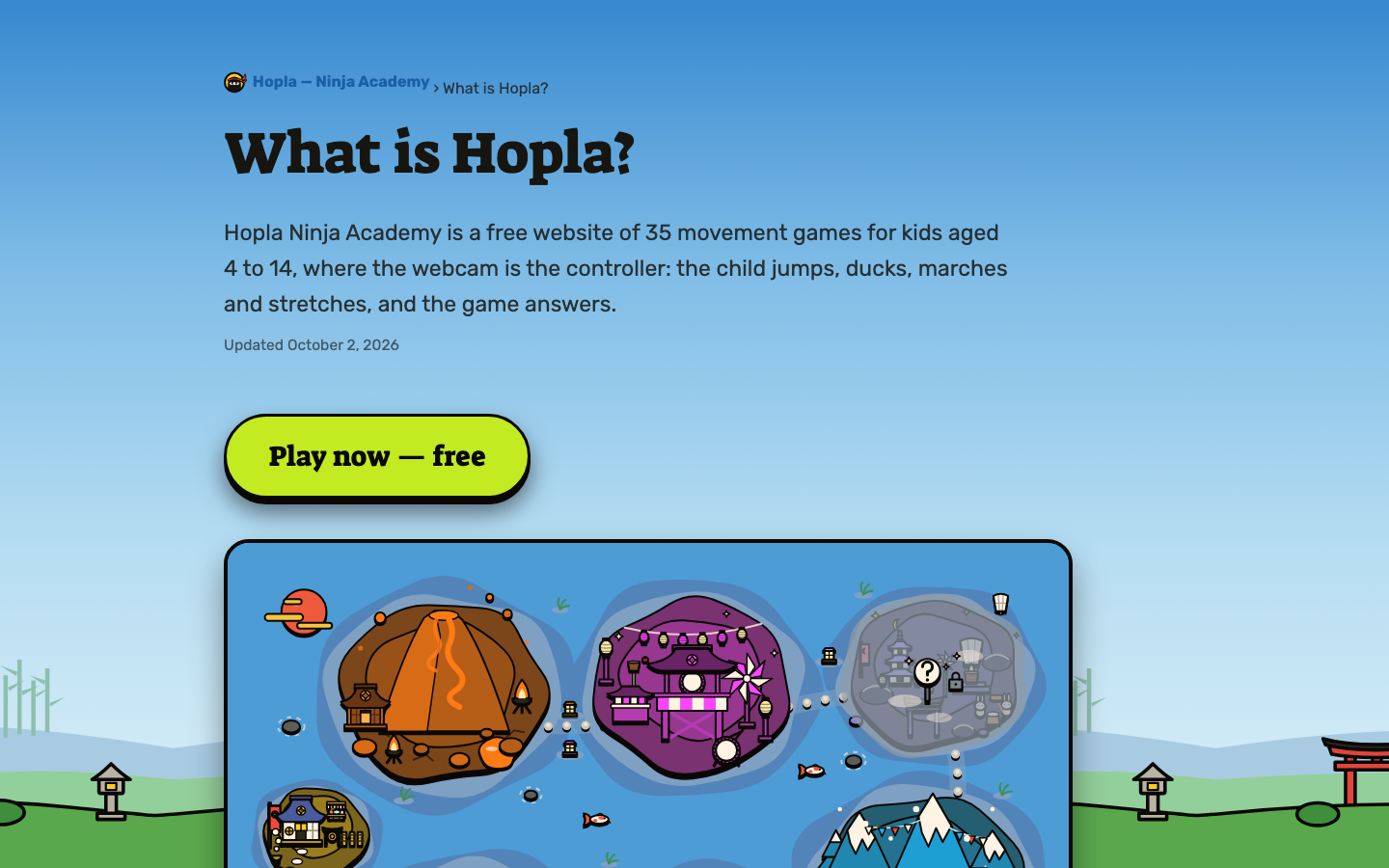
Hopla Ninja Academy
Hopla Ninja Academy is a free browser movement-game website where children use webcam-tracked jumps, squats, marches, and stretches to play short rounds.
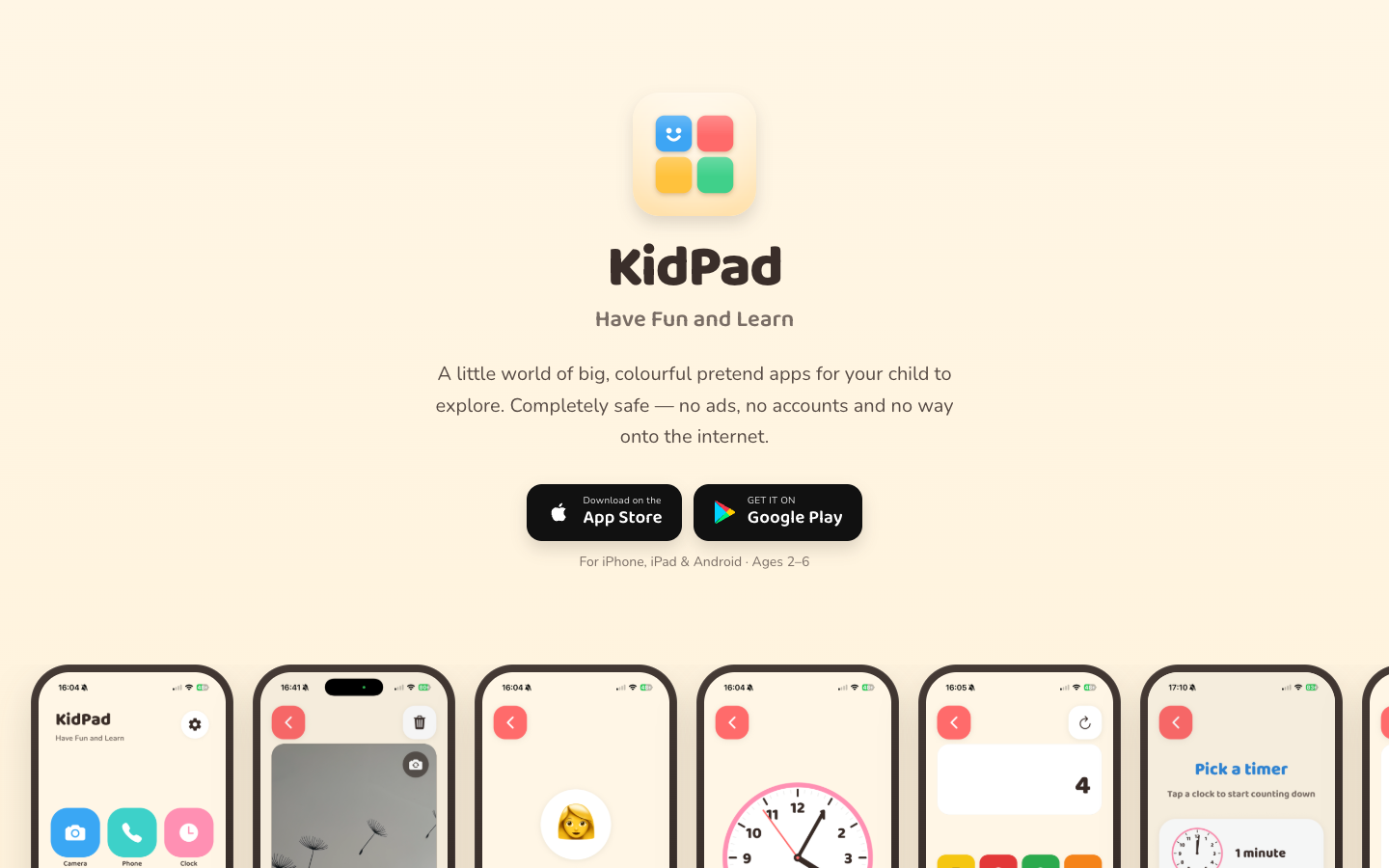
KidPad
KidPad is an offline pretend-play and creativity app with drawing, a pretend camera and phone, a restaurant, vehicles, a clock, a timer, and a calculator.
Compare with context
Use this collection to find a direction, then open each resource page before sharing it with a child. The individual review shows languages, access formats, tags, age guidance, source links, and notes for grown-ups.
Search the full directory →