Courses websites
for kids
Explore 10 trusted courses websites selected for curious kids, with clear ages, access details, and parent context.
Two useful ways to narrow the directory
This page brings together courses resources that also match websites. Each listing keeps its own age range, platform details, languages, links, and parent notes, so you can compare options without losing context.
Explore all courses resources →
Fleisher Art Adventures
Fleisher Art Adventures is a free series of online art lessons for young people ages 5 to 13, presented in short chapters and designed around age-appropriate creative concepts.
Read the full resource review →More courses picks
Flock XR
Flock XR is a free, open-source browser tool for creating 3D worlds with block coding and classroom-tested creative-computing resources.
RoboBlockly
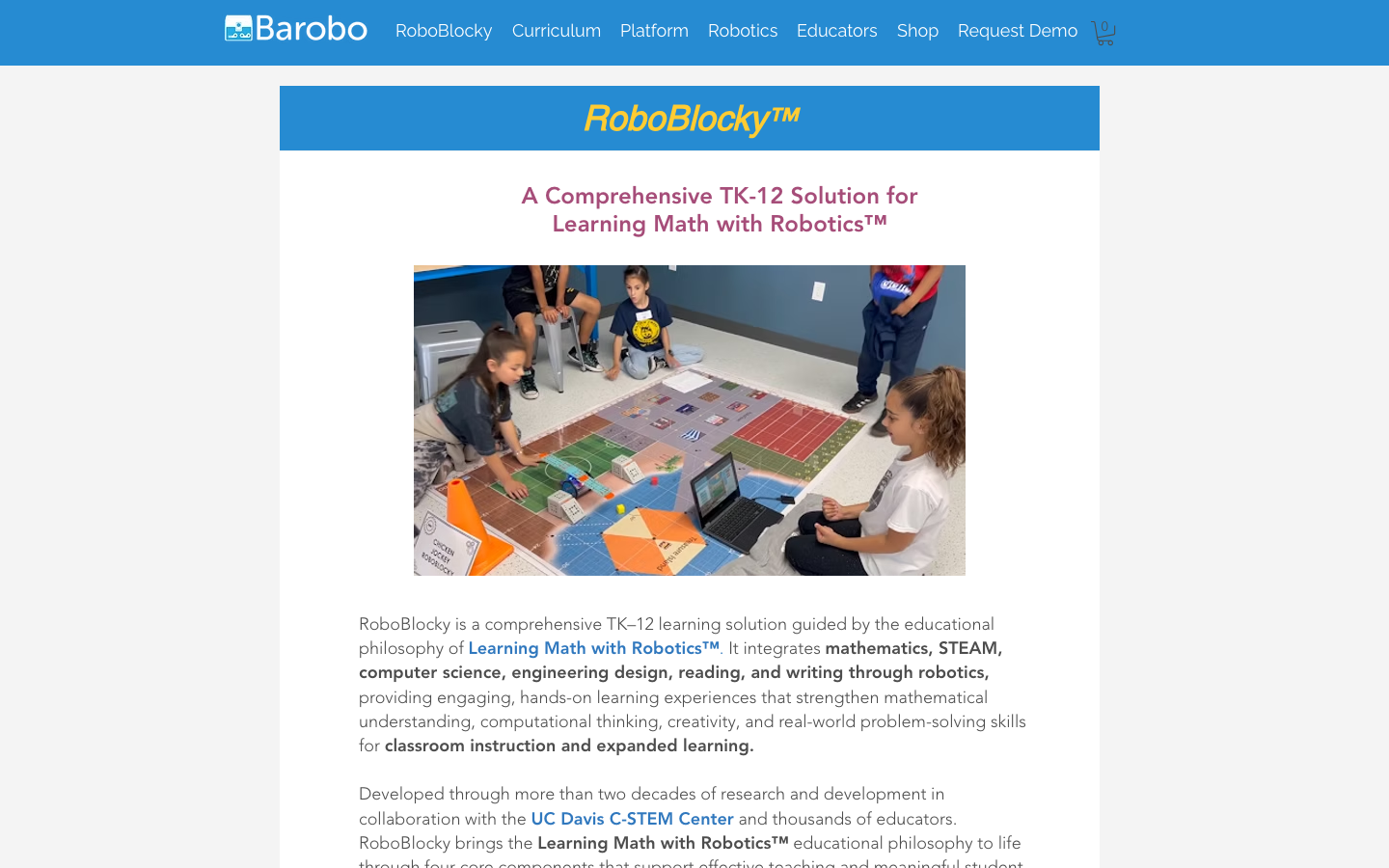
RoboBlockly is a TK–12 curriculum and robotics learning solution that connects mathematics, STEM, computer science, engineering, reading, and writing through robotics.
Kano
Kano is a coding learning platform where children make art, music, games, and interactive projects while learning programming concepts and exploring physical computing.
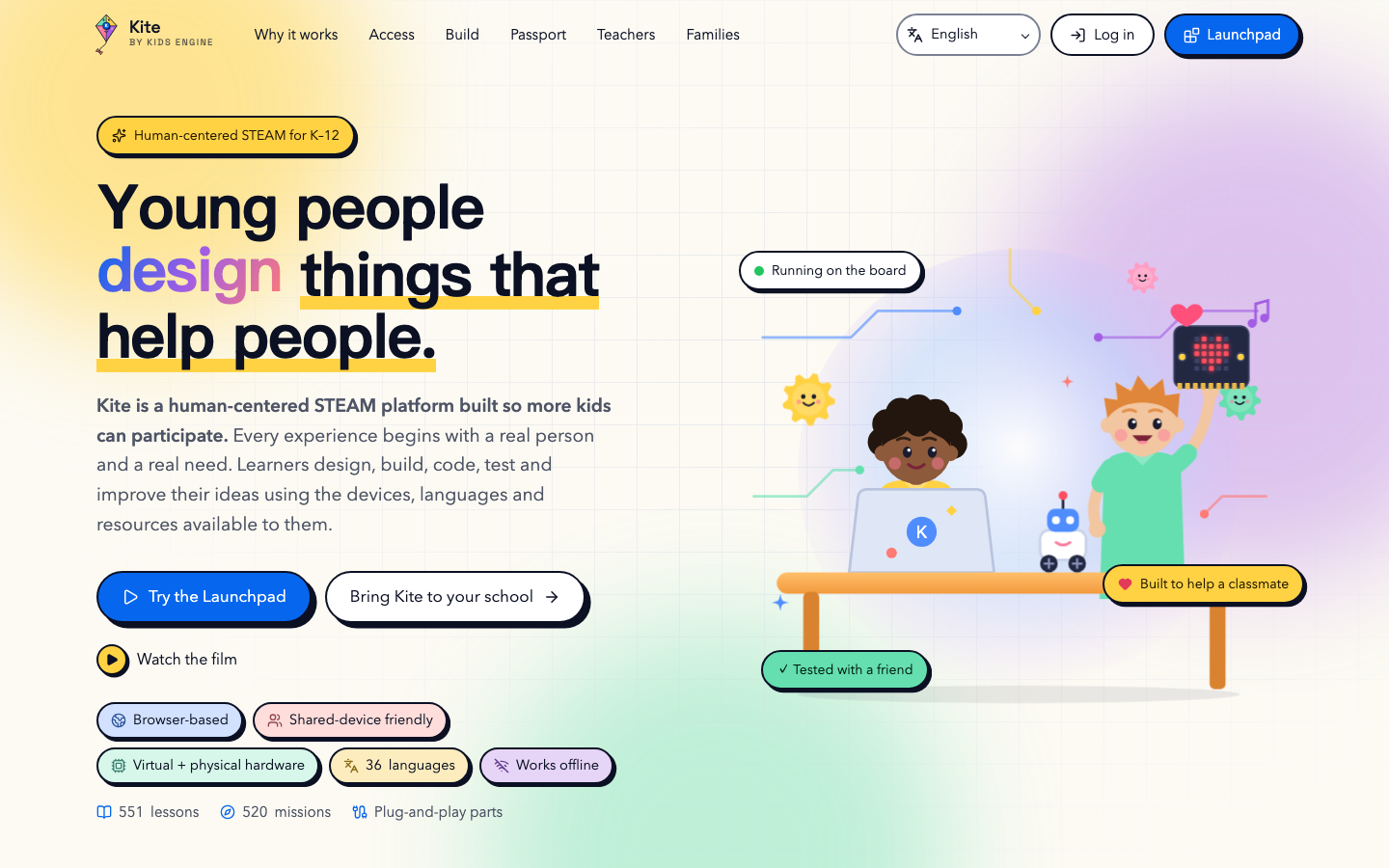
Kite
Kite is a human-centered STEAM platform where learners design, build, code, test, and improve projects using browser-based lessons, missions, shared-device tools, and optional physical hardware.
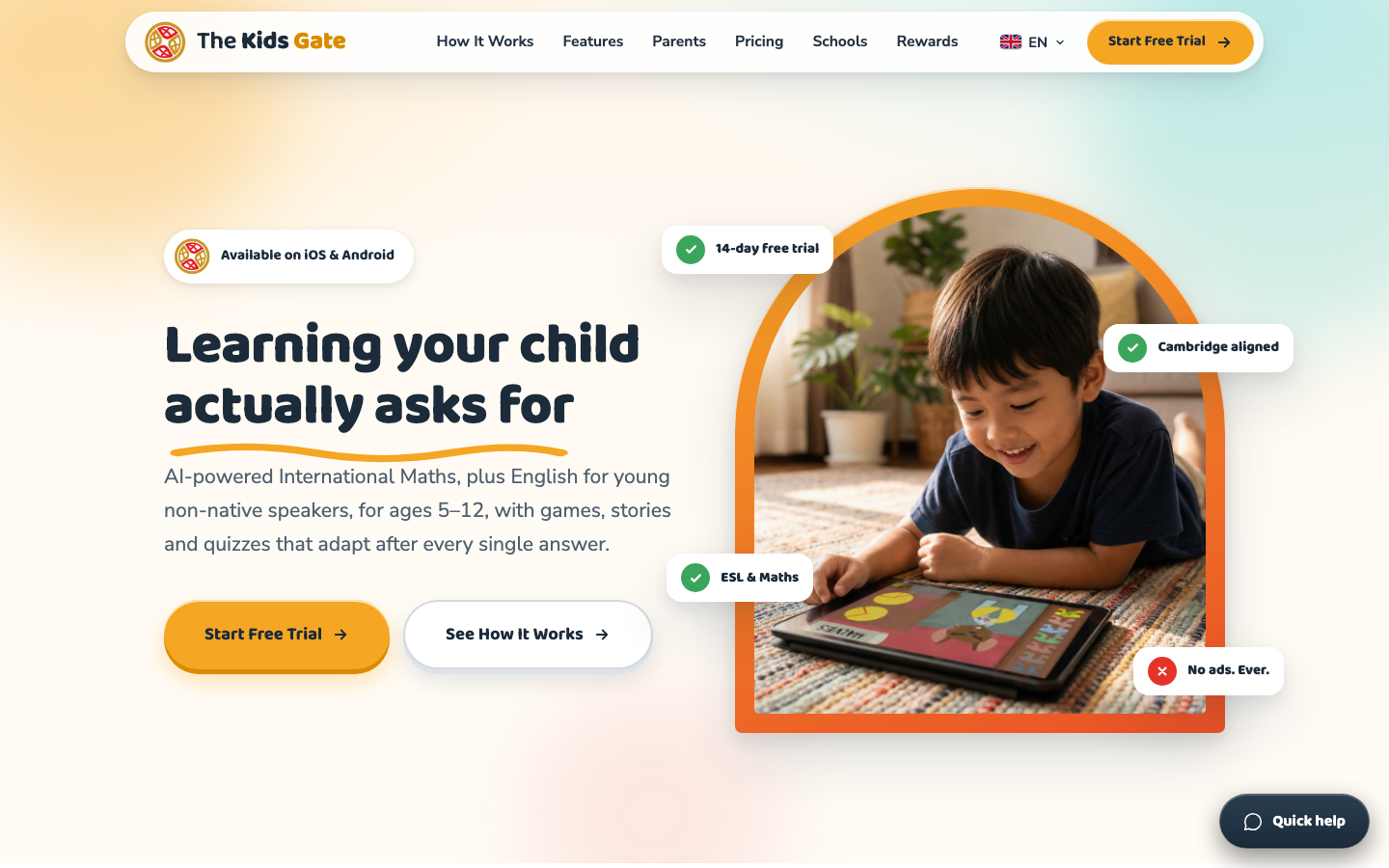
The Kids Gate
The Kids Gate is an adaptive learning platform for children ages 5–12 combining international maths and English for young non-native speakers through games, stories, and quizzes.
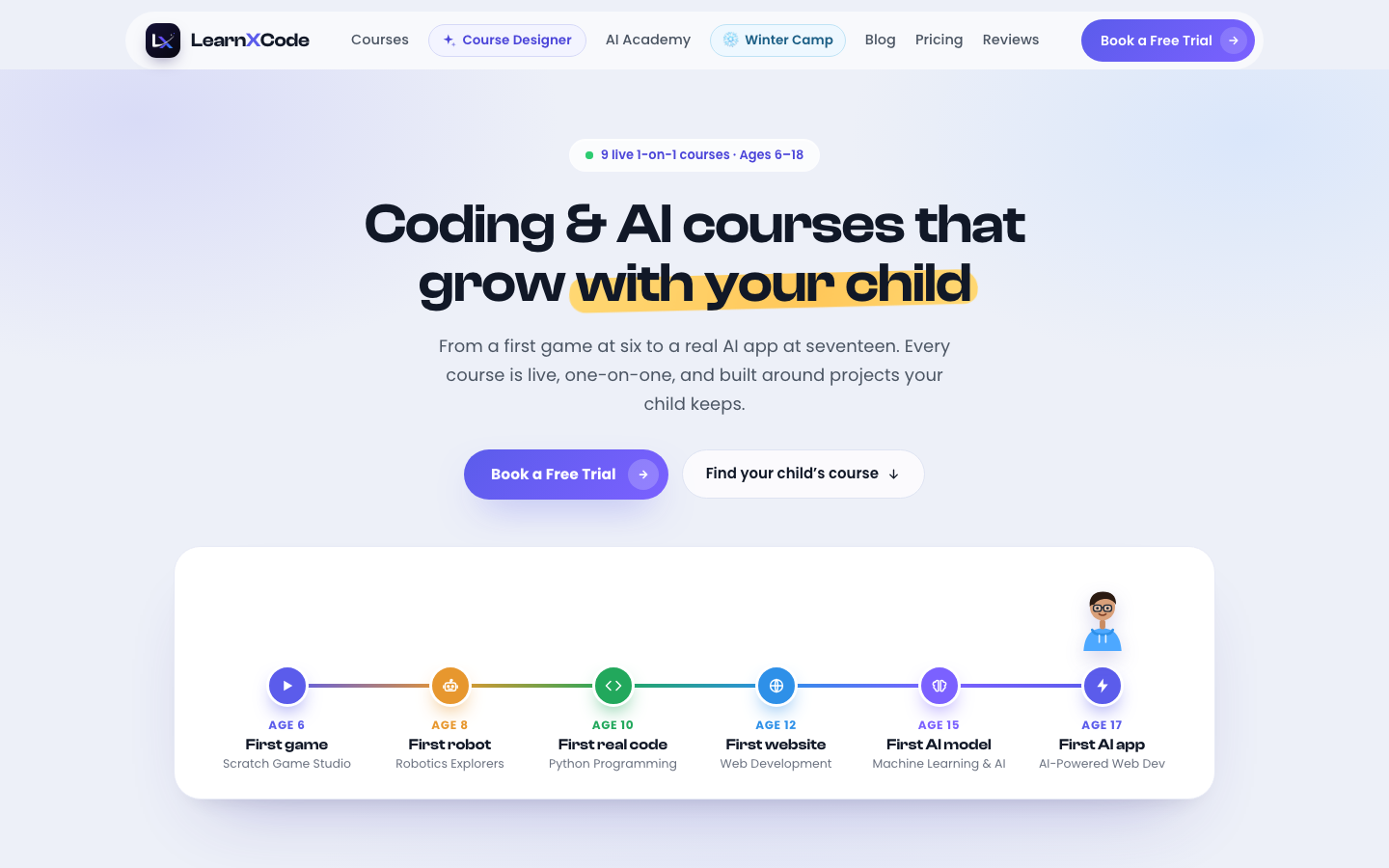
LearnXCode
LearnXCode provides live, project-based coding, robotics, AI, web, and game-development courses for children and teens, with age-banded examples such as Scratch games, robotics, Python, and app development.
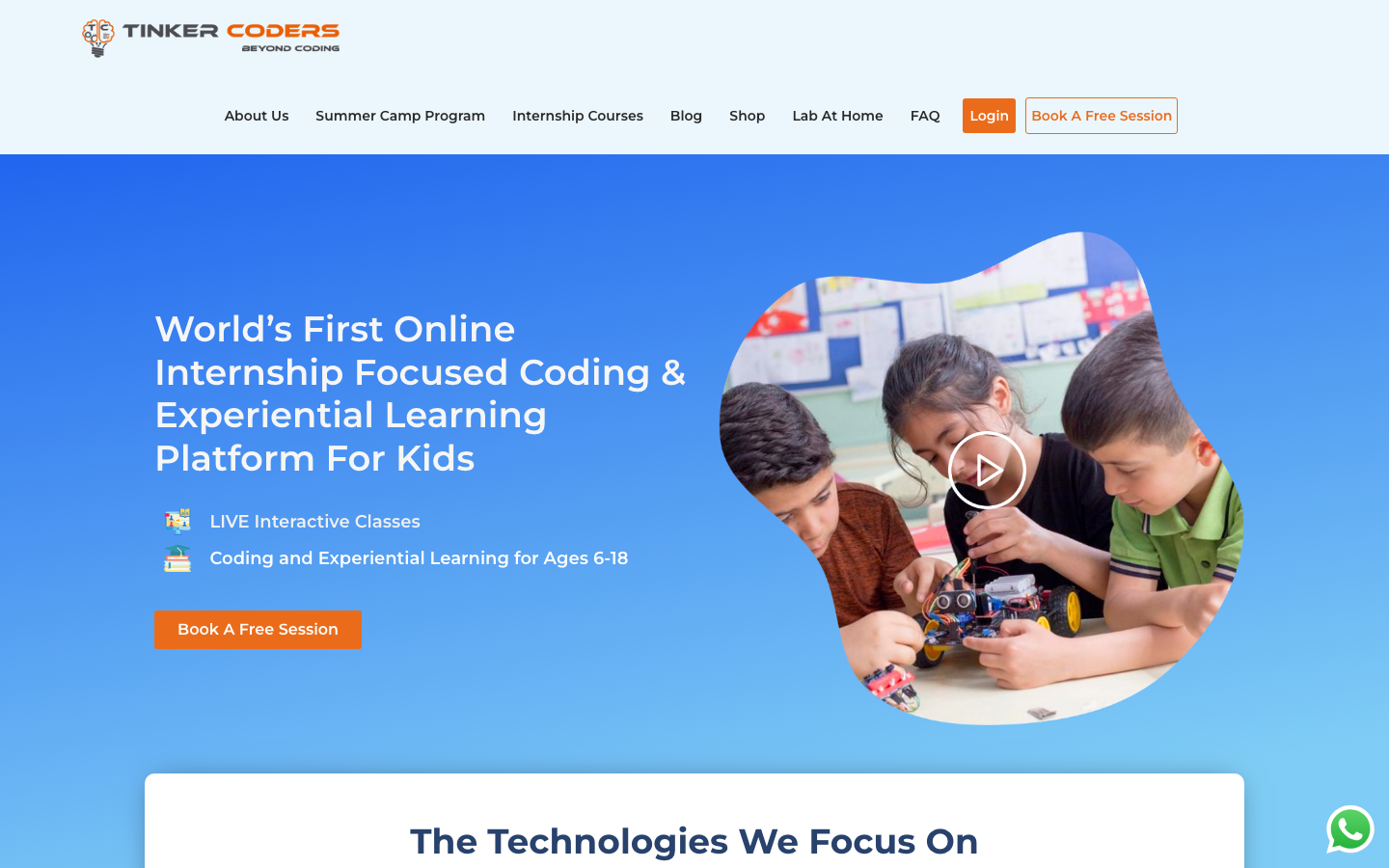
Tinker Coders
Tinker Coders offers project-based online coding and experiential learning for children and teens, with courses designed around making games, apps, websites, and other technology projects.
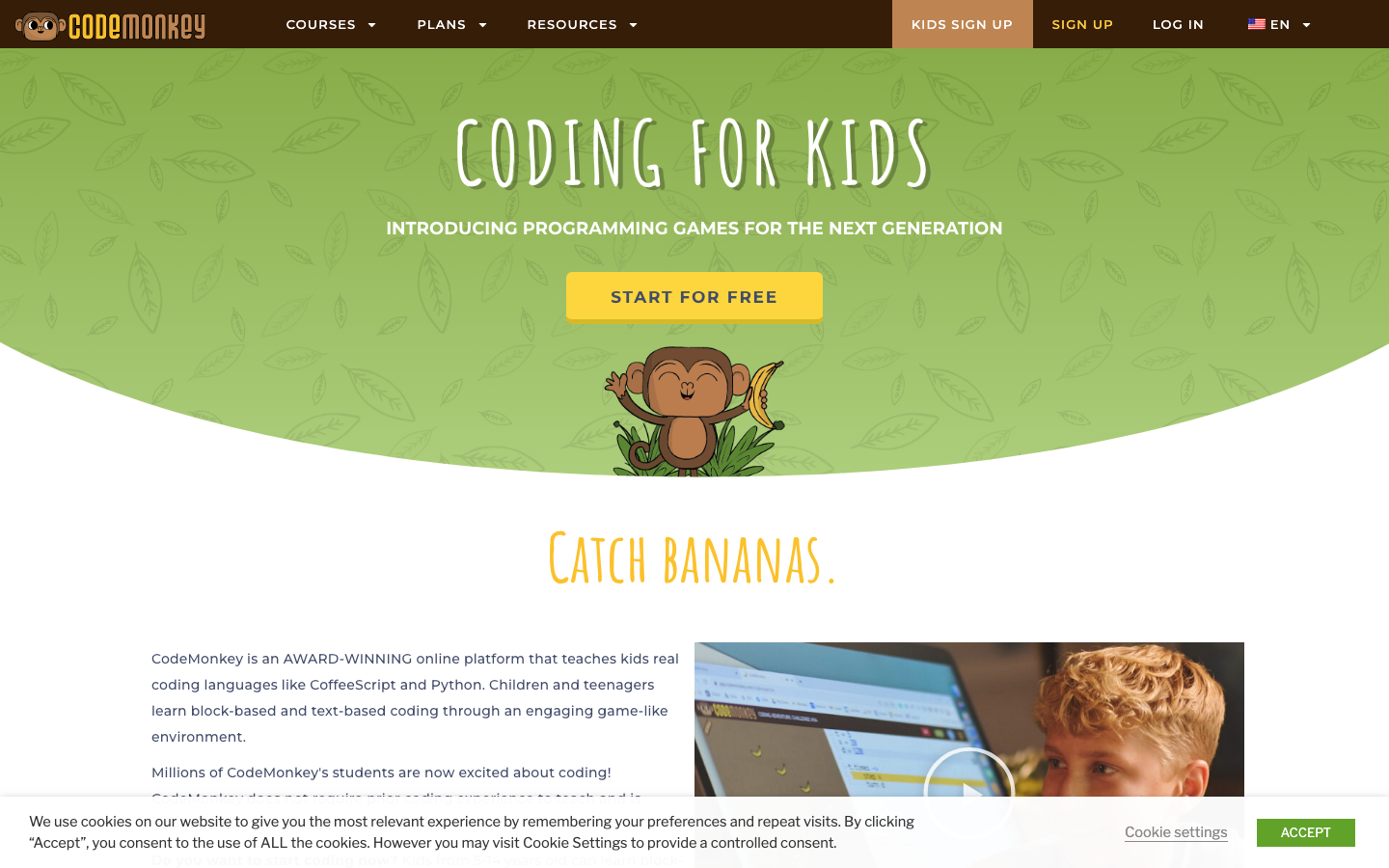
CodeMonkey
CodeMonkey is a game-based coding platform for children and teens that teaches block coding, CoffeeScript, Python, problem solving, and game creation for home, clubs, and schools.
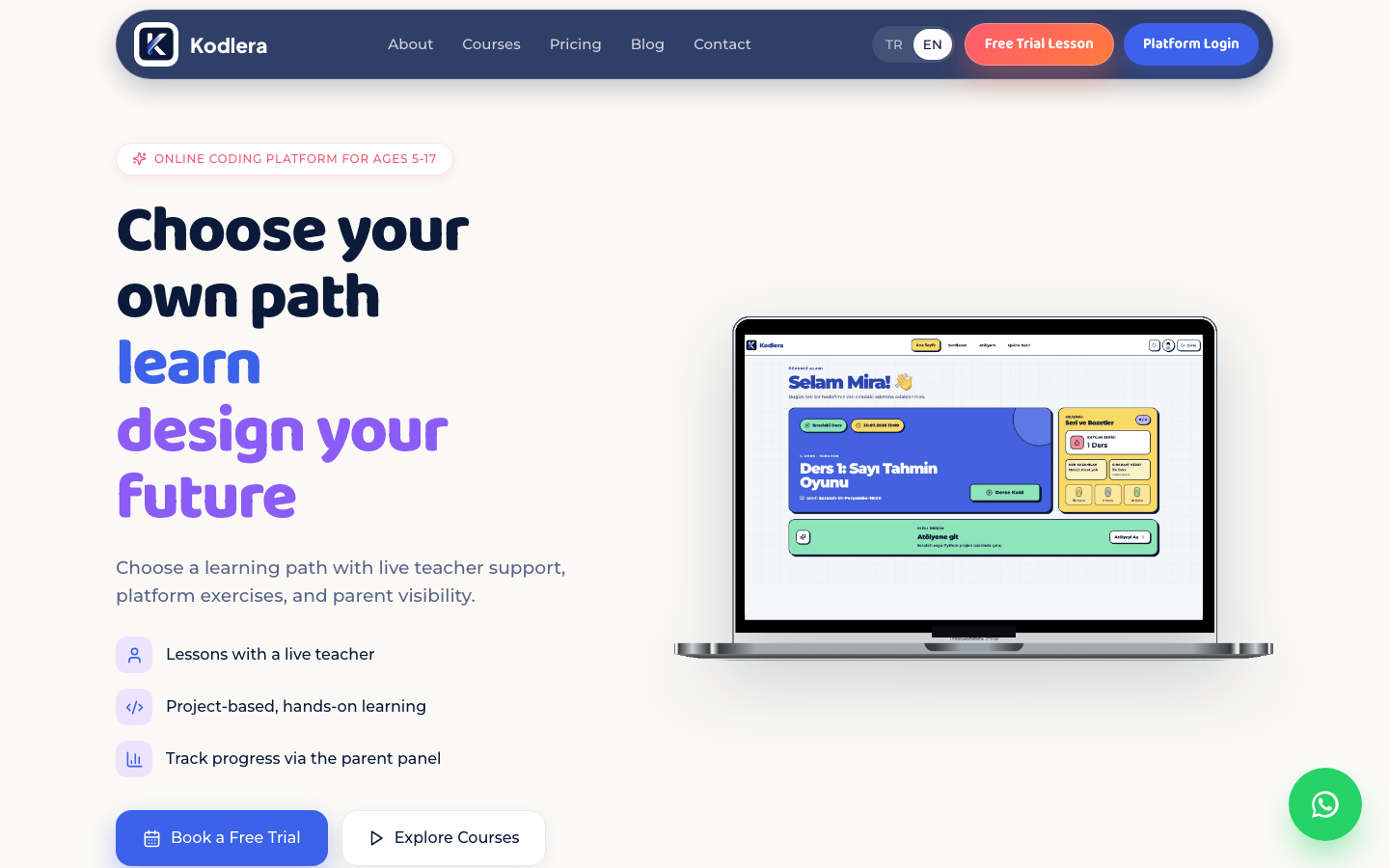
Kodlera Creative Coding Platform
Kodlera is an online coding and technology learning platform for children and teens, with age-banded projects in ScratchJr, Scratch, Minecraft Education, Python, web development, and other creative technologies.
Compare with context
Use this collection to find a direction, then open each resource page before sharing it with a child. The individual review shows languages, access formats, tags, age guidance, source links, and notes for grown-ups.
Search the full directory →