Coding Logic
for kids
Explore 10 trusted coding logic resources selected for curious kids, with clear ages, access details, and parent context.
Two useful ways to narrow the directory
This page brings together coding resources that also match logic. Each listing keeps its own age range, platform details, languages, links, and parent notes, so you can compare options without losing context.
Explore all coding resources →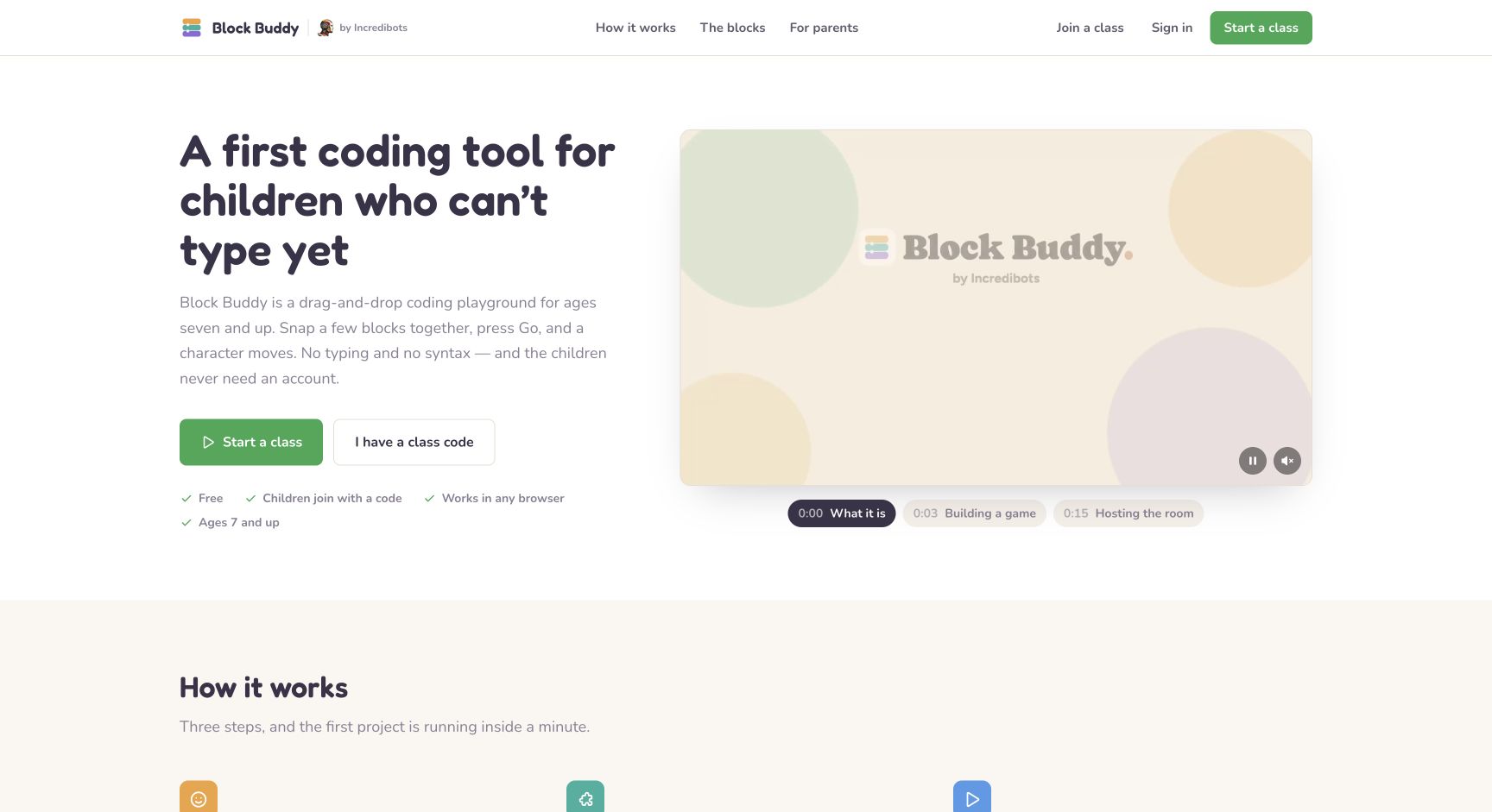
Block Buddy
A free block-coding playground where children build small games and learn loops, variables, and logic.
Read the full resource review →More coding picks
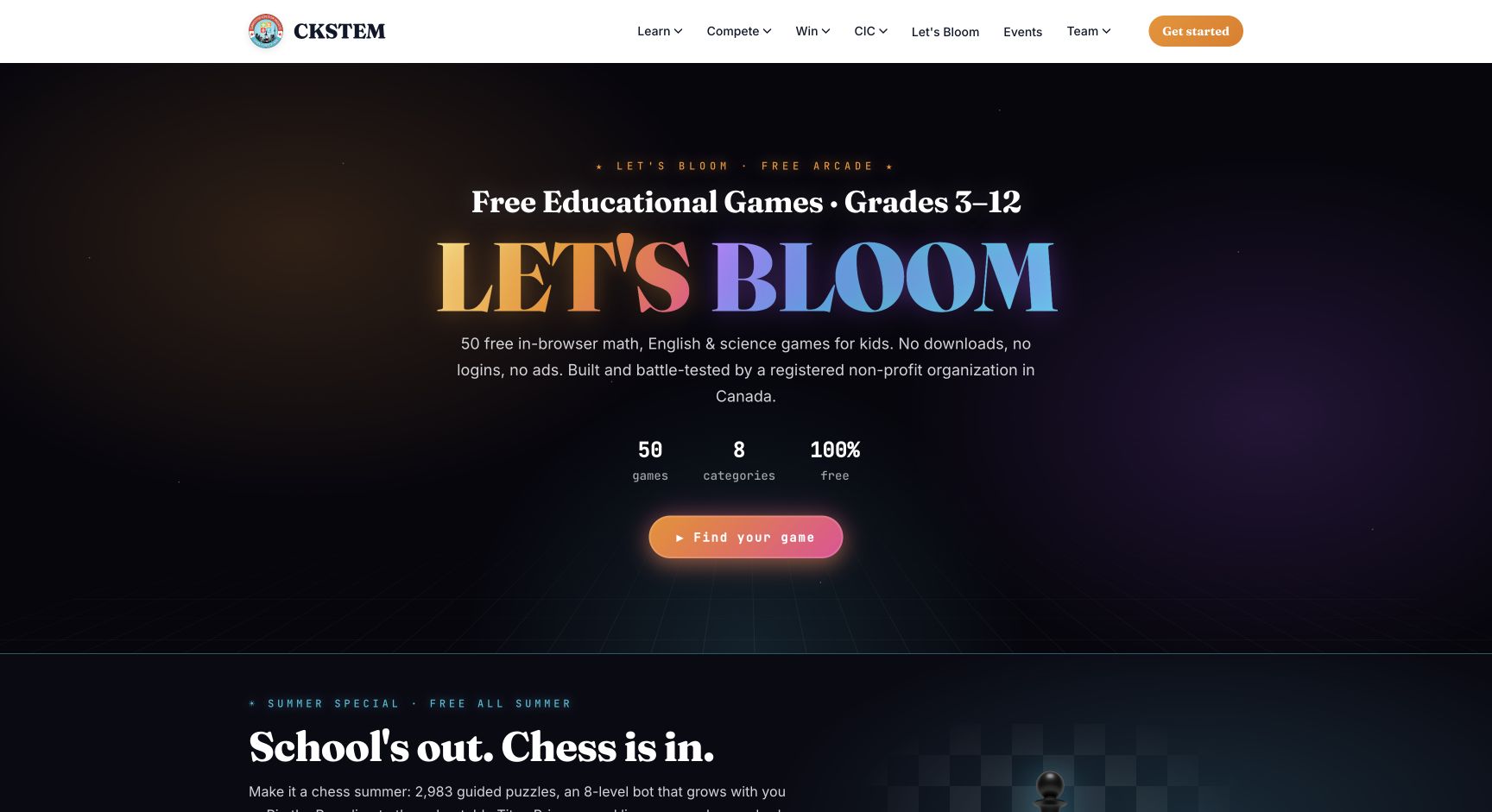
CKSTEM Let’s Bloom
Fifty free in-browser math, English, science, and strategy games for grades 3-12 from a Canadian non-profit.
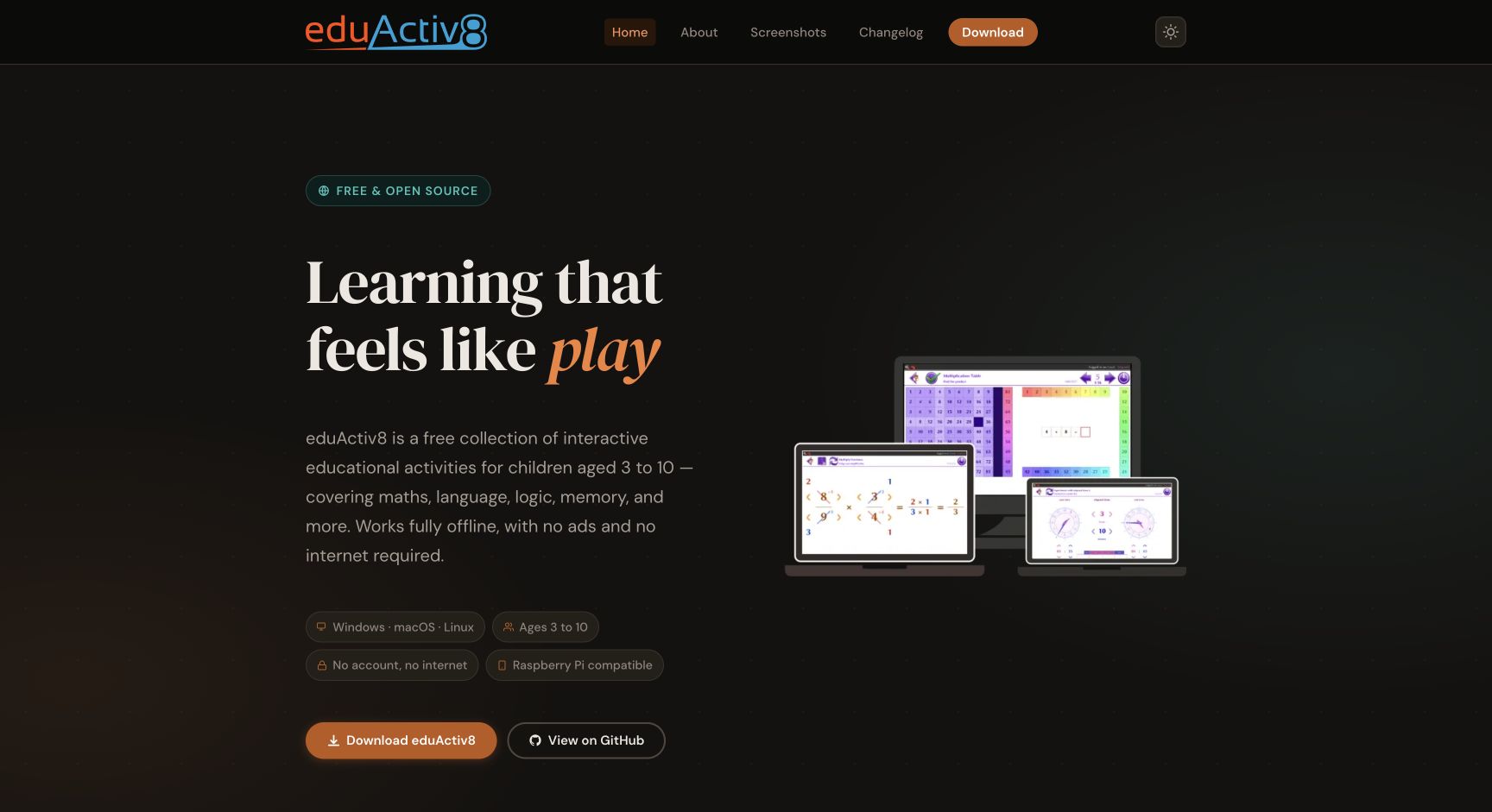
eduActiv8
Free open-source educational activities for ages 3–10, covering math, language, logic, memory, and more.
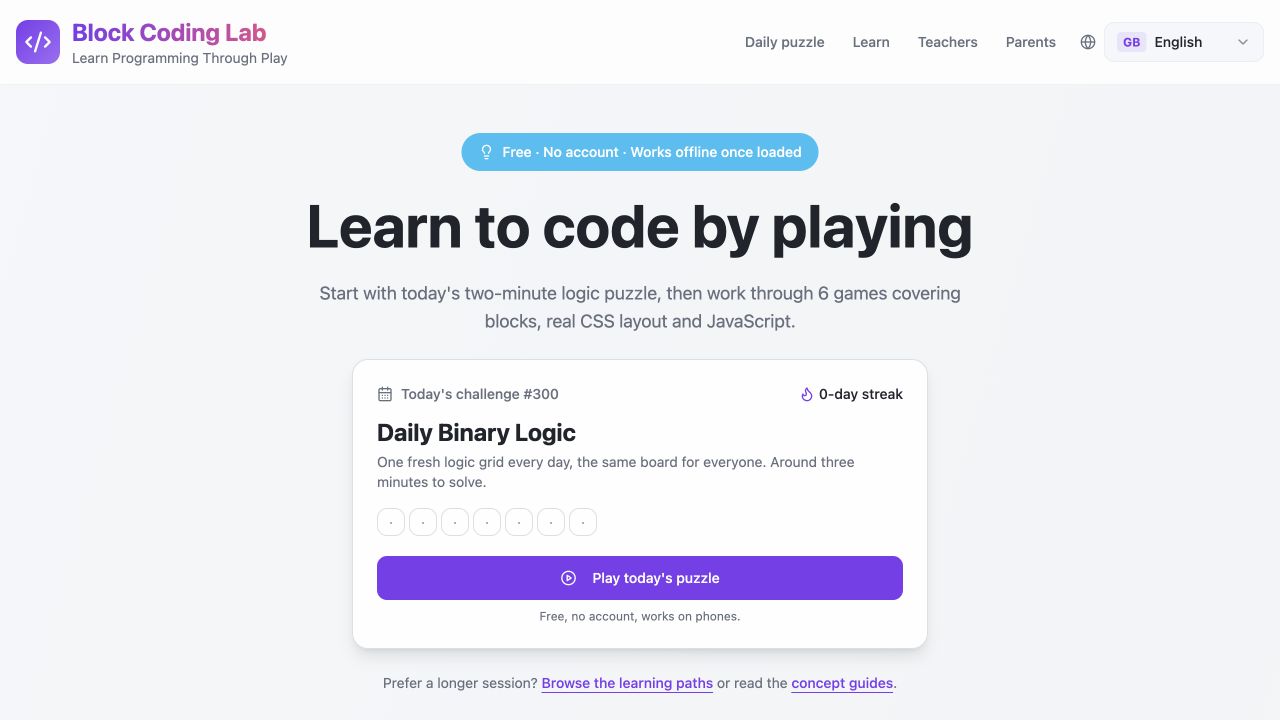
Block Coding Lab
Free interactive programming games that teach sequences, loops, logic, CSS, JavaScript, and procedural drawing through browser puzzles and learning paths.
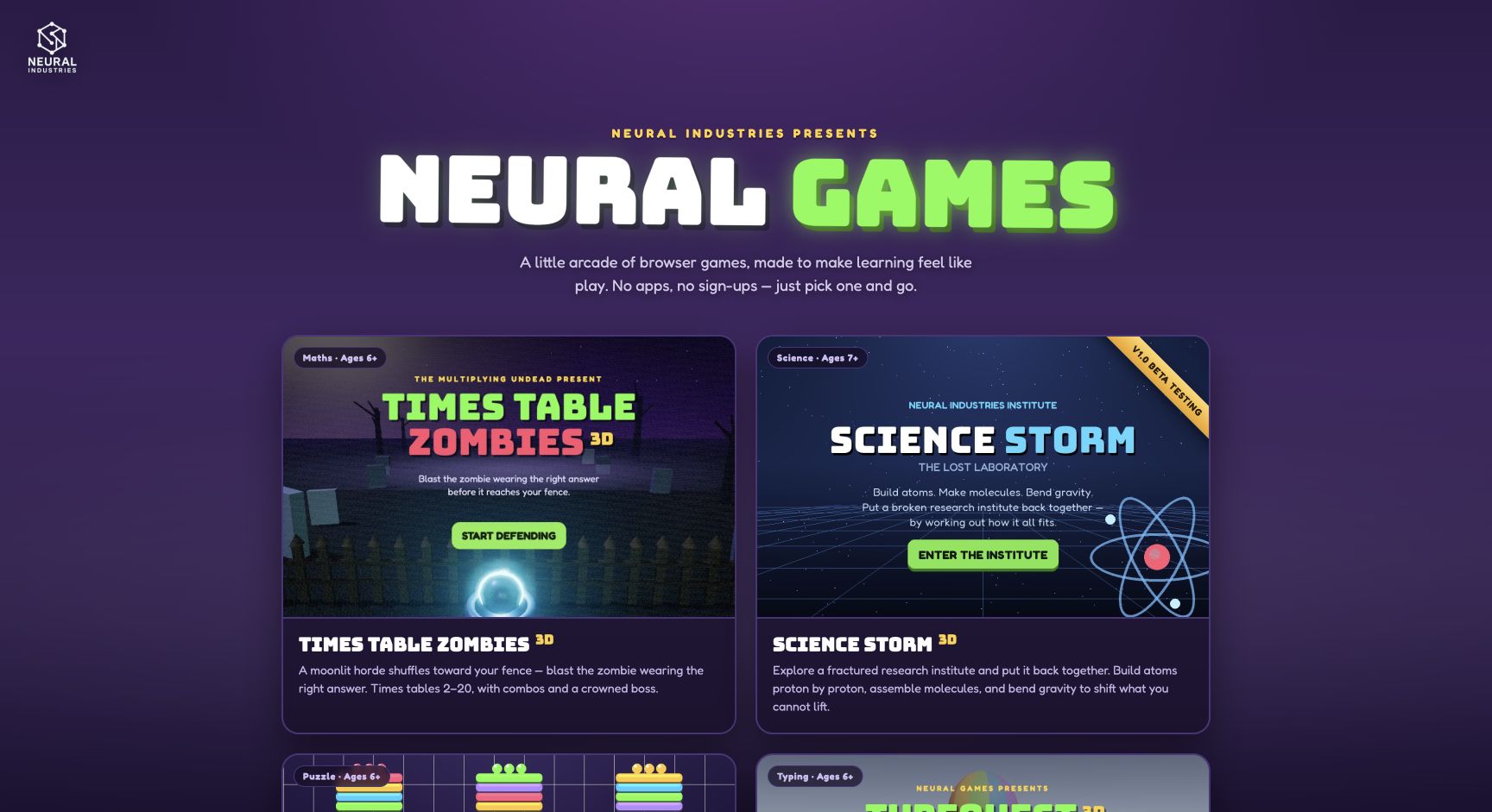
Neural Games
Neural Games is a free browser arcade with learning games for times tables, chemistry and physics, typing, and visual sorting, designed for ages 6 and up.
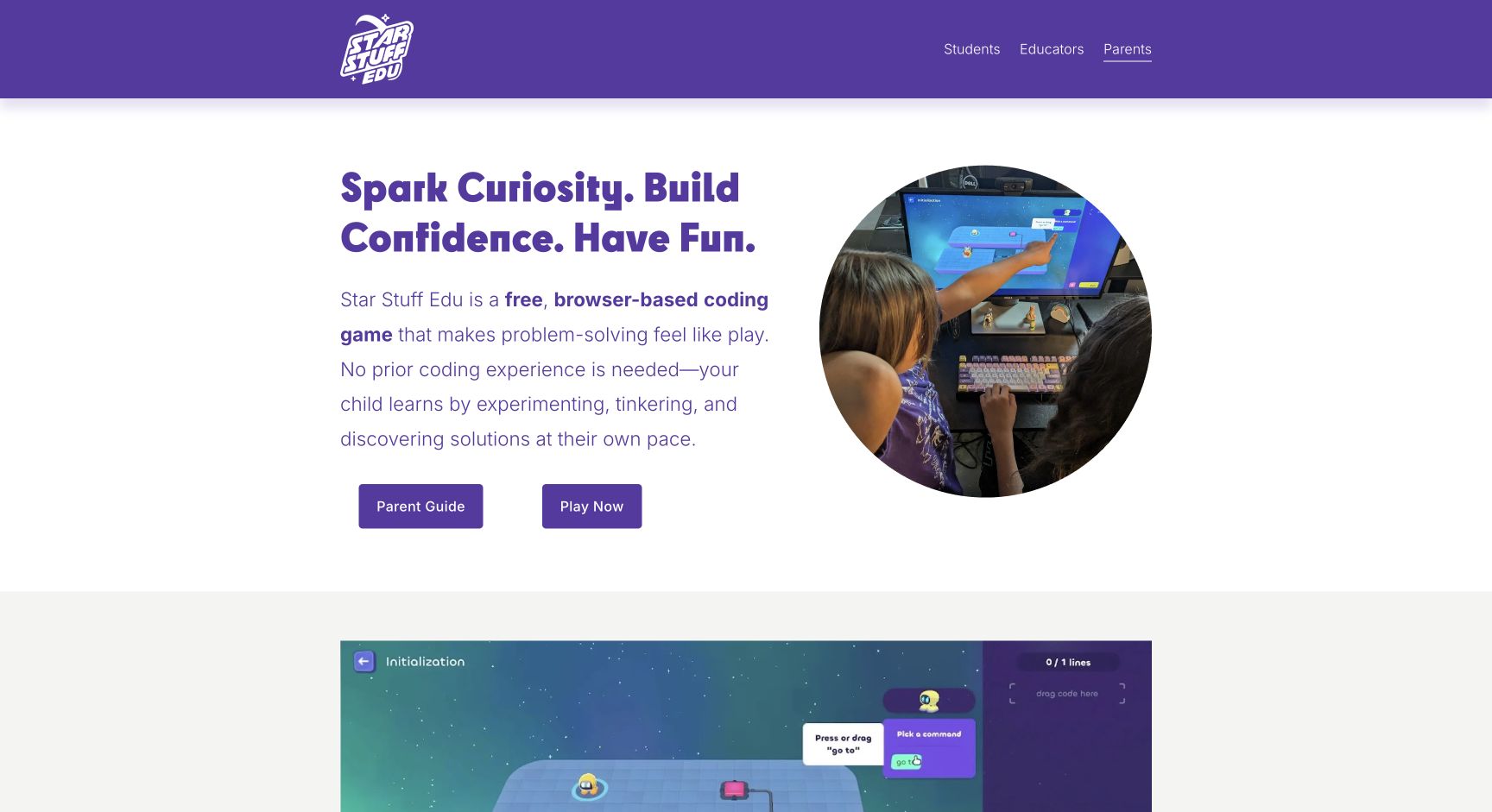
Star Stuff Edu
A free browser coding game that builds sequencing, pattern, loop, and problem-solving skills.
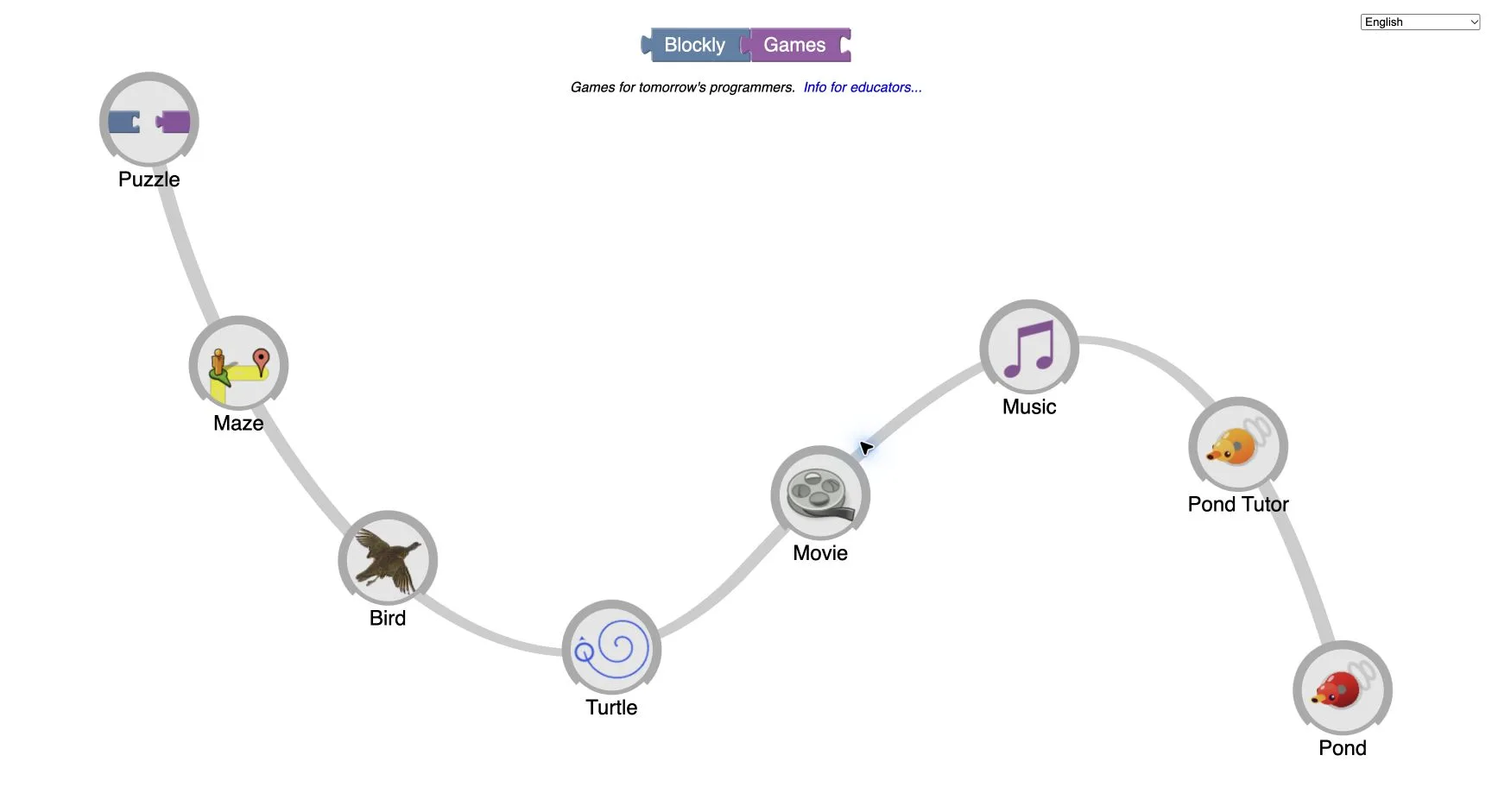
Blockly Games
A sequence of browser games that introduce programming logic through visual blocks.
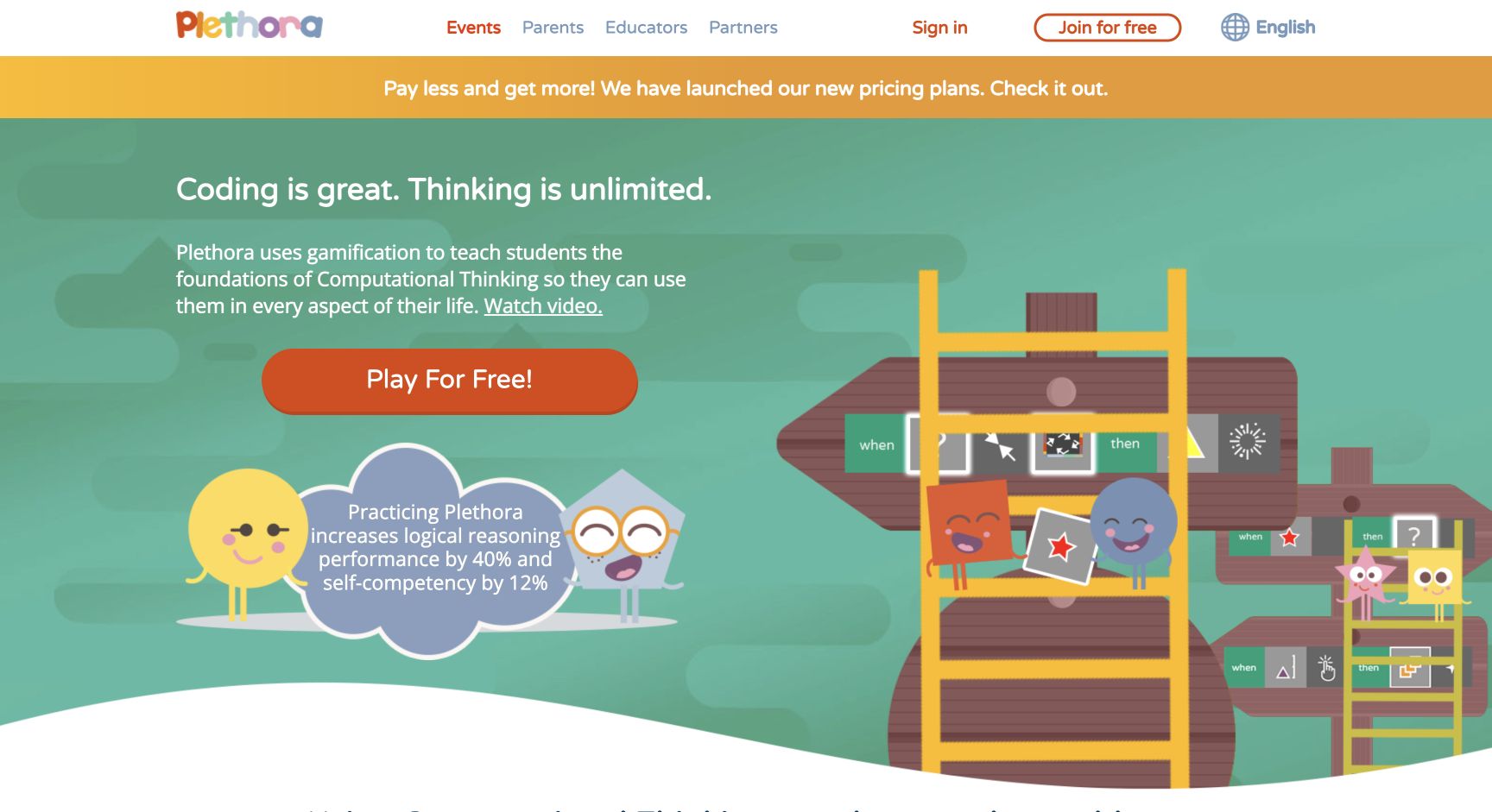
Plethora
Plethora uses game-based challenges to teach computational thinking, logical reasoning, problem solving, and computer-science foundations without requiring prior coding.
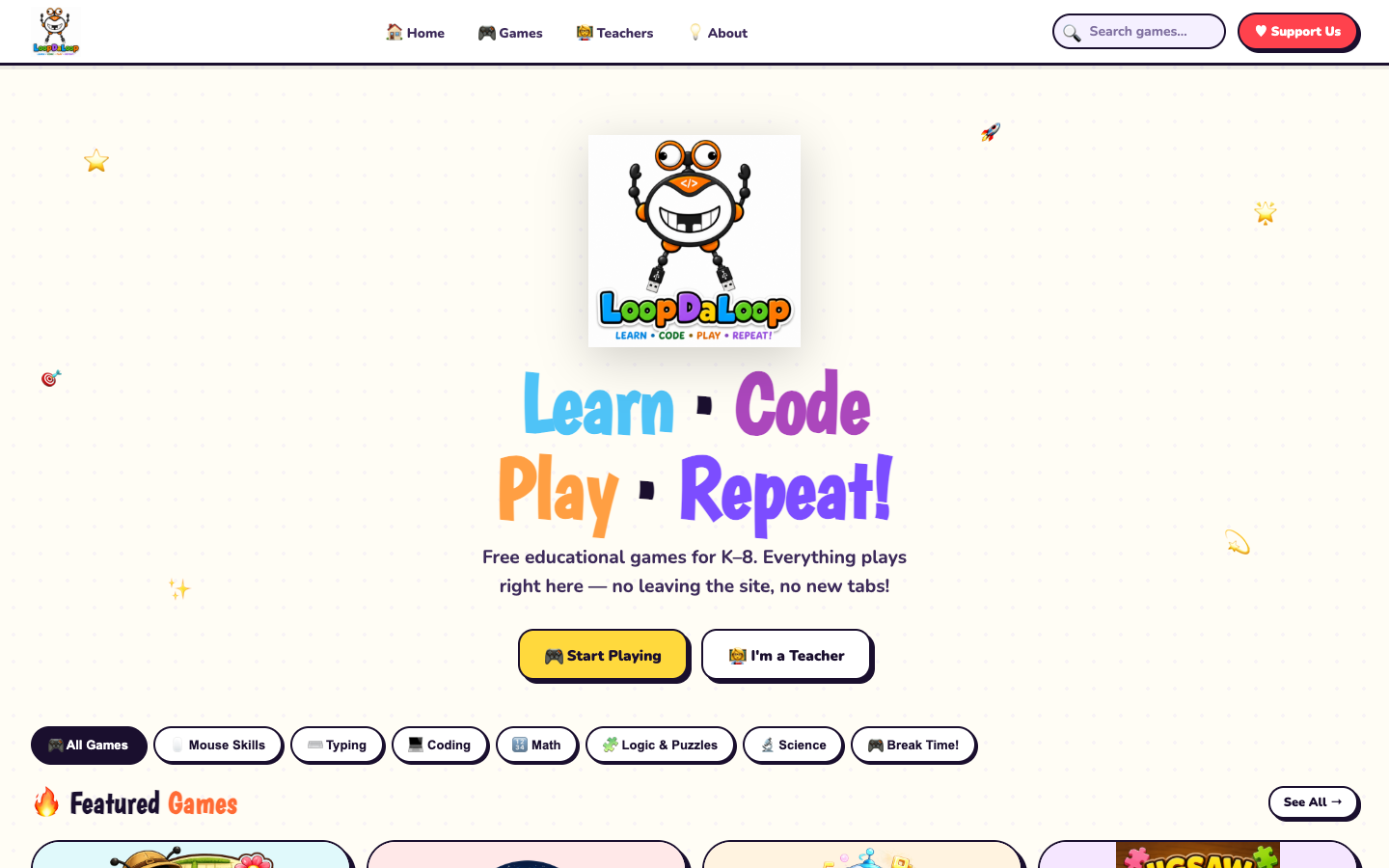
LoopDaLoop
LoopDaLoop is a community-funded collection of free coding and logic games for children from kindergarten through grade 8, with no accounts or tracking cookies.
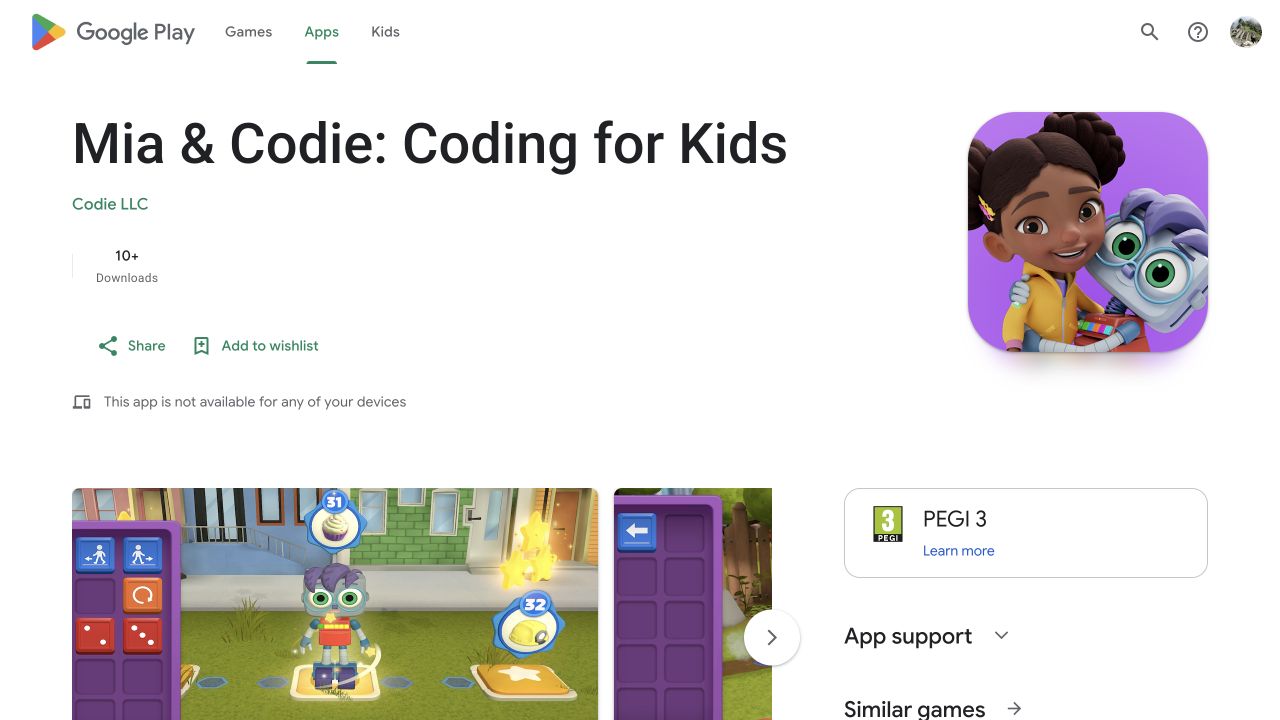
Mia & Codie: Coding for Kids
Mia & Codie combines short story episodes with visible sequencing and coding challenges so young children can explore computational thinking, early logic, patterns, and creative problem-solving without needing to read independently.
Compare with context
Use this collection to find a direction, then open each resource page before sharing it with a child. The individual review shows languages, access formats, tags, age guidance, source links, and notes for grown-ups.
Search the full directory →