Coding desktop apps
for kids
Explore 10 trusted coding desktop apps selected for curious kids, with clear ages, access details, and parent context.
Two useful ways to narrow the directory
This page brings together coding resources that also match desktop apps. Each listing keeps its own age range, platform details, languages, links, and parent notes, so you can compare options without losing context.
Explore all coding resources →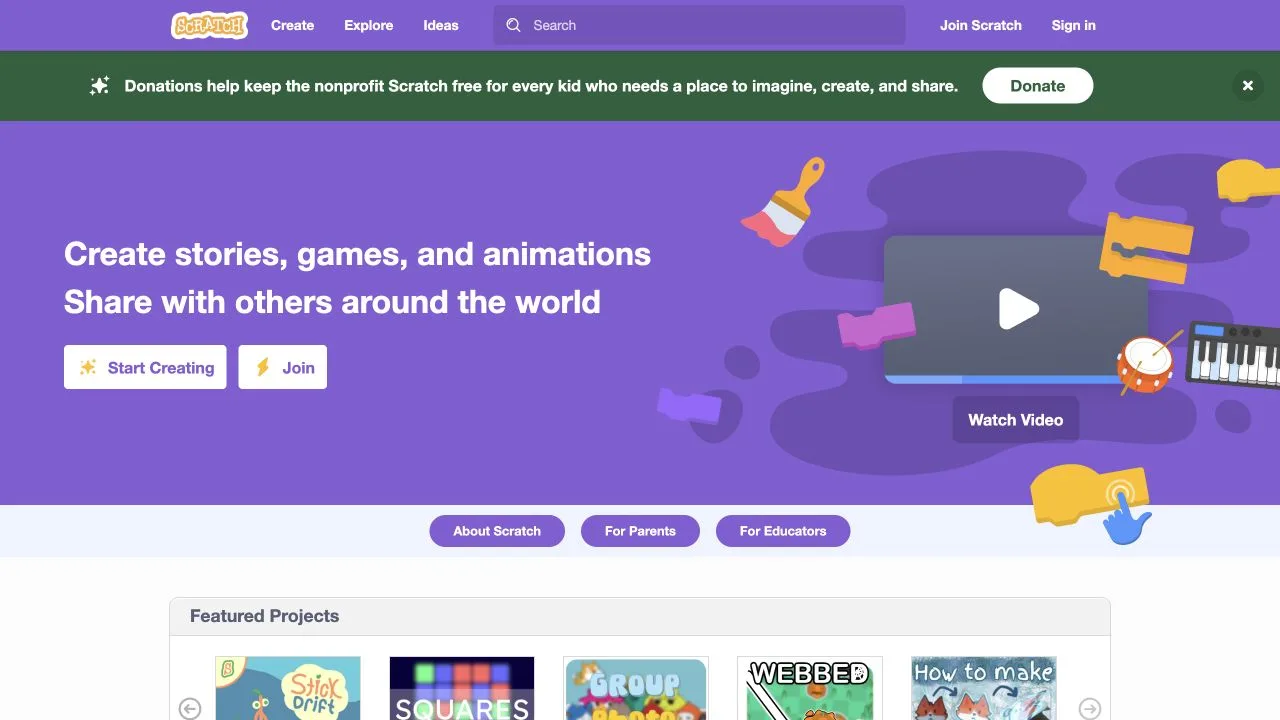
Scratch
A playful coding community where kids create stories, games, and animations.
Read the full resource review →More coding picks
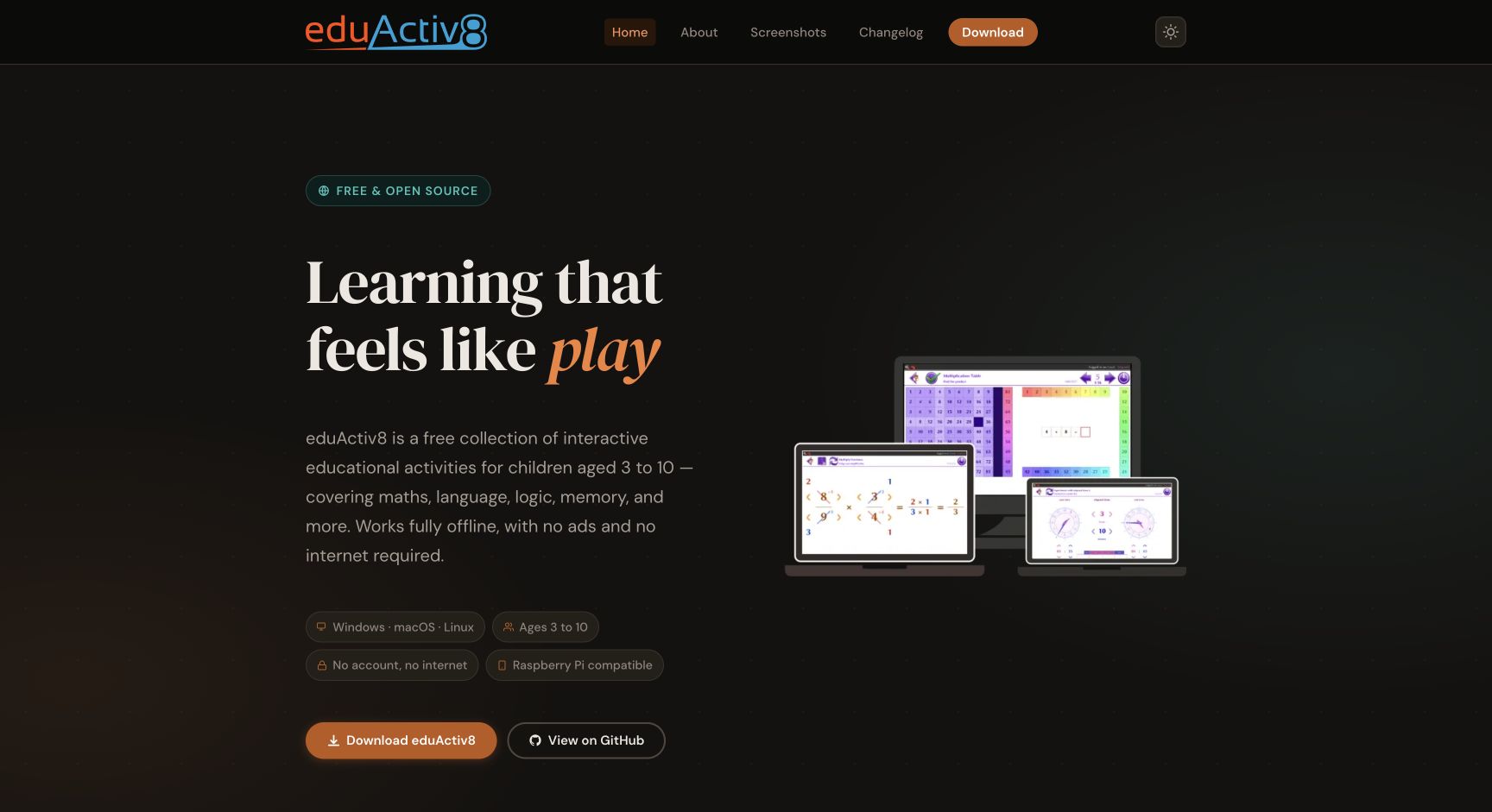
eduActiv8
Free open-source educational activities for ages 3–10, covering math, language, logic, memory, and more.
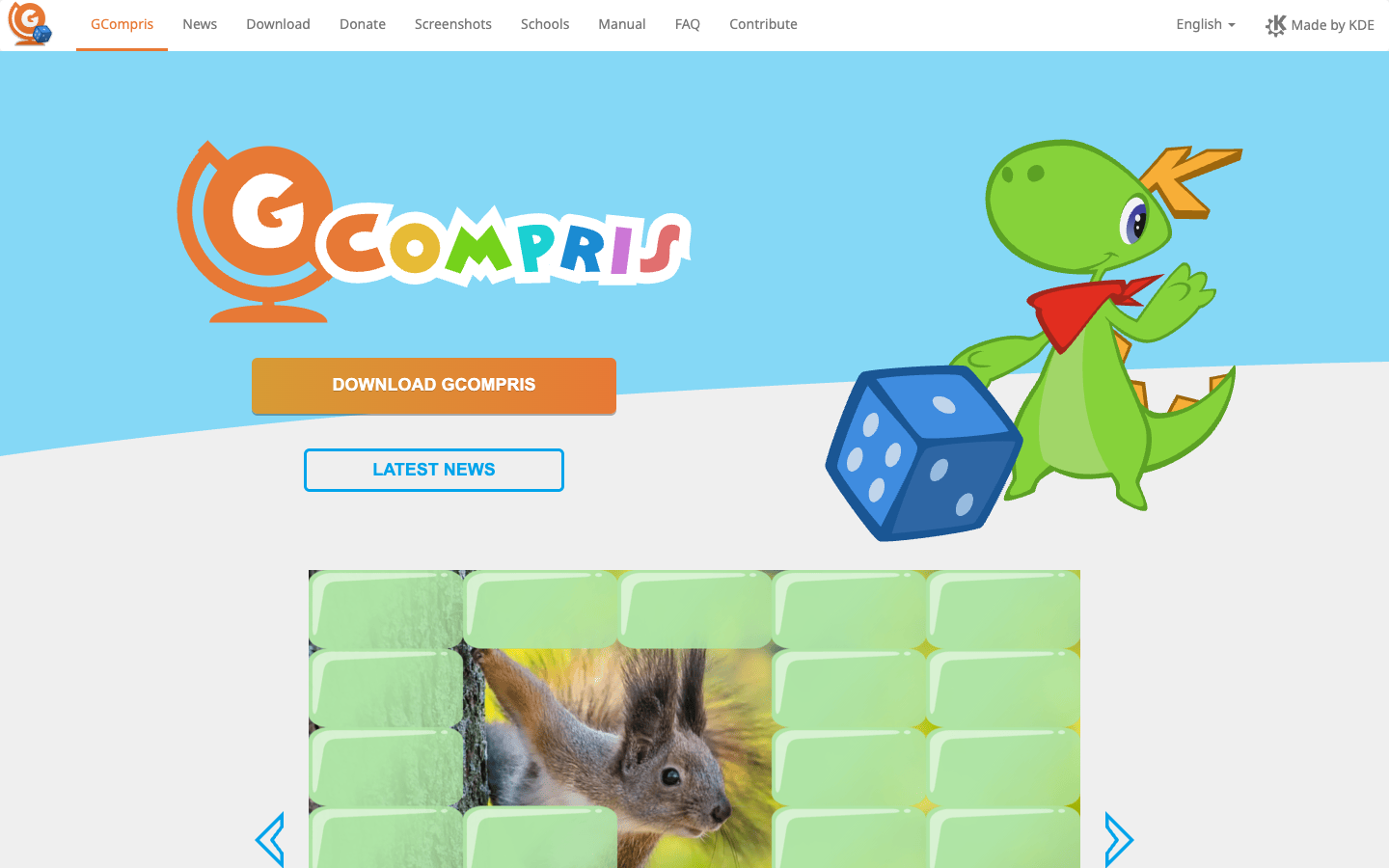
GCompris
A free educational software suite with more than 100 activities for young children, including computer discovery, reading, arithmetic, science, geography, and games.
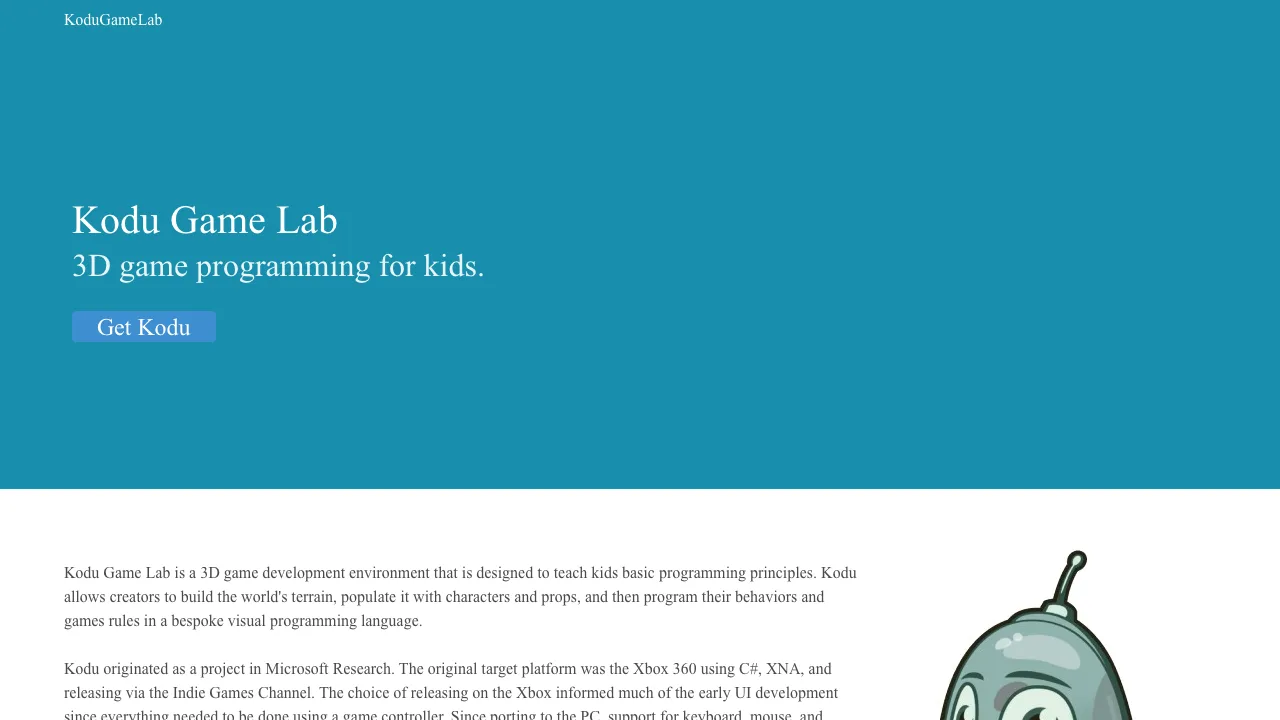
Kodu Game Lab
A visual game-making environment for children to build 3D worlds, stories, and games with simple programming tiles.
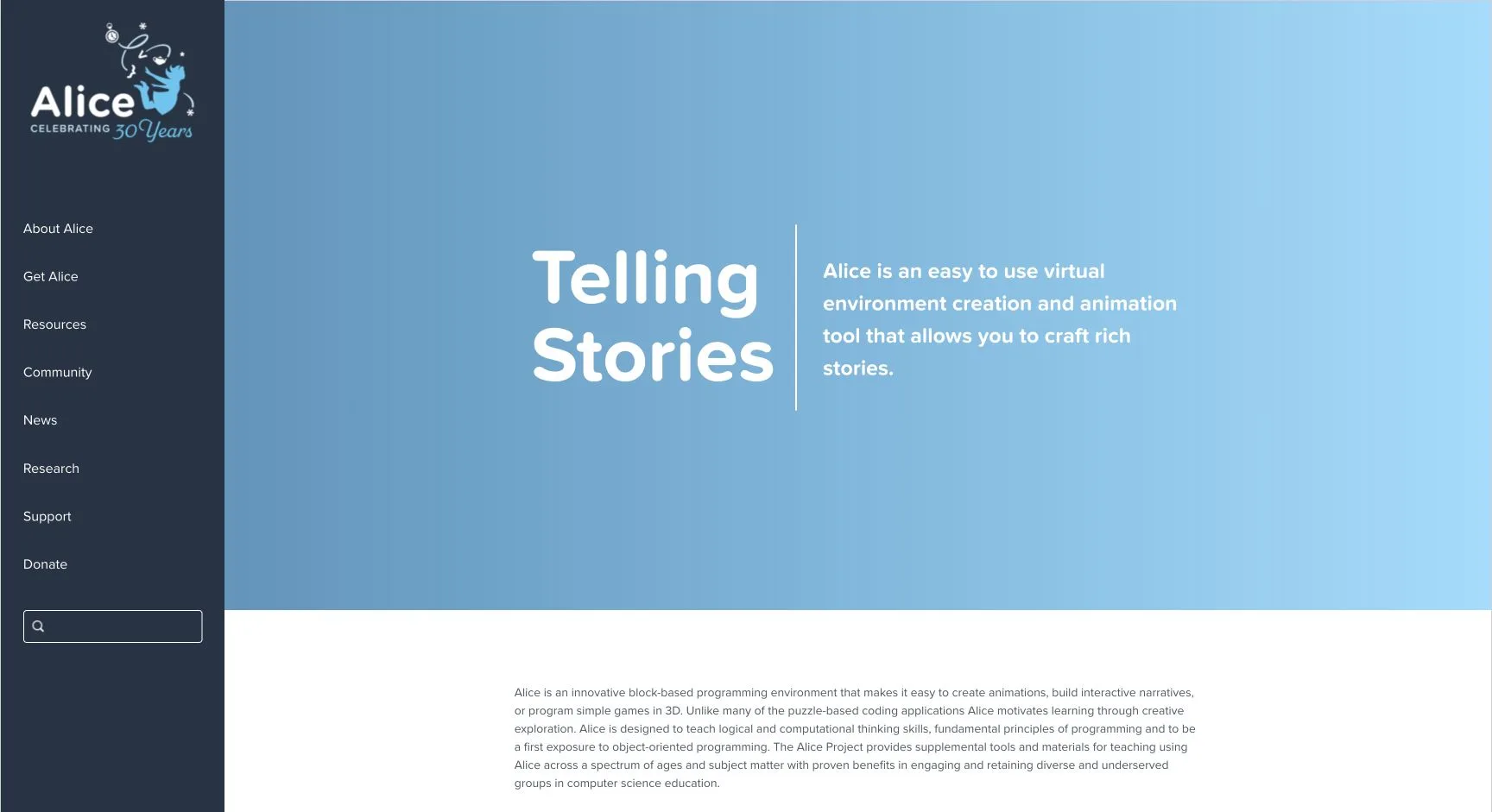
Alice
A creative programming environment for building 3D stories, animations, and games while learning computational thinking and object-oriented programming.
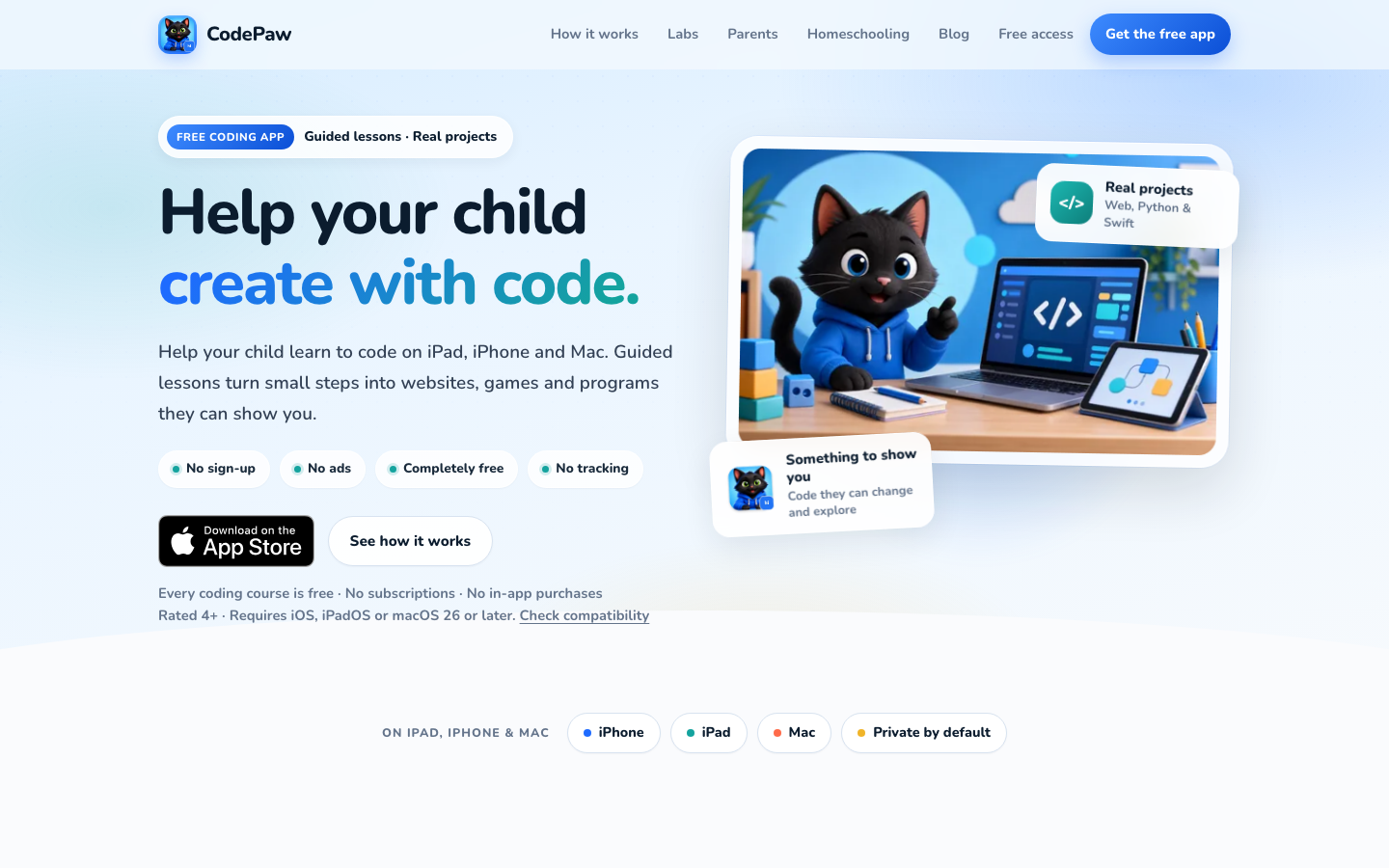
CodePaw
A free coding app for iPhone, iPad, and Mac with guided lessons, quizzes, labs, and projects in web development, Python, Swift, and data.
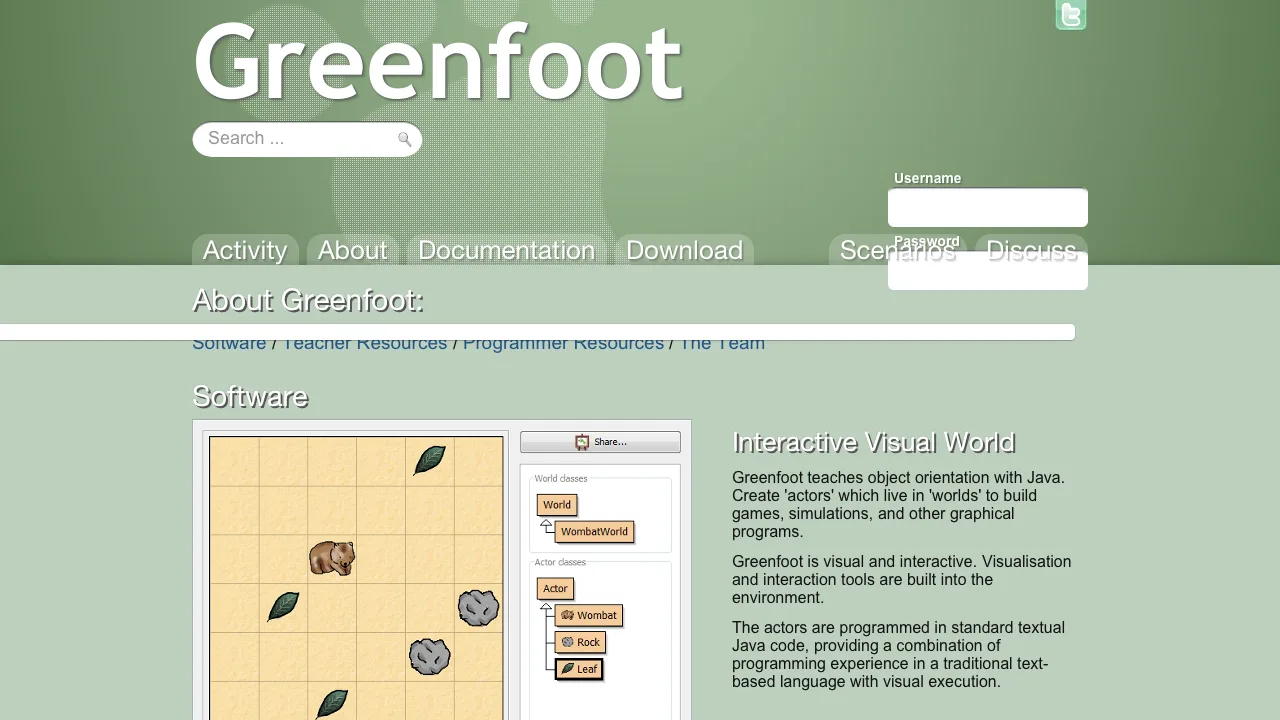
Greenfoot
A beginner-friendly programming environment where learners create games and simulations with visual worlds and real Java code.
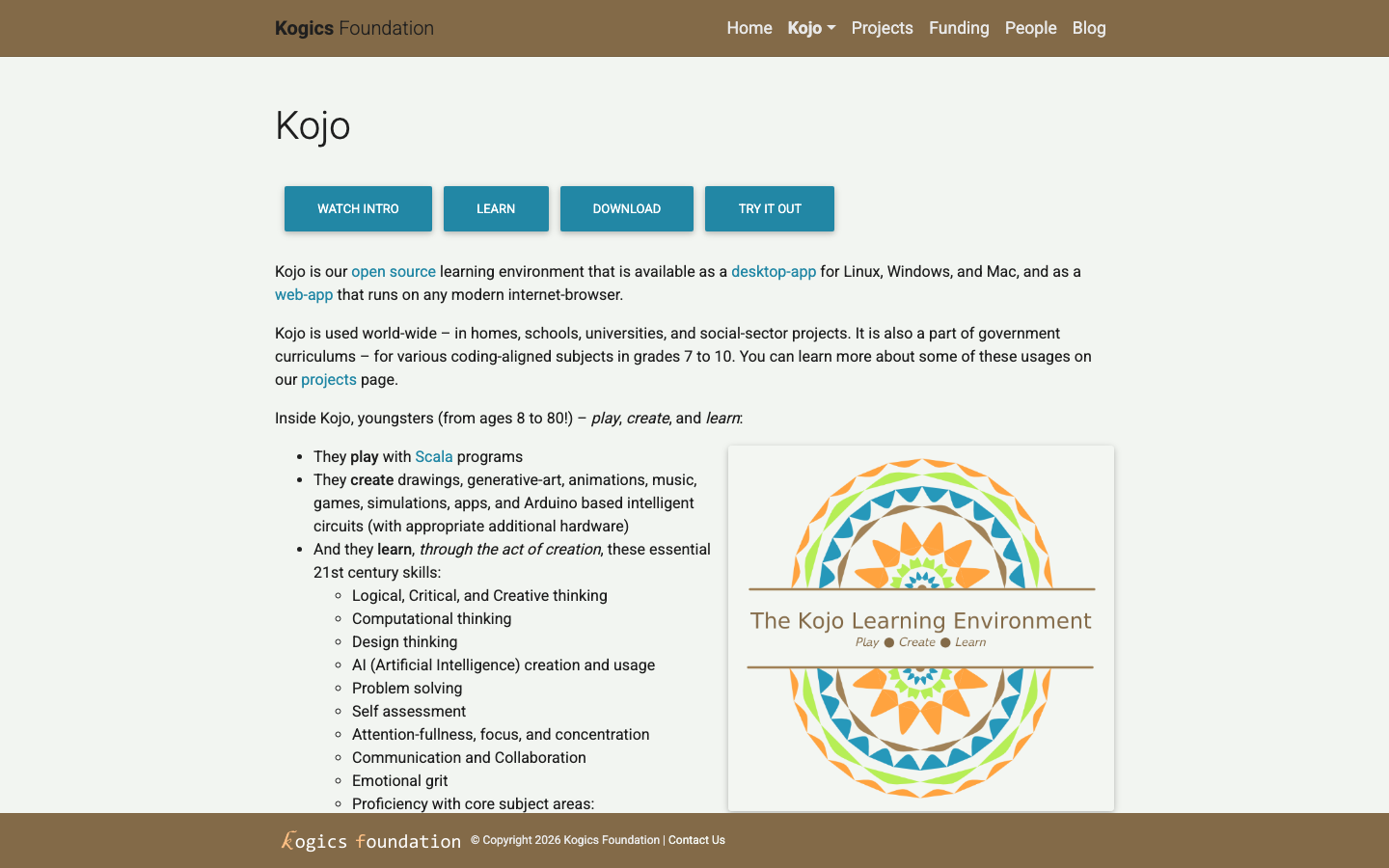
Kojo
Kojo is an open-source learning environment where young people create drawings, generative art, animations, music, games, simulations, apps, and Arduino projects while learning computational and design thinking.
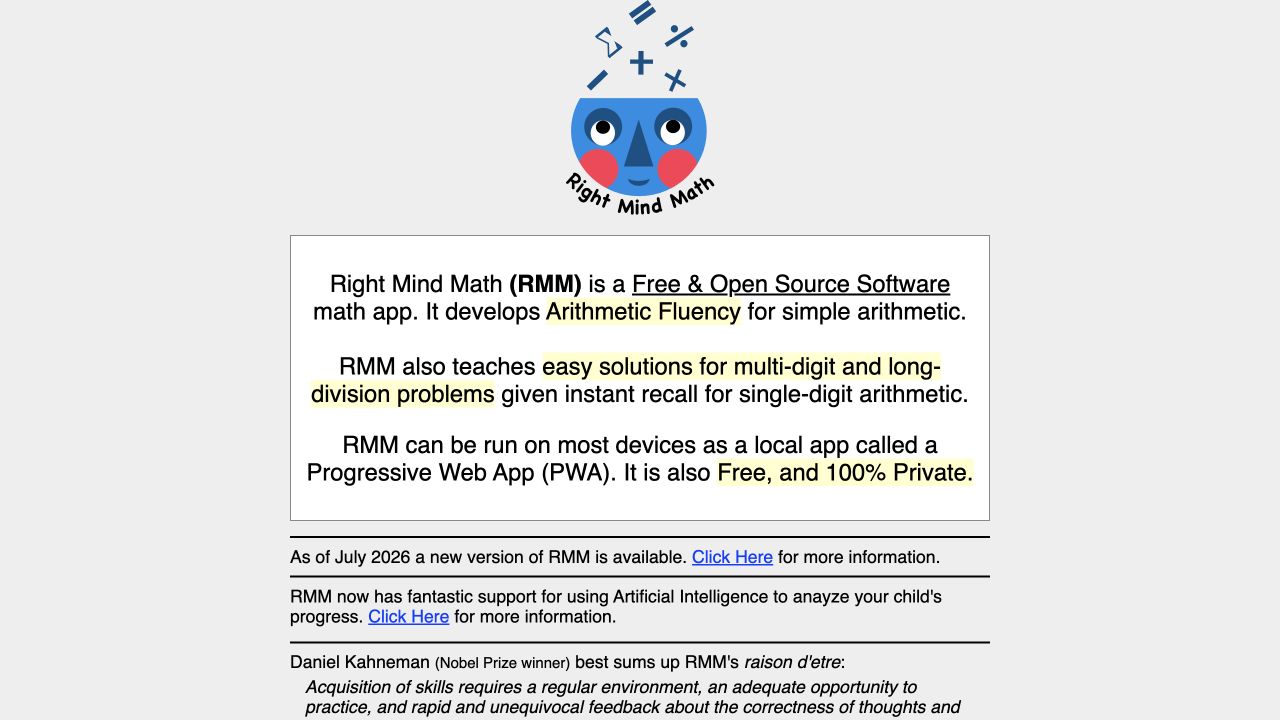
RightMindMath
RightMindMath is a free open-source progressive web app for arithmetic fluency, including number facts, multi-digit operations, and long division practice.
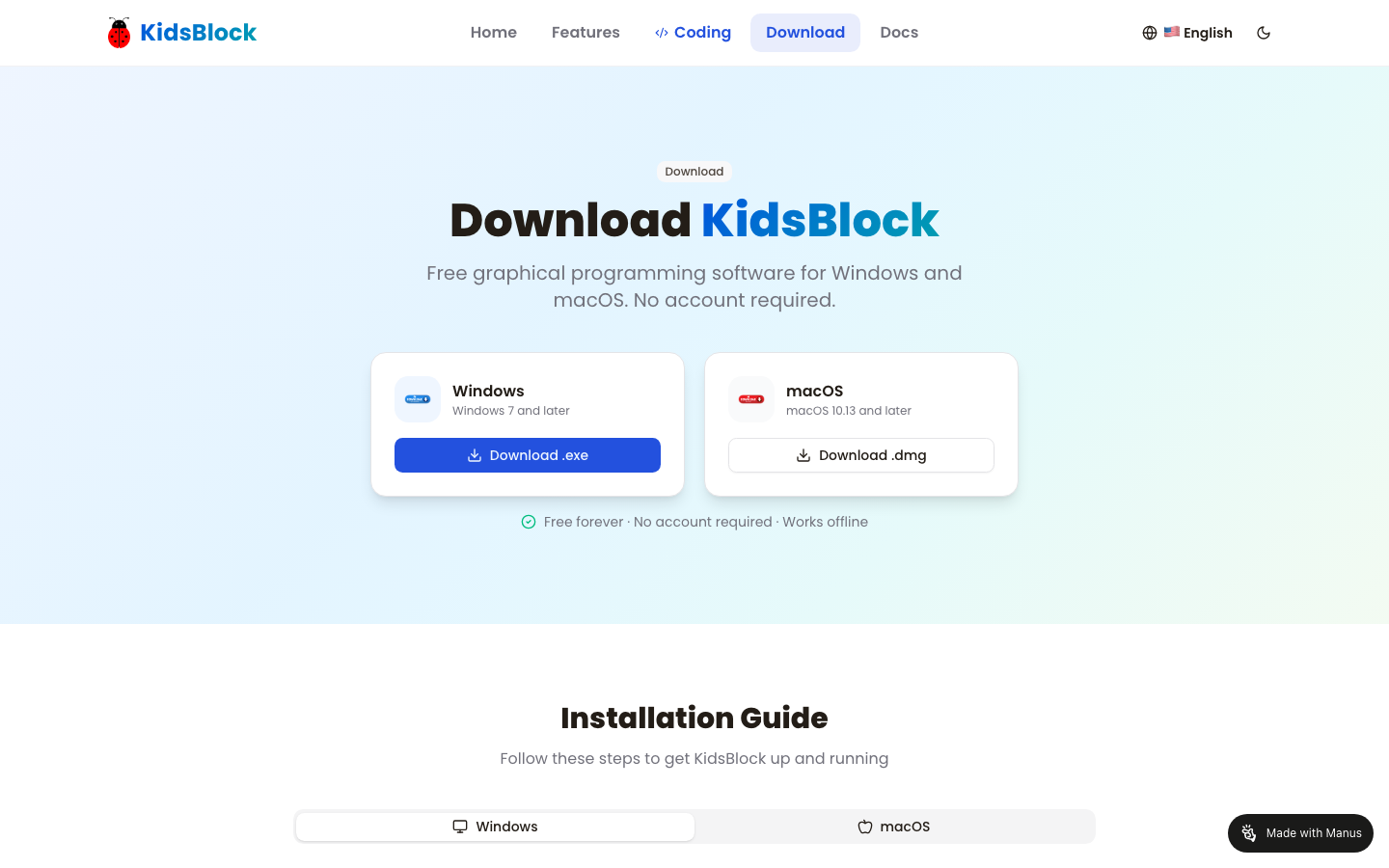
KidsBlock
KidsBlock is free graphical programming software for children, with offline desktop installers and support for Arduino, micro:bit, ESP32, Makey Makey, and other hardware.
Compare with context
Use this collection to find a direction, then open each resource page before sharing it with a child. The individual review shows languages, access formats, tags, age guidance, source links, and notes for grown-ups.
Search the full directory →