Art & creativity Coding
for kids
Explore 15 trusted art & creativity coding resources selected for curious kids, with clear ages, access details, and parent context.
Two useful ways to narrow the directory
This page brings together art & creativity resources that also match coding. Each listing keeps its own age range, platform details, languages, links, and parent notes, so you can compare options without losing context.
Explore all art & creativity resources →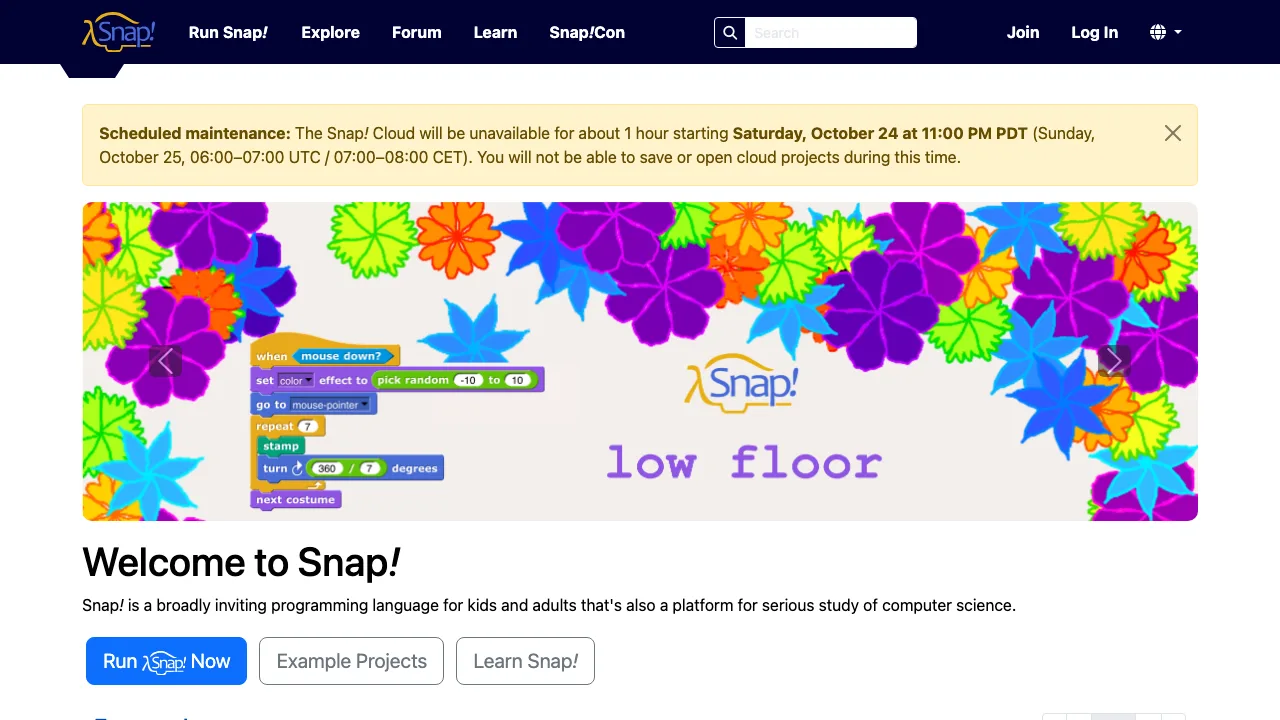
Snap!
A browser-based visual programming language that extends Scratch with custom blocks and deeper computer-science ideas.
Read the full resource review →More art & creativity picks
Alice
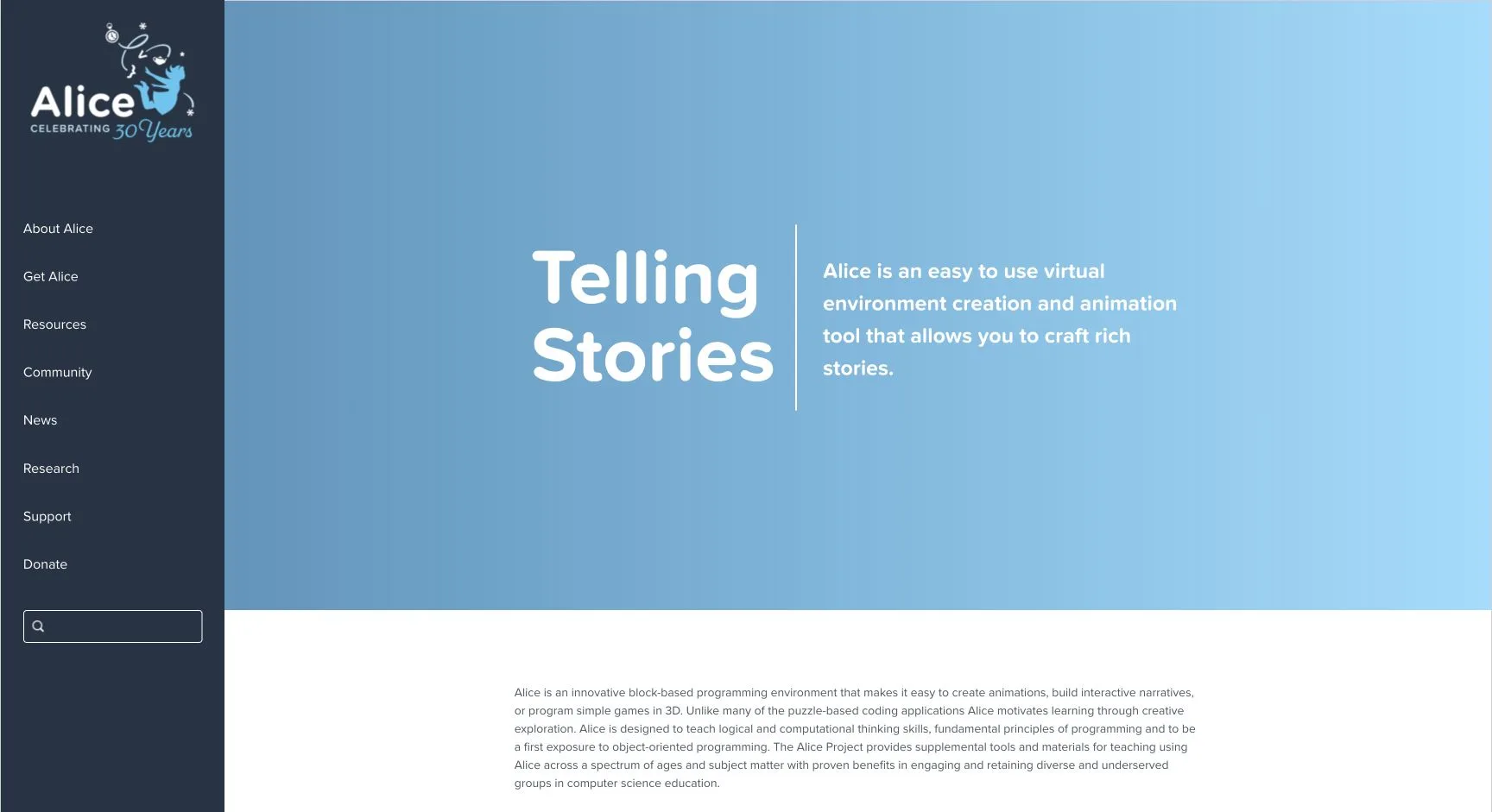
A creative programming environment for building 3D stories, animations, and games while learning computational thinking and object-oriented programming.
Code Club World
The Raspberry Pi Foundation’s free coding game hub helps children make characters, T-shirts, music, games, art, websites, and more while earning project badges.
Discovery Children's Museum Resources
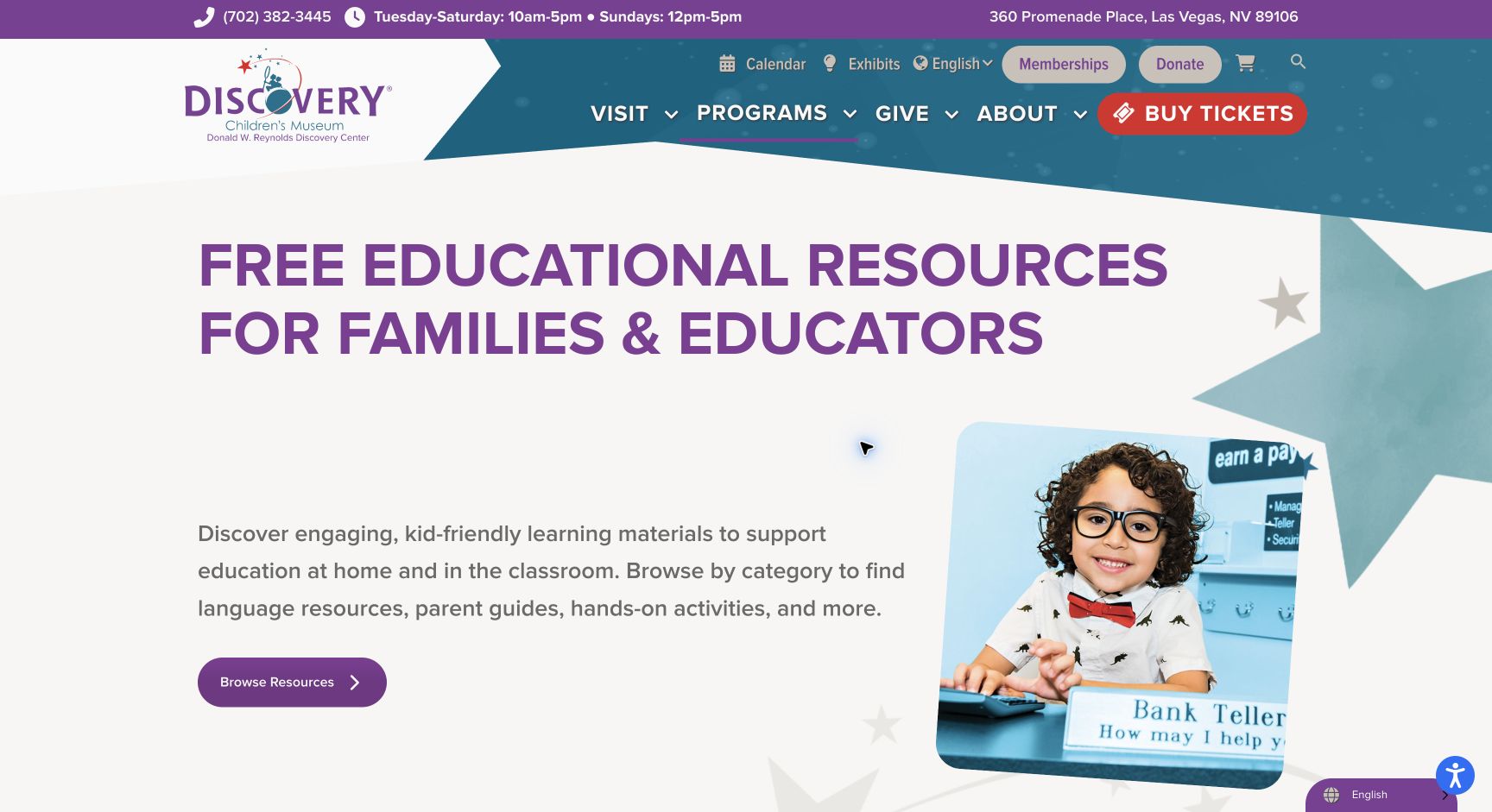
Free family and educator activities from Discovery Children's Museum, including STEM, coding, math, creative projects, books, games, and accessibility resources.
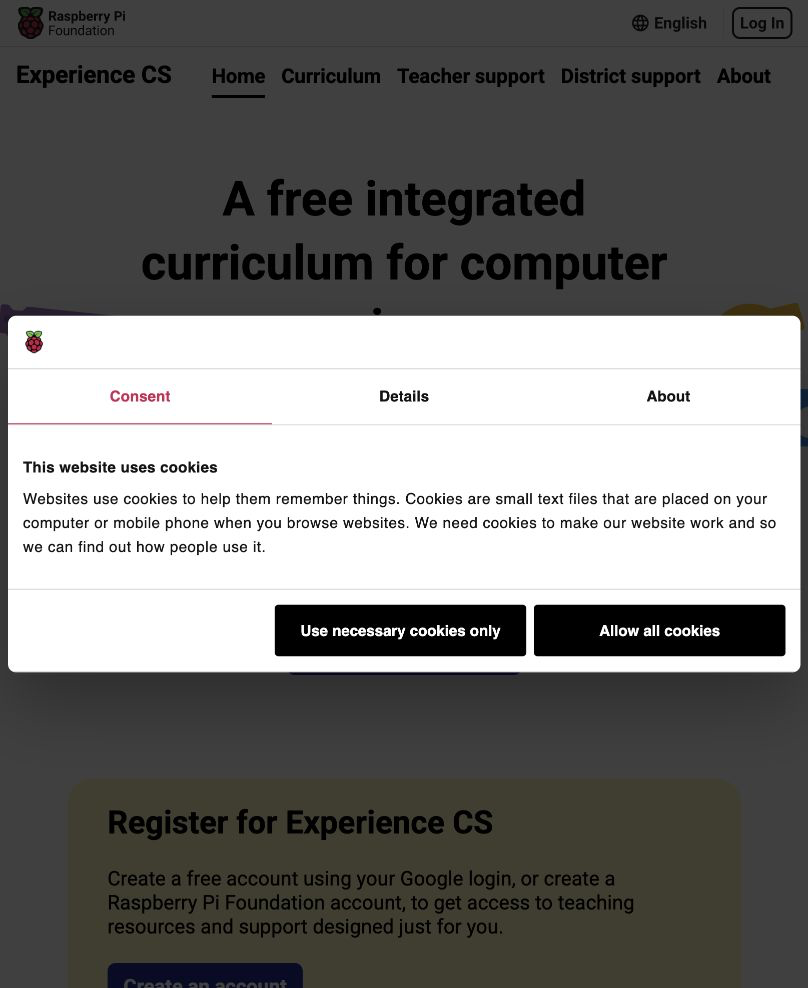
Experience CS
A free integrated computer-science curriculum for grades 3–8 with cross-curricular units, teacher support, and English, Spanish, and French access.
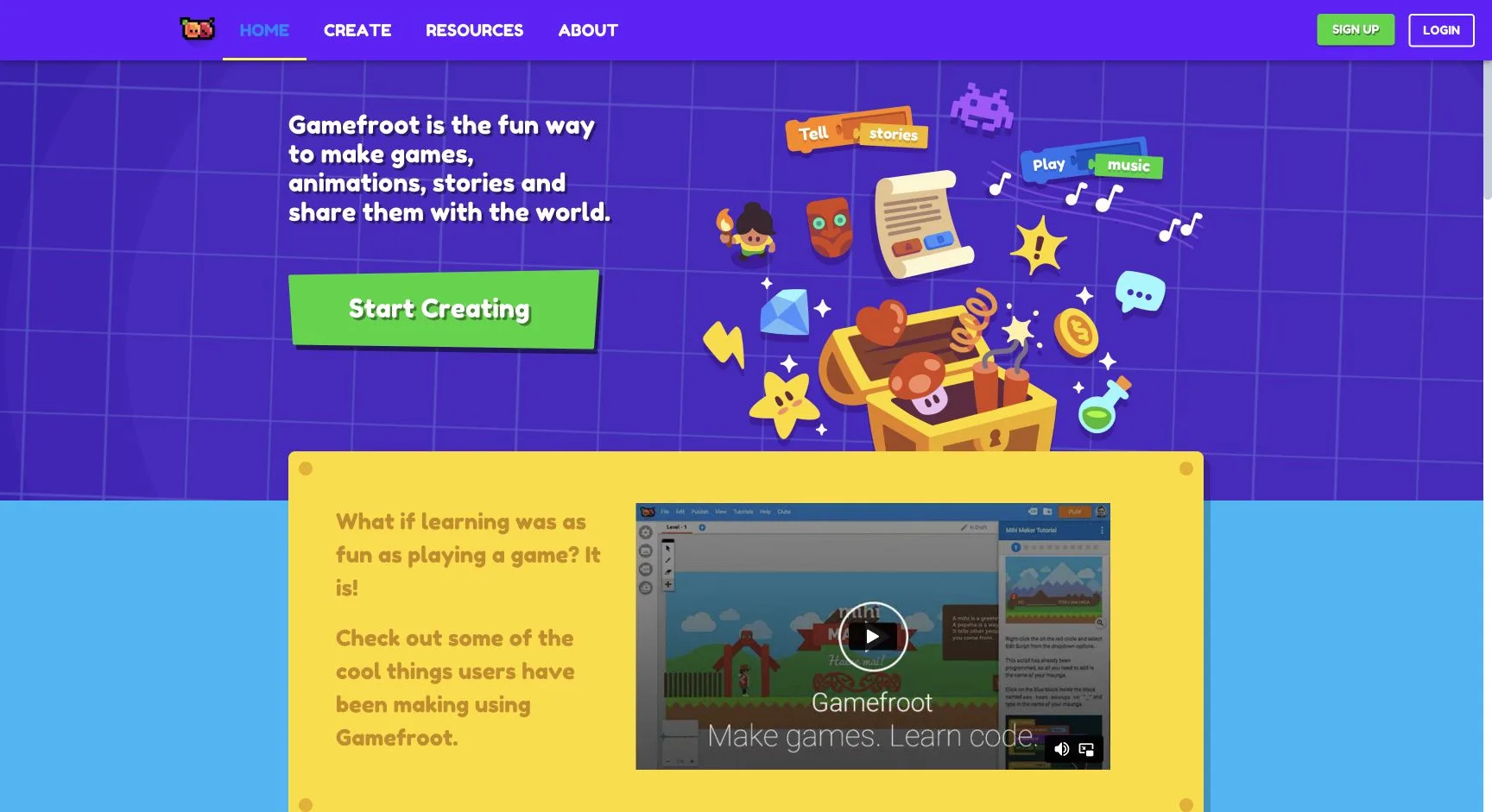
Gamefroot
A browser-based game-making platform with visual coding, tutorials, interactive stories, animations, and game-design learning.
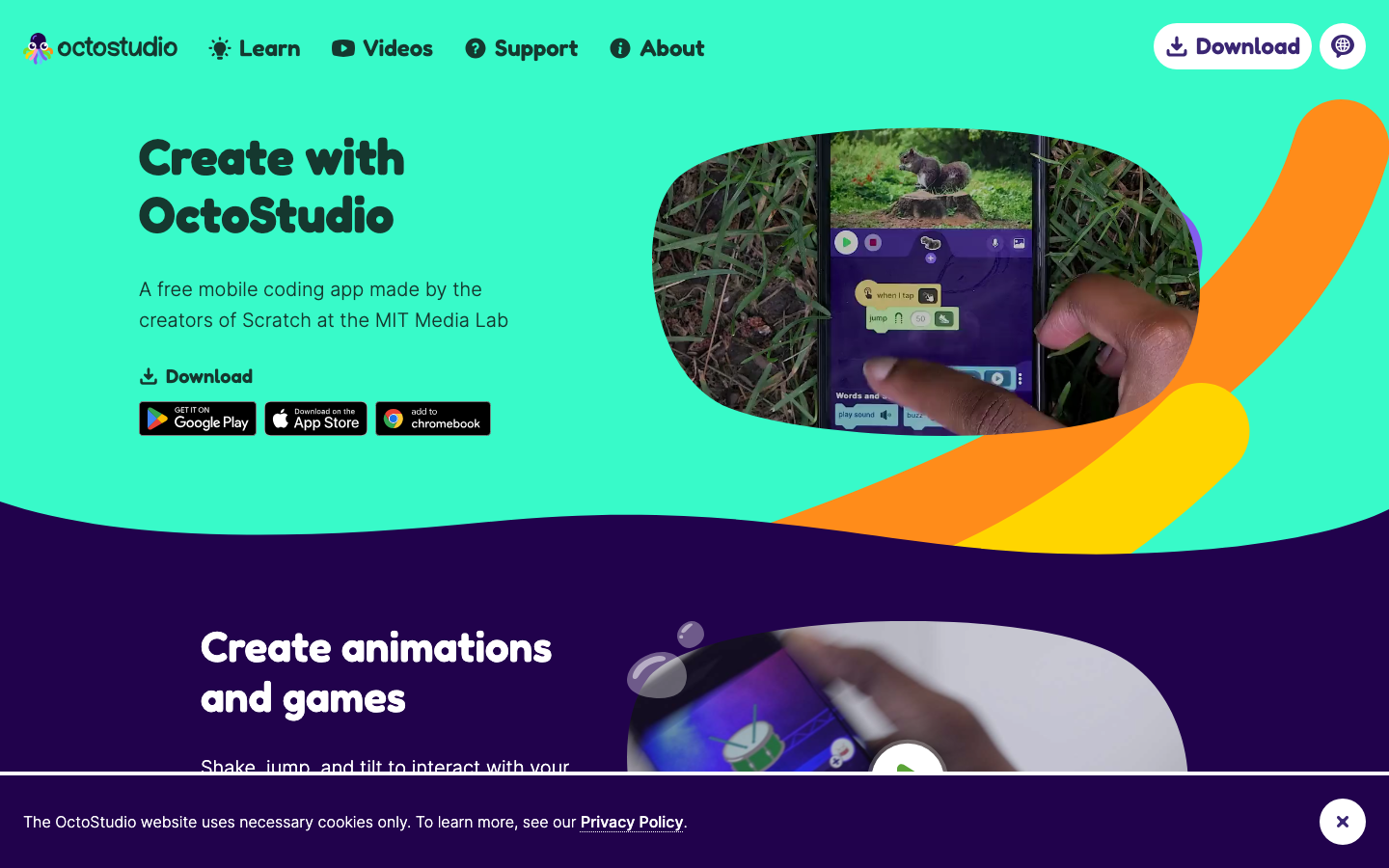
OctoStudio
A free mobile coding app from the creators of Scratch that lets children create animations and games with block-based code.
Markham Public Library Learning Place
A public-library program hub for children and families with age-banded STEAM, coding, animation, and creative technology learning opportunities.
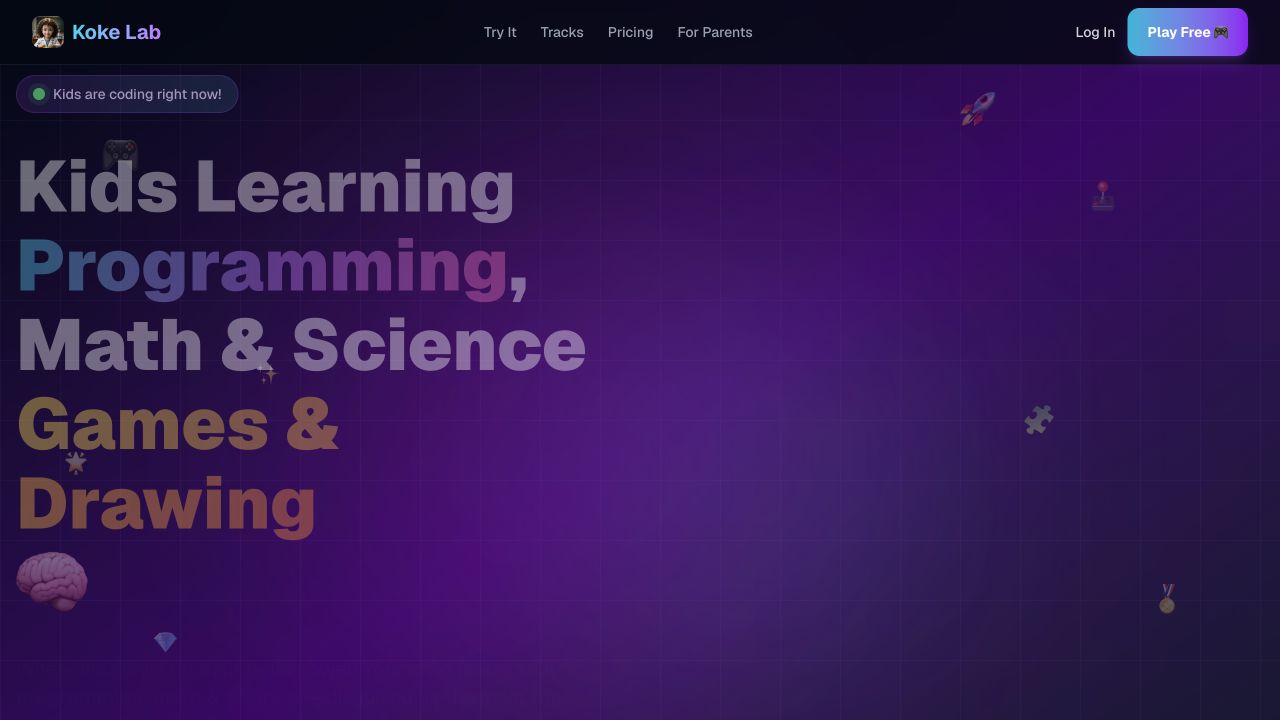
KokeLab
KokeLab offers kids learning games and projects in programming, math, science, and drawing, with a free-to-start browser experience aimed at ages 4–12.
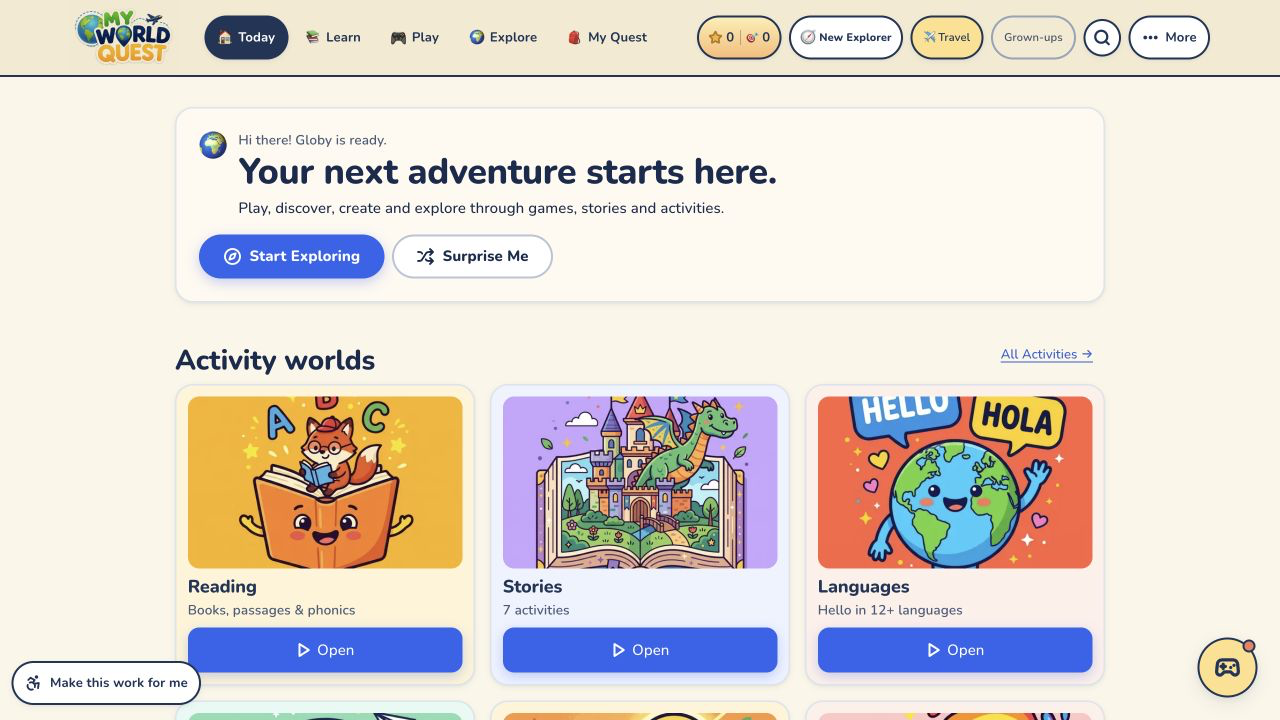
My World Quest
A free learning world for children ages 4–15 with a 36-week journey across maths, science, English, history, geography, art, music, coding, stories, games, and creative activities.
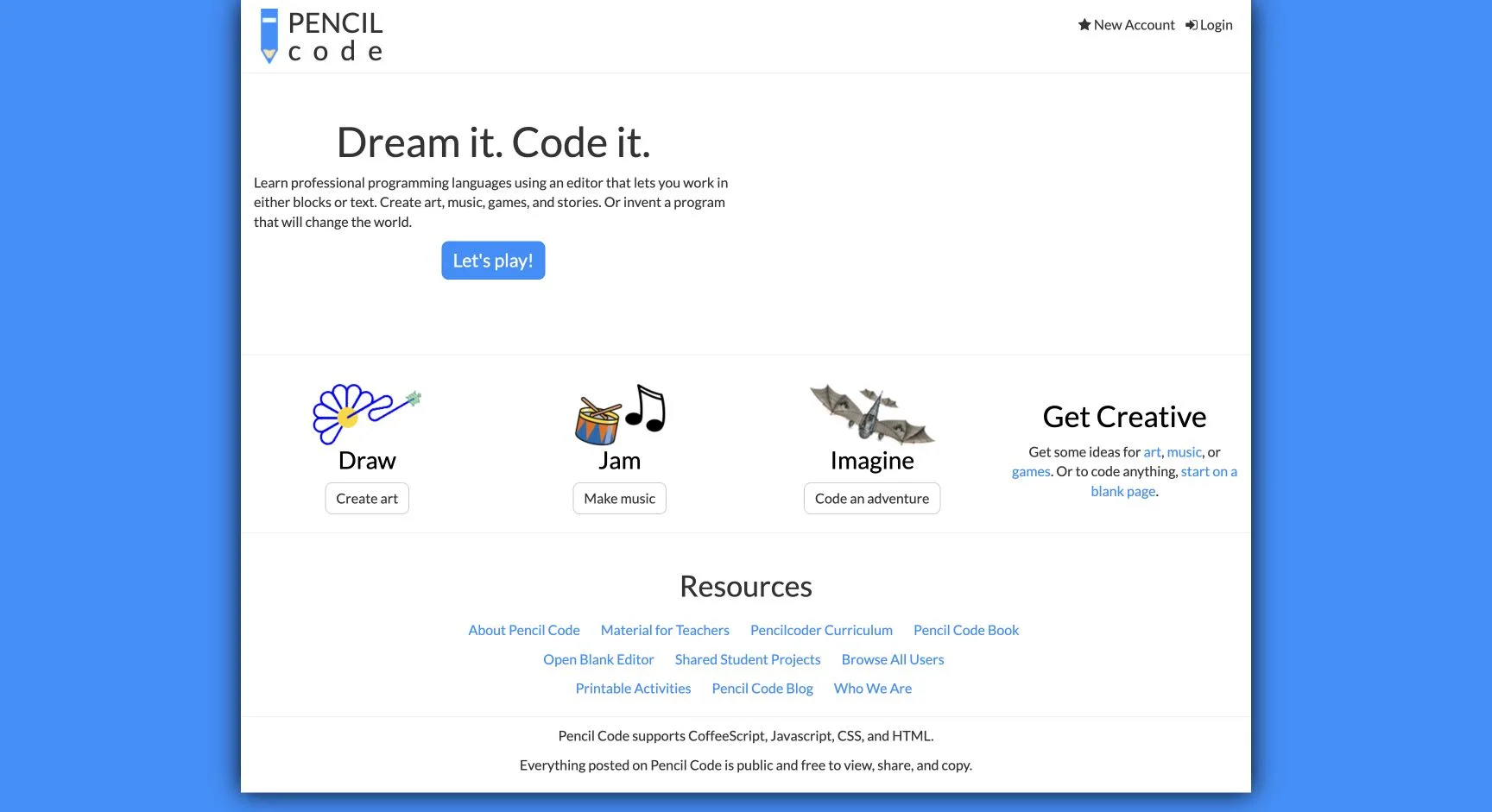
Pencil Code
A free collaborative coding space for drawing, music, games, stories, webpages, math, and creative programming.
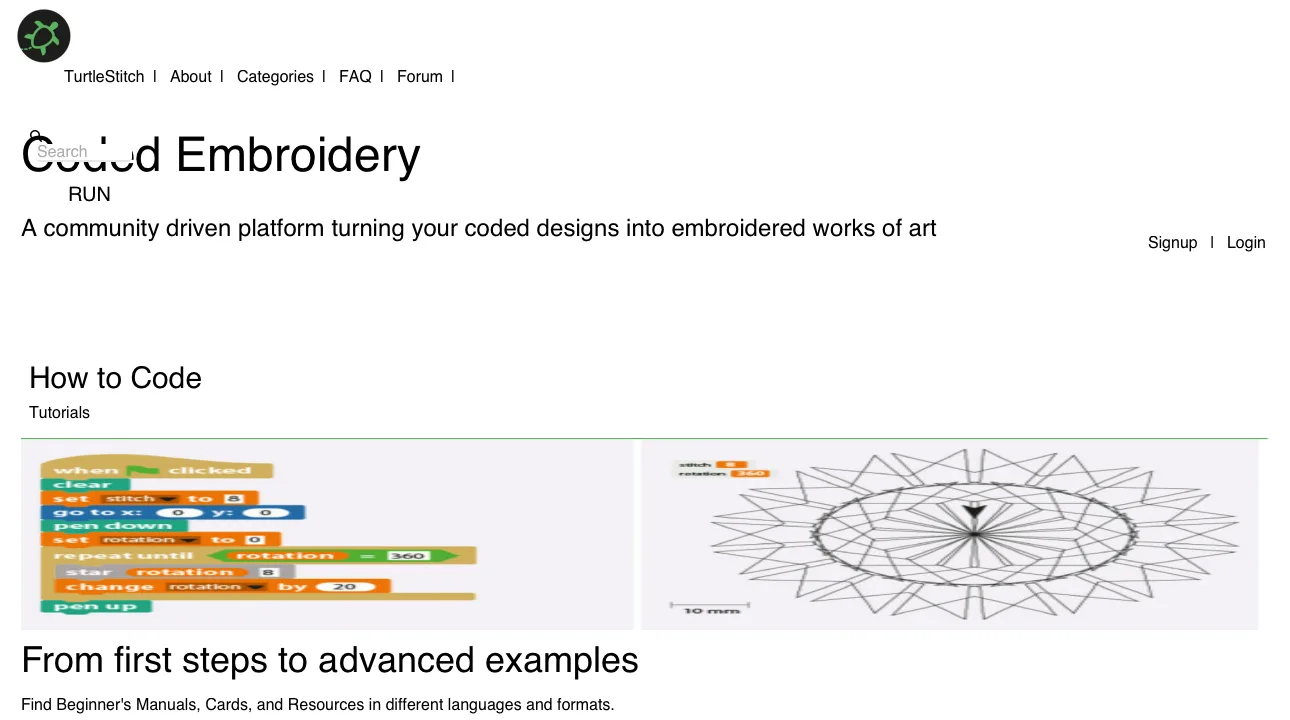
TurtleStitch
A free, open-source coding and textile platform where learners turn visual programs into embroidery patterns and physical designs.
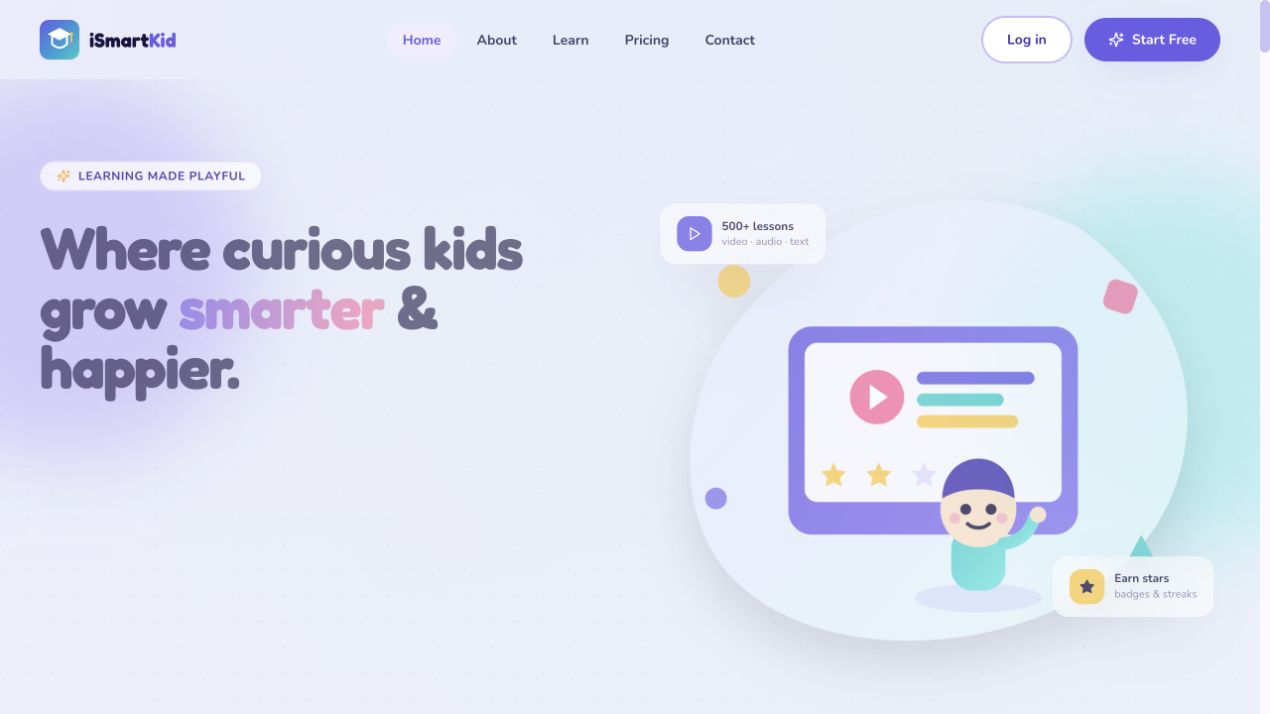
iSmartKid
iSmartKid is a multisubject learning platform for ages 3–14 with more than 500 lessons spanning coding, math, science, reading, languages, and creative activities.
Compare with context
Use this collection to find a direction, then open each resource page before sharing it with a child. The individual review shows languages, access formats, tags, age guidance, source links, and notes for grown-ups.
Search the full directory →